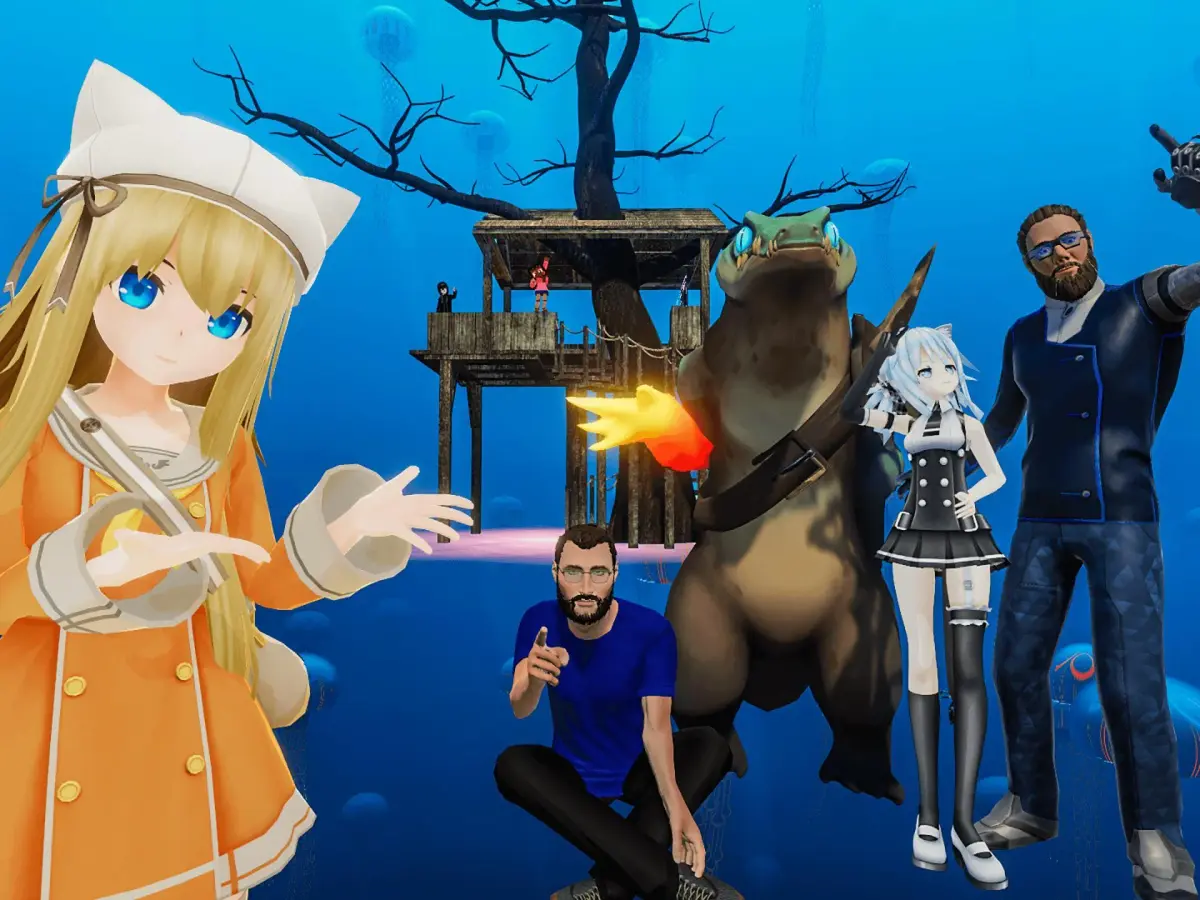
Dive into VRChat's Avatar Worlds! Learn how to navigate, find cool avatars, and make the most of your social VR experience with this friendly guide.
Hey there! So you're looking to jump into VRChat and explore some of the amazing worlds people have created? That's awesome! The 'Avatar Worlds' section is basically your gateway to discovering all sorts of cool places and, of course, tons of unique avatars to try out. Think of it as a giant, ever-changing amusement park, and we're here to help you find the best rides.
When you first jump into VRChat, you'll probably be in the Home world, which is cool for getting your bearings. But the real magic happens when you start exploring. The 'Worlds' tab in your menu is your best friend here. It's where you can search for, discover, and jump into different user-created spaces.
How to Find Worlds:
- Search: If you have a specific world in mind, or you're looking for something particular (like a chill hangout spot, a game, or a place to find specific avatars), the search bar is your go-to. Just type in keywords!
- Discover: This is where you can find popular, new, or trending worlds. It's a great way to stumble upon hidden gems you might not have searched for directly.
- Favorites: As you find worlds you love, make sure to favorite them! This makes it super easy to jump back in later without having to search again.
What are Avatar Worlds?
Honestly, the name says it all! These are worlds specifically designed for players to find, try on, and sometimes even purchase or unlock new avatars. You'll find everything from cute anime characters and intimidating monsters to abstract art pieces and even famous movie characters. The variety is mind-blowing!
Navigating Worlds:
Each world has its own layout and rules, but generally, you'll use your VRChat controls to move around. Most worlds have clear signs or pointers to guide you, especially if they're focused on showcasing avatars. Look for areas that are clearly marked as 'Avatar Hubs' or have rows upon rows of display pedestals.
Finding and Using Avatars:
Once you're in an avatar world, you'll usually see avatars displayed. To try one on, you'll typically walk up to it and interact with a prompt that appears. This might involve clicking a button or just looking at it for a second. Voila! You're now sporting a new look. You can usually save these avatars to your personal VRChat quick-select menu so you can switch back to them easily in any world.
Pro-Tips for Exploring:
- Be Social! The best part of VRChat is the people. Don't be afraid to say hi to others in the world, especially if they're using an avatar you like. They might be able to tell you where they found it.
- Check World Descriptions: Sometimes, world creators leave helpful notes or instructions in the world's description or within the world itself.
- Performance Matters: Some worlds, especially those packed with complex avatars or effects, can be a bit demanding on your computer. If you experience lag, try lowering your graphics settings or looking for worlds optimized for performance.
- Respect the Creators: Many avatars and worlds are made with a lot of effort. If you find an avatar you love, check if there are rules about sharing or modifying it.
Diving into Avatar Worlds is one of the most fun parts of VRChat. It's a constant treasure hunt for cool new looks and interesting places. So go ahead, open that menu, start searching, and see what amazing avatars and worlds you can discover today!
100% Human-Written. AI Fact-Checked. Community Verified. Learn how AntMag verifies content