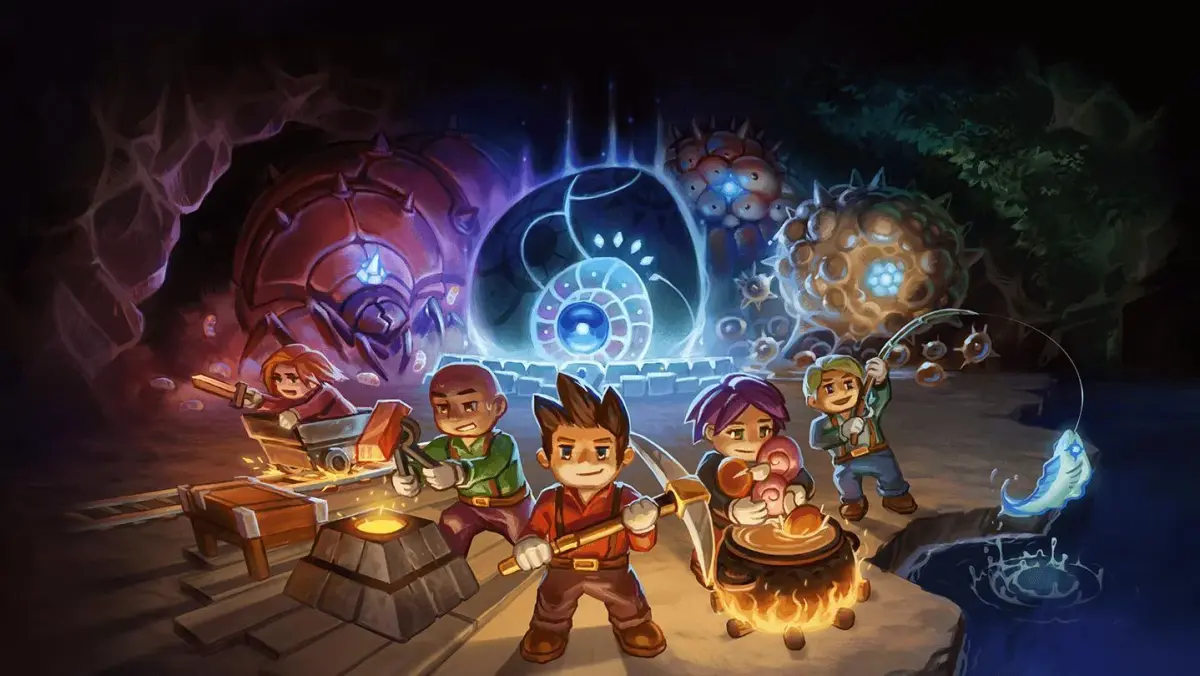
Learn how to team up with friends in Core Keeper! This guide covers setting up multiplayer, joining games, and tips for a smooth co-op experience.
Playing with friends in Core Keeper is super straightforward. The game is built with co-op in mind, so you can expect a smooth experience whether you're just starting out or deep into your adventure.
- Hosting a Game: When you create a new world or load an existing one, you'll have the option to make it public or private. For playing with friends, you'll want to set it to private. This way, only people you invite can join.
- Joining a Friend's Game: If your friend is hosting, they can invite you directly. If you're not on each other's friends list, they can give you the game's code or IP address to join. You'll find the option to join a game in the main menu.
- Co-op Gameplay: Once you're all in the same world, you can work together on pretty much anything. Share resources, build a massive base, tackle tough bosses, or just explore the vast caverns together. The more the merrier!
Tips for a Great Multiplayer Experience:
- Communication is Key: Use voice chat or text chat to coordinate your efforts, especially during boss fights or when exploring dangerous areas.
- Share the Load: Assign roles or share tasks. One person can focus on mining, another on farming, and someone else on building or crafting.
- Protect Your Base: When you're out exploring, make sure your base is secure. Set up defenses and keep your valuable items stored safely.
- Be Mindful of Resources: In a multiplayer world, resources can be depleted faster. Work together to manage and replenish them.
- Have Fun! The best part of multiplayer is sharing the experience. Don't be afraid to experiment and enjoy the journey together.
100% Human-Written. AI Fact-Checked. Community Verified. Learn how AntMag verifies content