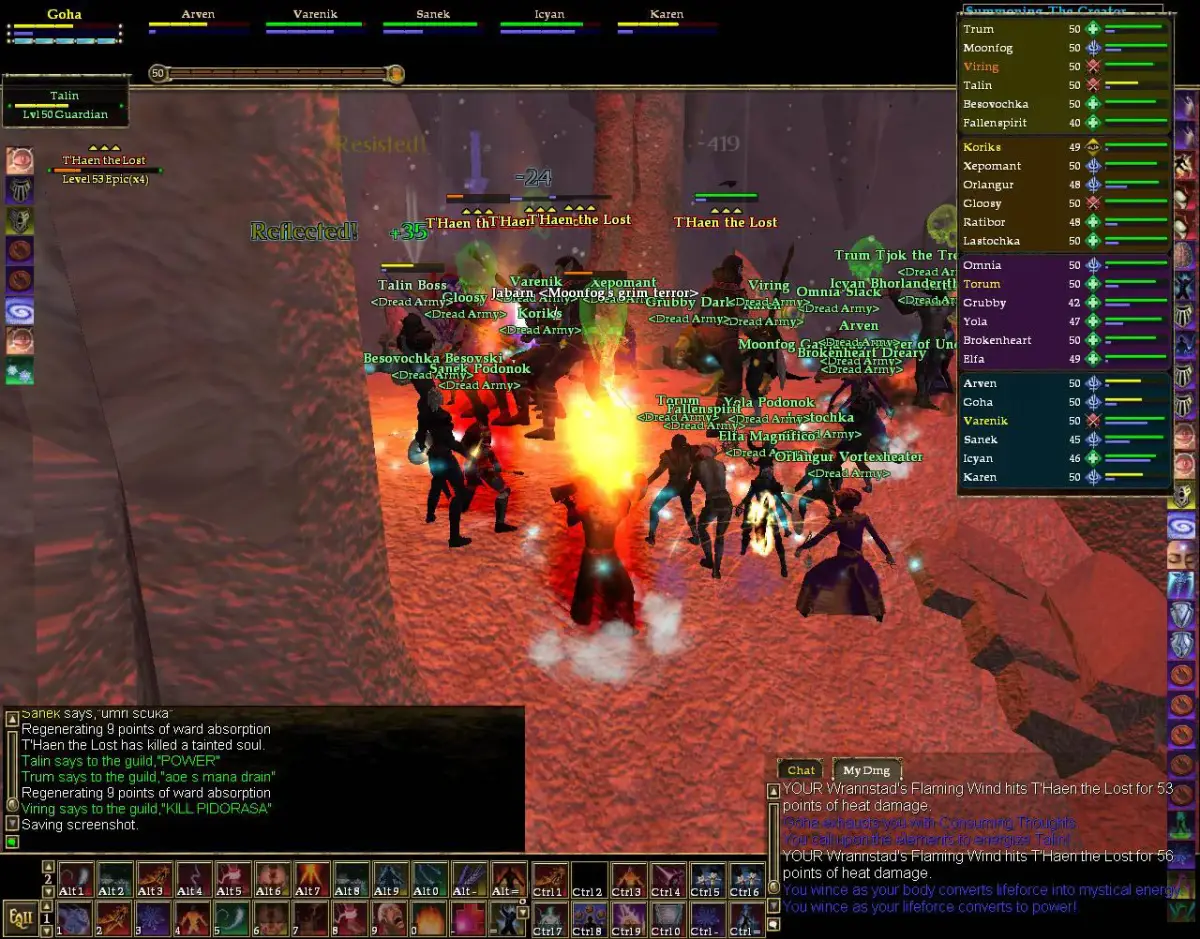
Step-by-step guide to creating your EverQuest II account and installing the game client for a smooth start.
To begin your journey in EverQuest II, you'll first need to create a Daybreak Games account if you don't already have one. Visit the official EverQuest II website and follow the prompts for account registration. Once your account is set up, you can download the game client. The installation process is straightforward; simply follow the on-screen instructions. Ensure you have sufficient disk space (typically 30-50 GB) and a stable internet connection for the download and patching process. It's recommended to install the game on an SSD for faster loading times, significantly improving your overall gameplay experience.
After installation, the game launcher will appear. This launcher is responsible for patching the game to the latest version. Always allow it to complete any updates before launching the game to avoid potential issues. You can also configure various settings through the launcher, such as graphics options and language preferences, though most in-game settings are best adjusted once you're in Norrath.
100% Human-Written. AI Fact-Checked. Community Verified. Learn how AntMag verifies content