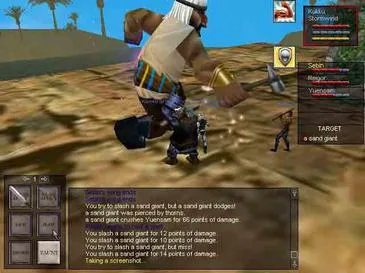
Learn how to install EverQuest and create your account with this comprehensive guide. Get started on your epic adventure in Norrath today!
This guide provides essential information for installing EverQuest and creating your account. It covers the initial setup process to get you ready to play.
Walkthrough
- 1Navigate to the EverQuest website.
- 2Locate and click the 'Register' link to begin account creation.
- 3Follow the on-screen prompts to set up your new EverQuest account.
- 4Download and install the EverQuest game client.
- 5Launch the game and log in with your newly created account.
Tips
- Ensure you have a stable internet connection for the download and installation.
- Keep your account credentials secure.
- Refer to the official EverQuest website for the most up-to-date installation instructions.
100% Human-Written. AI Fact-Checked. Community Verified. Learn how AntMag verifies content