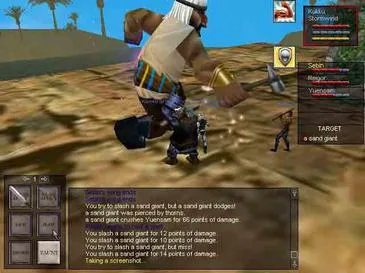
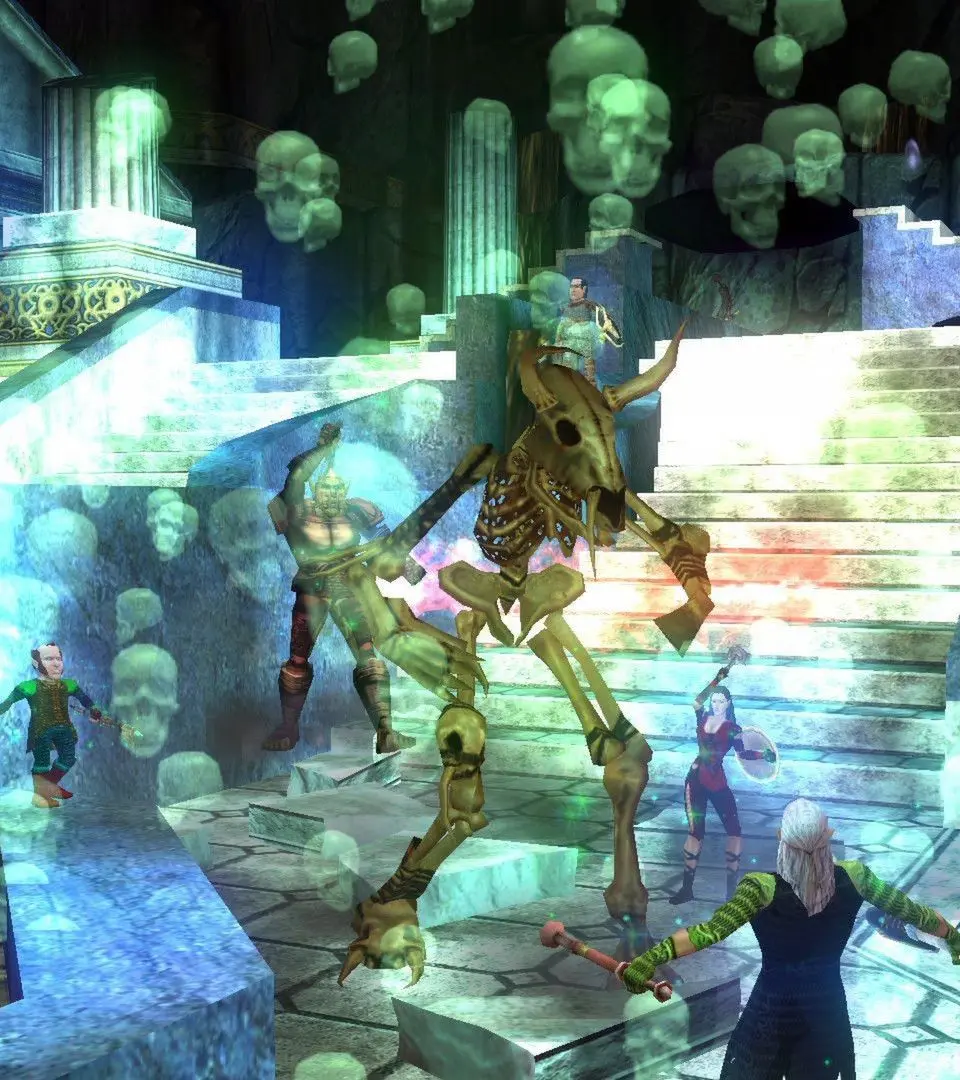
Adventure together in EverQuest using Mentoring and Level Sync. This system lets higher-level players match lower-level friends for challenging group play.
EverQuest's Mentoring and Level Sync systems are invaluable tools for players of all levels, fostering community and allowing friends to adventure together regardless of their individual progression. These systems enable higher-level characters to temporarily reduce their effective level to match that of a lower-level companion, ensuring a challenging and rewarding experience for everyone involved.
The Mentoring System: Guiding New Blood
The Mentoring system is designed to facilitate cooperative play between high-level and low-level characters. When a high-level character mentors a lower-level one, the mentor's effective level is reduced, making them more comparable in power to their mentee. This allows the lower-level player to contribute meaningfully to combat and receive appropriate experience, while the mentor can still enjoy the company of their friends without trivializing content.
How to Mentor a Player:
- Target Your Mentee: Select You you wish to mentor. This can be done by clicking on their character in the game world or selecting their name from your group window.
- Initiate Mentoring: Type the command
/mentorinto your chat window. Alternatively, you can right-click on the targeted player's portrait and select "Mentor" from the context menu. - Confirm Mentoring: A confirmation window will appear, displaying the effective level you will be reduced to. Review this information and click "Accept" to begin mentoring.
- Verify Status: Your character's level display will temporarily change to reflect your mentored level. Your mentee will also receive a notification that they are being mentored.
Benefits of Mentoring:
- Shared Experience: Both mentor and mentee gain experience from kills, scaled appropriately to their effective levels. This means the mentee still progresses, and the mentor can earn some experience towards their alternate advancement (AA) abilities.
- Meaningful Combat: Monsters that would normally be trivial for a high-level character become challenging again when mentored down, making group content engaging for both parties.
- Gear Scaling: While your actual gear remains equipped, its effectiveness is often scaled down to be more appropriate for your mentored level. This prevents mentors from being overwhelmingly powerful.
- Community Building: Mentoring is an excellent way to help new players, introduce friends to the game, or simply enjoy content with companions who are at different stages of their EverQuest journey.
Important Considerations for Mentors:
- Spell and Ability Restrictions: While mentored, you will only be able to cast spells and use abilities that are available to a character of your effective mentored level. Plan your spellbook and hotbars accordingly.
- Stat Reductions: Your base stats (Strength, Stamina, Agility, Dexterity, Wisdom, Intelligence, Charisma) will be temporarily reduced to reflect your mentored level.
- Experience Gain: While you do gain experience, it is often at a reduced rate compared to hunting at your true level. The primary benefit for mentors is the social aspect and helping others.
- Ending Mentoring: To stop mentoring, simply type
/unmentoror right-click your own character portrait and select "Unmentor."
The Level Sync System: Streamlined Grouping
The Level Sync system is a more automated and often preferred method for groups where multiple players wish to play at a synchronized level. It's particularly useful for tackling older content, completing quests, or simply enjoying zones together without one player dominating the combat.
How to Use Level Sync:
- Form a Group: Ensure all players who wish to synchronize their levels are in the same group.
- Target the Lowest Level Player: The group leader (or any group member) should target the lowest-level character in the group.
- Initiate Level Sync: Type the command
/levelsyncinto your chat window. Alternatively, the group leader can right-click on the lowest-level player's portrait and select "Level Sync" from the context menu. - Group Confirmation: All members of the group will receive a prompt asking if they wish to participate in Level Sync. Each member must click "Accept" to join the synchronized level.
- Verify Status: Once all members accept, their effective levels will be reduced to match the lowest-level character in the group. Their level display will update accordingly.
Benefits of Level Sync:
- Homogenized Group Power: All participating members operate at the same effective level, creating a more balanced and cooperative group dynamic.
- Fairer Loot Distribution: Loot drops and experience gains are more equitable as everyone is contributing at a similar power level.
- Content Replayability: Level Sync breathes new life into older zones and dungeons, allowing high-level players to revisit nostalgic areas with friends and experience them as they were intended.
- Questing Together: Perfect for completing quests that span multiple level ranges, ensuring everyone can participate in all stages.
Important Considerations for Level Sync:
- Lowest Level Dictates: The effective synchronized level is always determined by the lowest-level character who accepts the Level Sync invitation.
- All Participants Affected: Unlike mentoring, where only the mentor is reduced, Level Sync reduces the level of all participating group members to the lowest common denominator.
- Leaving the Group or Zone: If a player leaves the group or zones out, their Level Sync status may be removed. They will need to re-sync upon rejoining the group or returning to the zone if the group is still synced.
- Ending Level Sync: To stop Level Sync, any group member can type
/levelsync offor the group leader can right-click their own portrait and select "Level Sync Off."
Both Mentoring and Level Sync are powerful features that enhance the social and cooperative aspects of EverQuest. Don't hesitate to utilize them to explore Norrath with friends, help new adventurers, or simply enjoy content at a more appropriate challenge level!
100% Human-Written. AI Fact-Checked. Community Verified. Learn how AntMag verifies content