
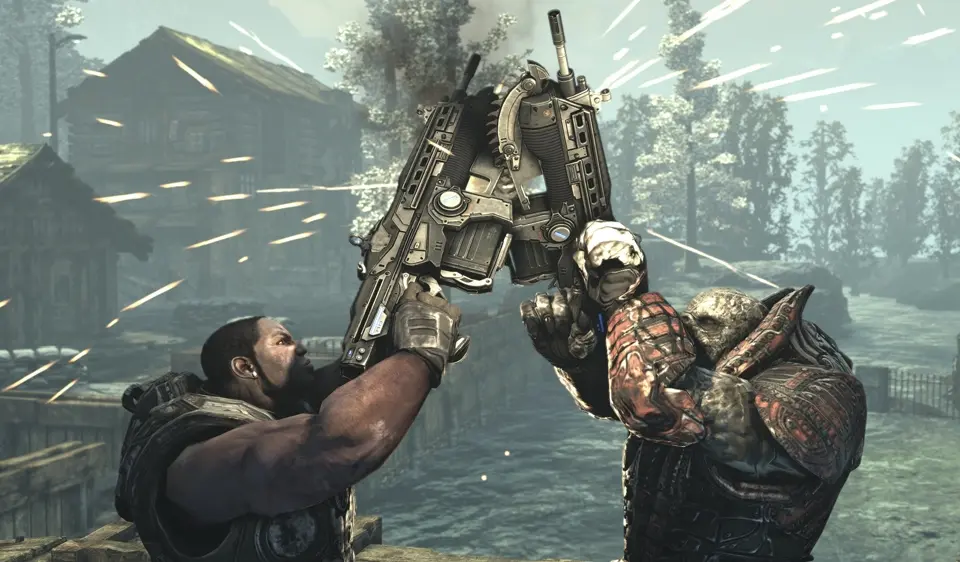
Understand the Gears of War 2 HUD: health, ammo, grenades, active reload, and objective markers for battlefield awareness.
The Heads-Up Display (HUD) in Gears of War 2 provides vital information during combat. In the bottom left corner, you'll find your health bar, which regenerates over time when you're not taking damage. Below that is your current weapon and its ammunition count. Pay close attention to the reload indicator; a small bar will appear when you press 'X' to reload, and hitting 'X' again when the bar is in the white section will grant an Active Reload. The bottom right corner displays your grenades and their current count. When playing co-op, your squadmates' health and status will also be visible. A small 'X' icon will appear over a downed ally, indicating they need revival. Keep an eye out for objective markers, usually indicated by a glowing 'X' or an arrow pointing you in the right direction. Understanding these visual cues will help you make informed decisions in the heat of battle and keep your squad alive.
100% Human-Written. AI Fact-Checked. Community Verified. Learn how AntMag verifies content