
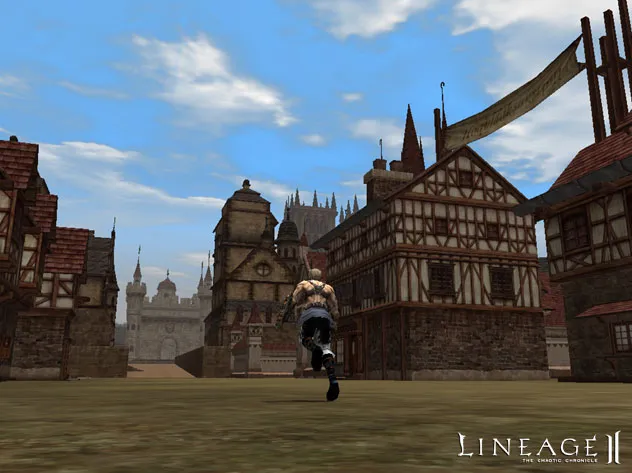
Get started with Lineage II. This guide details installation and NCSoft account creation, preparing you to embark on your epic journey in the world of Aden.
Before you can embark on your epic journey, you'll need to install the Lineage II client and create an NCSoft account. Visit the official Lineage II website (lineage2.com) and locate the 'Download Game' section. Follow the on-screen instructions to download the game client. Once downloaded, run the installer and choose your preferred installation directory. After installation, launch the game. If you don't have an NCSoft account, click 'Create Account' on the launcher and follow the registration process, ensuring you verify your email. Remember to keep your account details secure!
100% Human-Written. AI Fact-Checked. Community Verified. Learn how AntMag verifies content