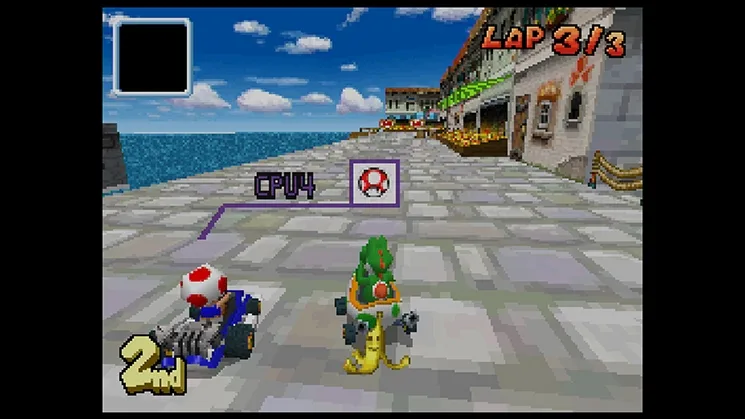
Learn about Mario Kart DS multiplayer modes: Normal and Simple (DS Download Play). Race with friends within 30 feet.
Walkthrough
- 1Select multiplayer mode to connect with other players.
- 2Choose between Normal mode (everyone has a Mario Kart DS cartridge) or Simple mode (everyone has a DS, but not all have the game).
- 3If you do not have the game cartridge, select 'DS Download Play' when setting up multiplayer mode.
- 4In Simple mode, only Shy Guy is available as a character.
- 5The host can set the player limit by hitting 'Cut Off' when enough people have joined the session.
Tips
- Simple mode is ideal for quick races when not everyone owns a copy of Mario Kart DS.
- Ensure all players are within the 30-foot range for a stable connection.
100% Human-Written. AI Fact-Checked. Community Verified. Learn how AntMag verifies content