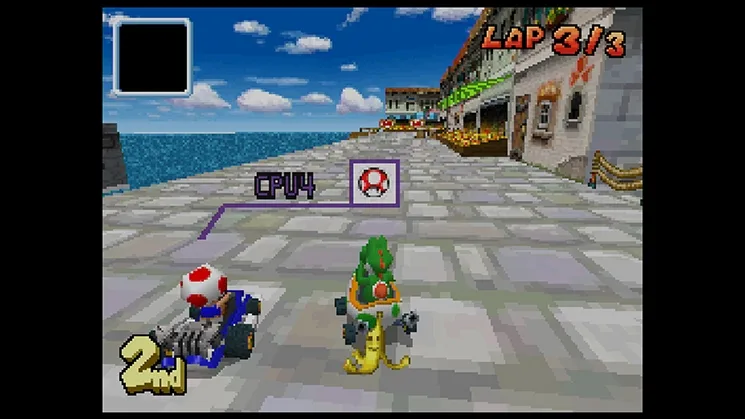
Learn how to connect to the network and choose match conditions like Friends, Rivals, Regional, and Worldwide in Mario Kart DS.
When you select the Nintendo WFC Match option, you will be connected to the network. You will then be presented with a screen where you can choose the conditions for your potential opponents. Your options include:
- Friends: Randomly fits in other people on your friends list who are currently online and seeking a match.
- Rivals: Matches you with other players who have a similar win/loss record.
- Regional: Connects you with players in the same country.
- Worldwide: Connects you with players from anywhere in the world.
After selecting a condition, the game will automatically begin seeking other players who are also looking for a match. The game attempts to assemble matches with 4 players, but it is possible to end up with only 2 or 3 players if not enough people are seeking a match at that specific time.
Tips
- Experiment with different matchmaking conditions to find the best experience for you.
- Playing with friends can be a fun way to race against people you know.
- Rivals matchmaking can lead to more competitive races.
- Worldwide matchmaking offers the largest pool of potential opponents.
100% Human-Written. AI Fact-Checked. Community Verified. Learn how AntMag verifies content