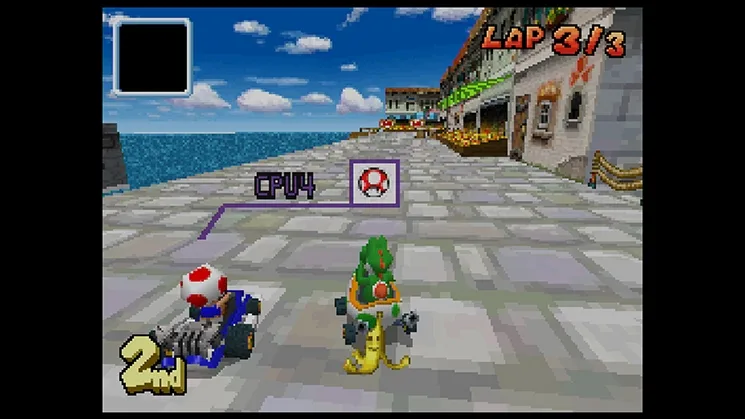
Learn how to tweak sound settings, manage Wi-Fi alerts, edit your nickname, design custom emblems, and manage saved data in Mario Kart DS.
Hey there! So, you're diving into Mario Kart DS and want to know what all those options do? It's pretty straightforward, but let's break it down so you can get your game just right. In the Options menu, you can really personalize your experience.
First off, you can mess with your sound settings – maybe you want the music a bit louder or the sound effects more prominent. Then there's the Wi-Fi mode alert. If you're playing online, you can choose whether or not you want to be notified when your friends hop online. Super handy if you're trying to link up!
You can also edit your in-game nickname here, so make sure it's something cool! And for the real creative types, you can design a custom emblem that'll show up on the front of your kart. You get to use the stylus for this, which is pretty neat. Just remember, whatever you design will be right there on your kart for everyone to see.
Oh, and one more thing – if you ever need to start fresh, you can erase all saved data right from the options menu. Just a heads-up, though: this is permanent, so make sure you really want to do it before you hit that button!
A Quick Note on Characters: While you're customizing your settings, it's also good to know a bit about the characters themselves. They don't have individual stats, but they're grouped into weight classes, and each class has its own strengths and weaknesses. Light-weights accelerate fast but aren't the speediest and can get bumped around easily. Heavy-weights are like tanks, unaffected by bumps, with high top speeds but slower acceleration. Medium characters are the balanced all-rounders. The game's hidden characters also fit into these weight classes, so keep that in mind when you're picking who to race as!
100% Human-Written. AI Fact-Checked. Community Verified. Learn how AntMag verifies content