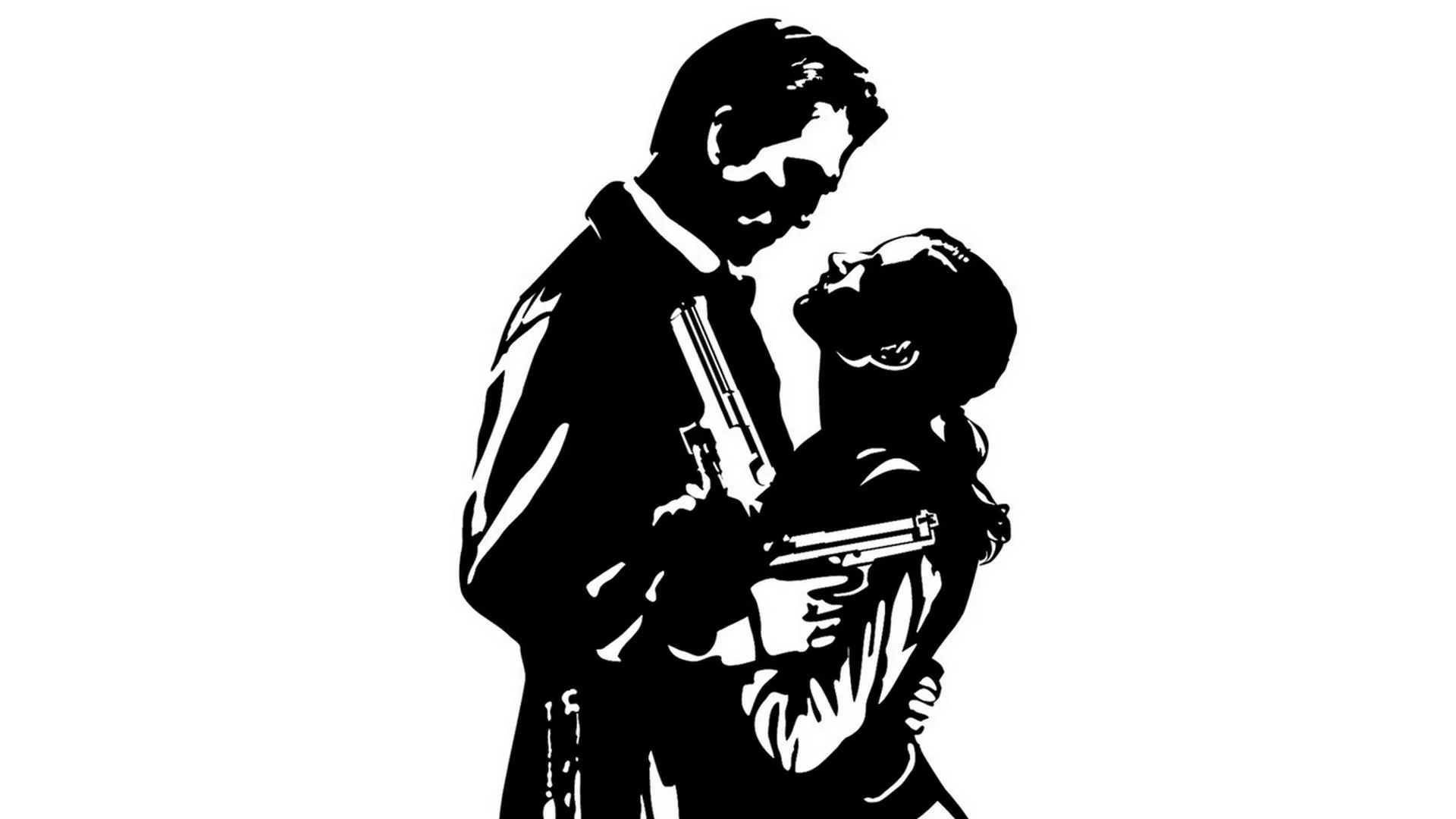
Max Payne 2: The Fall of Max Payne Part 54 takes you to Castling Insurance Company for 4 levels of mayhem. Learn about advertisements and cheats.
Walkthrough
- 1You will visit one of Castling Insurance Companies' construction sites.
- 2You will spend 4 levels of mayhem in and around the place.
Advertisements & Fun Facts:
- Cleansing Cleaning Products: An advertisement for "Clean Sing" cleaning products, the choice of crime scene clean-up services, is featured. A fun fact questions if the Cleaners used this product to wipe out traces from crime scenes.
- Dangerous Liaisons: An advertisement for a phone sex line, "Dangerous Liasons," is heard. A fun fact notes that Max Payne himself used this service in Part 1, Chapter 4, hearing a conversation with Mona.
- Lords & Ladies: An advertisement for the TV show "Lords and Ladies" is presented, with critical praise from "Rackenteur magazine," "Elegant," and "Silgenlace."
- Address Unknown: An advertisement for the cult-series "Address Unknown" promotes a "return to sender marathon."
- Dick Justice: An advertisement introduces "Dick Justice" as a "griemiest, cat-bustin', metaphor-spewin', avengin' bad ass in the ghetto."
- The Adventures of Captain Baseball-bat Boy: An advertisement for the cartoon "The Adventures of Captain Baseball-bat Boy" features a boy who can hit zombie heads with a bat, a girl who is unimpressed, and "cartoon Kung Fu butt-kicking" against zombie demons from outer space.
Cheats:
To enable cheats in Max Payne 2: The Fall of Max Payne, you need to modify the target of your game shortcut. If your game is installed in C:\Program Files\Rockstar Games\Max Payne 2, your shortcut target would look like: "C:\Program Files\Rockstar Games\Max Payne 2\MaxPayne2.exe". You can find your shortcut target by right-clicking the Max Payne shortcut, selecting properties, then the shortcut tab, and checking the target field.
100% Human-Written. AI Fact-Checked. Community Verified. Learn how AntMag verifies content