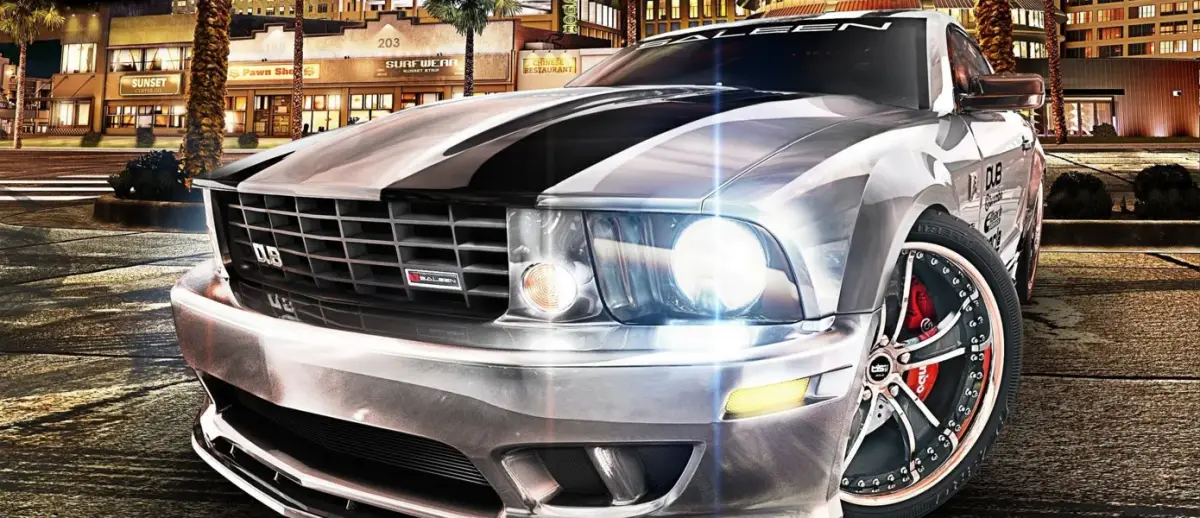
Midnight Club: Los Angeles Stick-Automatic controls explained: Steering, Gas, Brake, Handbrake, Wheelies, Nitro, and more.
Controls:
- Steering: Left Stick
- Gas: Right Stick up
- Brake/Reverse: Right Stick down
- Handbrake: R1 button
- Weight Transfer/Two Wheel Driving/Wheelie: L1 button + Left Stick
- In-Air Control: L1 button + Left Stick (While airborne)
- Nitro: R3 button
- Headlights: X button
- Special Ability: L3 button
- Change Camera View: Triangle button
- Overhead Map/Close Sidekick: Up on D-pad
- Next Song: Right on D-Pad
- Previous Song/Pause: Left on D-Pad (Hold to pause)
- Camera Back: Square button
- Camera Left: L2 button
- Camera Right: R2 button
- Toggle Multiplayer Info: O button
- Hydraulics: Down on D-pad
Tips
- Mastering the Right Stick for gas and brake is key to smooth driving.
- Use the L1 button combined with the Left Stick for advanced maneuvers like weight transfer and wheelies.
- Nitro (R3) provides a significant speed boost, use it strategically.
- Experiment with different camera views (Triangle button) to find what suits your driving style.
100% Human-Written. AI Fact-Checked. Community Verified. Learn how AntMag verifies content