
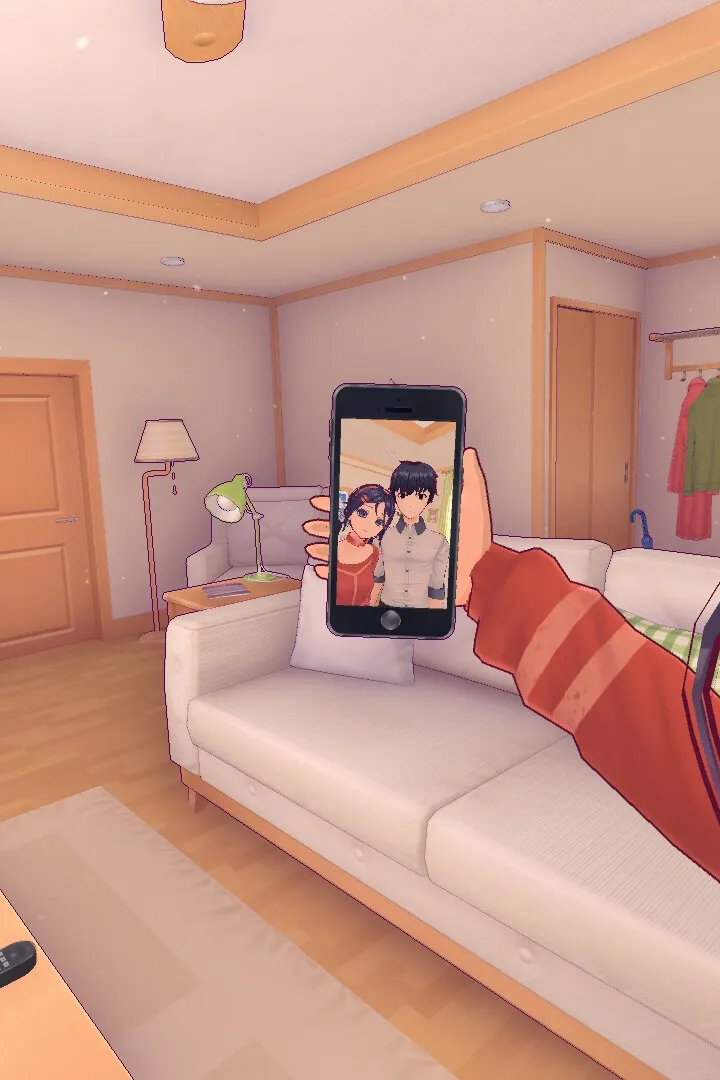
Learn how to navigate MiSide's interface, master controls, and understand UI elements for a seamless gameplay experience. Your ultimate MiSide controls guide.
This guide details the controls and user interface elements within MiSide, helping you navigate the game effectively. Understanding these basics is crucial for progressing through Mita's requests and the virtual world.
| Action | Button/Interaction |
|---|---|
| Interact with phone/objects | E |
| Download app | E |
| Play minigames | Press button on top right, select minigame |
| Cut vegetables | Drag slider from top to bottom with mouse |
| Open shop | Press button on the right corner |
| Find hairbrush | Look in cabinets (NOT the oven) |
| Move wardrobe | Click on the blinking grid space |
| Power up portal machine | Press the blinking red button |
| Scan items | Place items on scanner, press blinking red button on the left |
| Activate portal | Stand on the portal pad |
| Turn power back on | Interact with the fuse box |
| Place batteries | Press E on blinking red lights on the machine |
| Give Mita a present | Press the icon that pops up at the bottom of the screen |
100% Human-Written. AI Fact-Checked. Community Verified. Learn how AntMag verifies content