
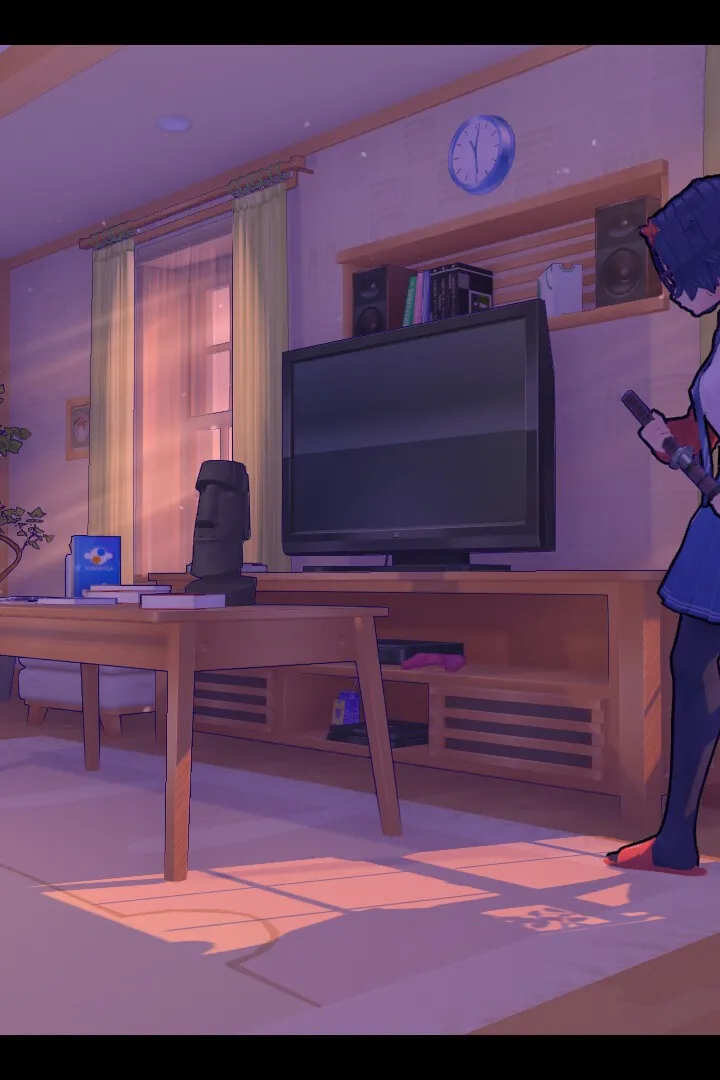
Follow this guide to complete the 'Reading Books, Destroying Glitches' section in MiSide. Learn how to find items, power up machines, and progress through the game.
Walkthrough
- 1After Mita pulls you into the game, enter the bedroom and find the portal machine. Press the blinking red button to power it up.
- 2You need three items to scan: a Bowknot (bathroom sink counter), a Pencil (bedroom cabinet/desk), and a Spoon (kitchen sink/table). Locations may vary.
- 3Place these items on the scanner and press the blinking red button to scan them.
- 4Power up the machine again by pressing the power button and stand on the portal pad.
- 5The power will go out. Go to the front door and interact with the fuse box to restore power.
- 6Return to the portal console. You need to find four batteries: one in the bathroom cabinet, one in the kitchen near the sink, one in the living room by the radio, and one in the kitchen fridge.
- 7After picking up the battery from the fridge, remember to pick up the fallen magnets and place them back on the fridge.
- 8Place the four batteries into their blinking red slots on the portal machine.
- 9Press the power button again and stand on the portal pad.
- 10Walk towards the bathroom door. When you can't enter, turn around to see Mita appear.
Tips
- When Mita asks you to find her hairbrush, do NOT look in the oven, as this can affect a later choice. The hairbrush is in the kitchen cabinet beside the dining table.
- The locations of the initial three scan items (Bowknot, Pencil, Spoon) and the batteries can be randomized.
100% Human-Written. AI Fact-Checked. Community Verified. Learn how AntMag verifies content