
Learn how to upgrade the portal machine in MiSide by finding essential items like batteries and scanning components. Follow our step-by-step guide to progress.
This guide details the process of upgrading the portal machine in MiSide, which is a crucial step in the 'I'm Inside a Game?' questline. It involves finding specific items and interacting with various elements within the game world.
Walkthrough
- 1After Mita pulls you into the game, enter the bedroom and find the portal machine. Power it up by pressing the blinking red button.
- 2You will need to scan three items to power the machine: Bowknot (bathroom sink counter), Pencil (bedroom side cabinet or desk), and Spoon (kitchen near sink or on table). Note that item locations can be randomized.
- 3Place the collected items on the scanner and press the blinking red button on the left to scan them.
- 4Press the power button again and stand on the portal pad. The power will go out.
- 5Go to the front door and interact with the fuse box to the right to restore power.
- 6Return to the portal console. You now need to find four batteries:
- Battery 1: Bathroom cabinet beside the sink.
- 7Battery 2: Kitchen counter near the sink.
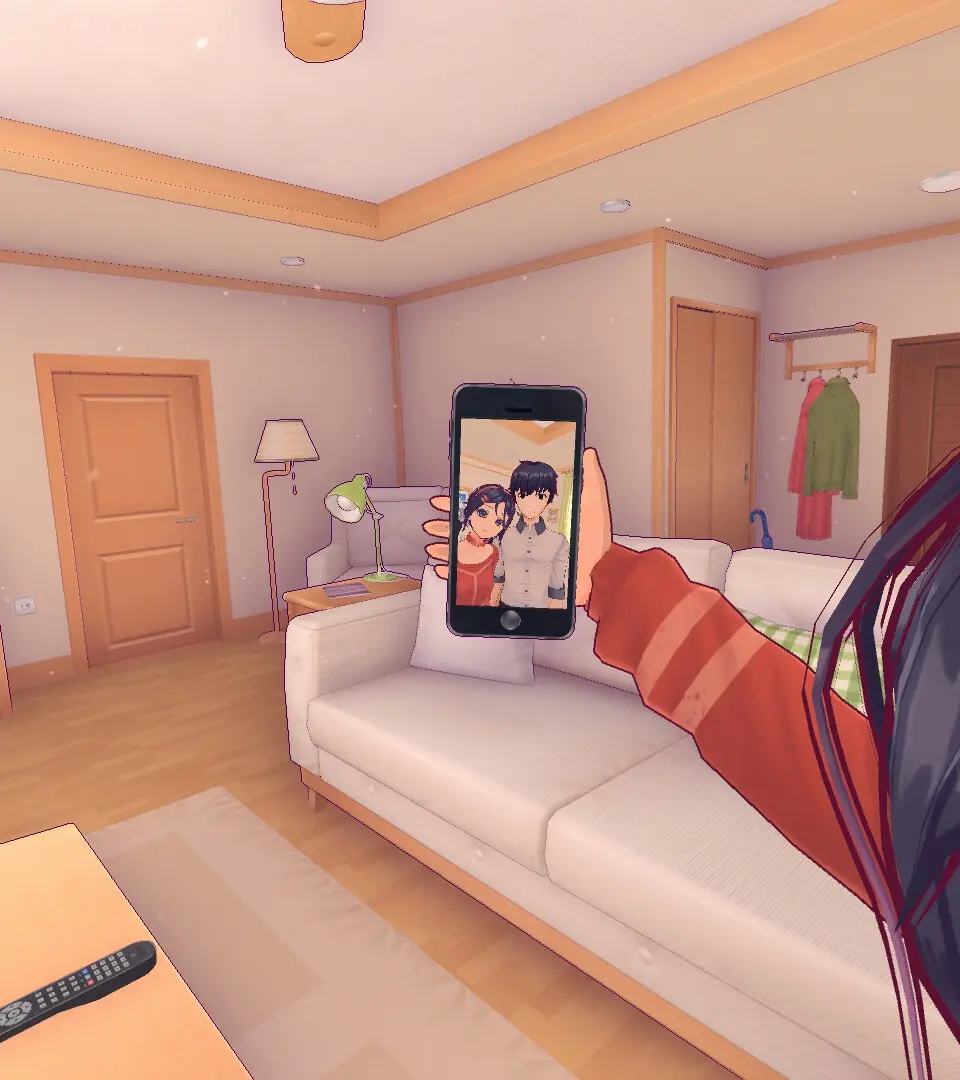
- 8Battery 3: Living room in front of the radio beside the TV.
- 9Battery 4: Inside the kitchen fridge. After collecting this, pick up the fallen magnets and place them back on the fridge.
- 10Place the batteries in their blinking red slots on the portal console:
- Underneath the portable TV.
- 11Under the right side of the console.
- 12In the center of the console.
- 13On the right side of the console.
- 14Push the power button again and stand on the portal pad. The machine should now work, though you will still be in the virtual world.
- 15Walk towards the bathroom door. When you find you cannot enter, turn around to see Mita appear.
100% Human-Written. AI Fact-Checked. Community Verified. Learn how AntMag verifies content