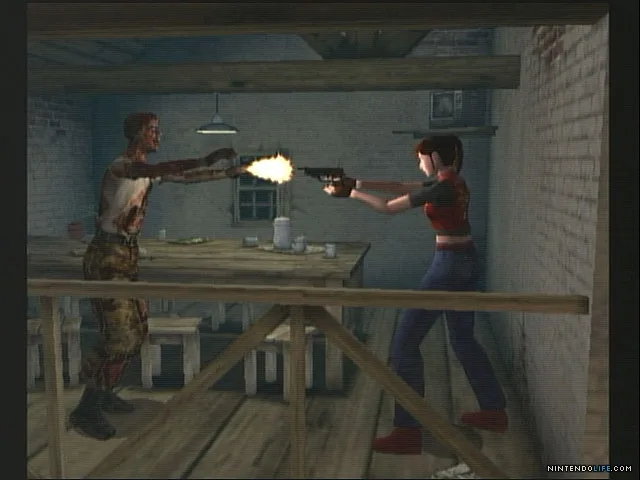
Learn how to move your character effectively in Resident Evil Code: Veronica X. This guide covers basic movement controls and tips for navigating the game's environments.
This section of the guide is dedicated to explaining how to control your character's movement in Resident Evil Code: Veronica X. Understanding these controls is fundamental to progressing through the game and surviving its many challenges.
| Action | Button |
|---|---|
| Move Forward | Up on D-Pad / Left Analog Stick |
| Move Backward | Down on D-Pad / Left Analog Stick |
| Strafe Left | Left on D-Pad / Left Analog Stick |
| Strafe Right | Right on D-Pad / Left Analog Stick |
| Turn Left | L1 / Left on D-Pad (hold) |
| Turn Right | R1 / Right on D-Pad (hold) |
| Run | Hold X button while moving |
| Aim Weapon | R2 button |
| Use Weapon | R2 button (while aiming) |
| Interact / Open Door | Circle button |
| Reload Weapon | Square button |
| Change Weapon | Triangle button |
| Map | Select button |
| Inventory | Start button |
Mastering these controls will allow you to navigate the environments with ease, dodge enemy attacks, and position yourself strategically for combat. Pay close attention to the button prompts on screen as they may vary slightly depending on your platform.
100% Human-Written. AI Fact-Checked. Community Verified. Learn how AntMag verifies content