Resident Evil Code: Veronica X button layout guide. Learn what each button like A, B, X, Y, R, L, Start, C-Stick, and D-Pad does.
Controls:
- A Button: Action / Confirm Selection
- B Button: Cancel / Run
- X Button: Map (opens the minimap (a small map displayed on the HUD (Heads-Up Display)))
- Y Button: Status Screen (displays your current condition and inventory)
- Z Button: Not Used
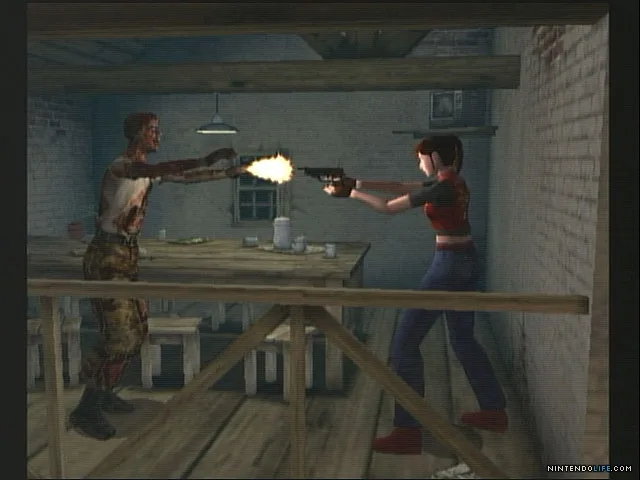
- R Trigger: Aim Weapon
- L Trigger: Change Targets (when R trigger is held)
- Start Button: Option menu, skip movie/cut-scene (a non-interactive sequence in the game)
- Analog Thumb Pad: Moves character and options
- D-Pad: Moves character and options
- C-Stick: 180° Turn (instantly turn around 180 degrees)
Tips
- The B button is crucial for quickly escaping danger by running.
- Hold the R Trigger to aim your weapon, then use the L Trigger to cycle through available targets if multiple enemies are present.
- The C-Stick allows for rapid repositioning, essential for evading attacks.
100% Human-Written. AI Fact-Checked. Community Verified. Learn how AntMag verifies content