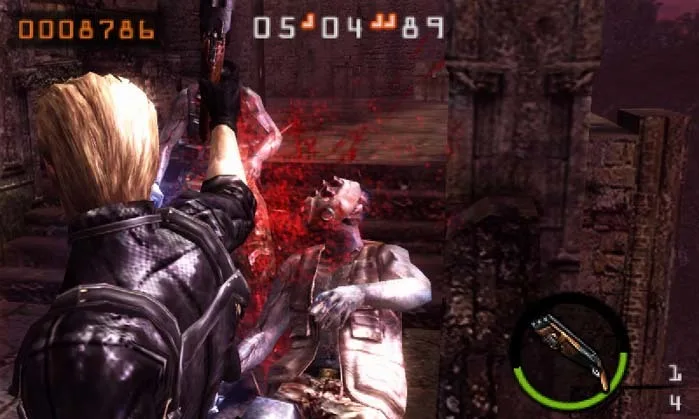
Learn how to equip explosives like hand grenades and flash grenades in Resident Evil: The Mercenaries 3D by using the touch screen.
In each stage of Resident Evil: The Mercenaries 3D, your character will receive different types of explosive weapons, such as hand grenades, flash grenades, and proximity bombs. The specific explosives available depend on the enemies present in that stage. Your currently equipped explosives are shown on the touch screen, located below the count of green herbs in your inventory.
Walkthrough
- 1To equip an explosive weapon, you must touch its icon on the bottom touch screen. This is the only method to equip it.
- 2After you have finished using an explosive weapon, press up or down on the control pad to switch back to your previously equipped weapon.
Tips
- Green herbs can also be used by touching them on the bottom screen.
- The type of explosives you receive varies per stage, based on the enemies encountered.
100% Human-Written. AI Fact-Checked. Community Verified. Learn how AntMag verifies content