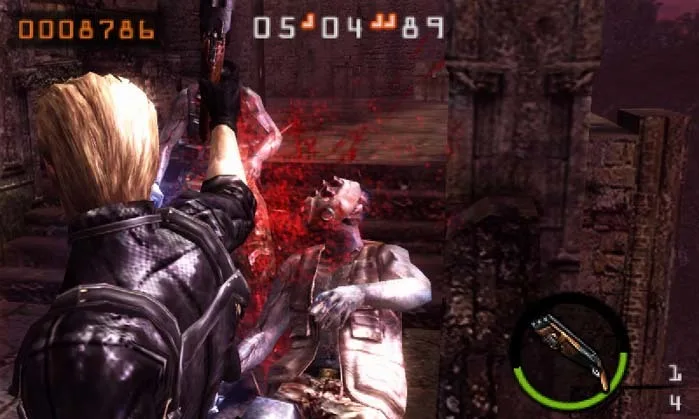
Learn how to shoot stunned enemies up close in Resident Evil: The Mercenaries 3D, avoiding the melee prompt to maximize shotgun damage on Super Salvador.
- Type A controls enabled.
- A stun-able enemy (e.g., Super Salvador).
- A shotgun (recommended for maximum damage).
- Hand grenade (optional, for stunning).
Walkthrough
- 1When an enemy, such as a boss, is stunned, you may get a melee prompt when you get close, preventing you from shooting.
- 2To avoid this with Type A controls, hold the aiming button and aim toward the stunned enemy.
- 3Then, hold the strafe button (L) to lock your aim onto the enemy.
- 4Move toward the enemy while holding the strafe button and begin firing.
- 5The melee button prompt will not appear until you release the strafing button.
- 6This technique is ideal for dealing extra damage with a shotgun to Super Salvador while he is stunned.
- 7A player can toss a hand grenade to stun Super Salvador, then walk toward him while holding the L + R buttons and blast him with the shotgun from close range.
Tips
- Shotguns deal maximum damage only from close range, making this technique particularly effective.
- This method allows you to get extra damage in on Super Salvador with a shotgun while he is stunned.
100% Human-Written. AI Fact-Checked. Community Verified. Learn how AntMag verifies content