
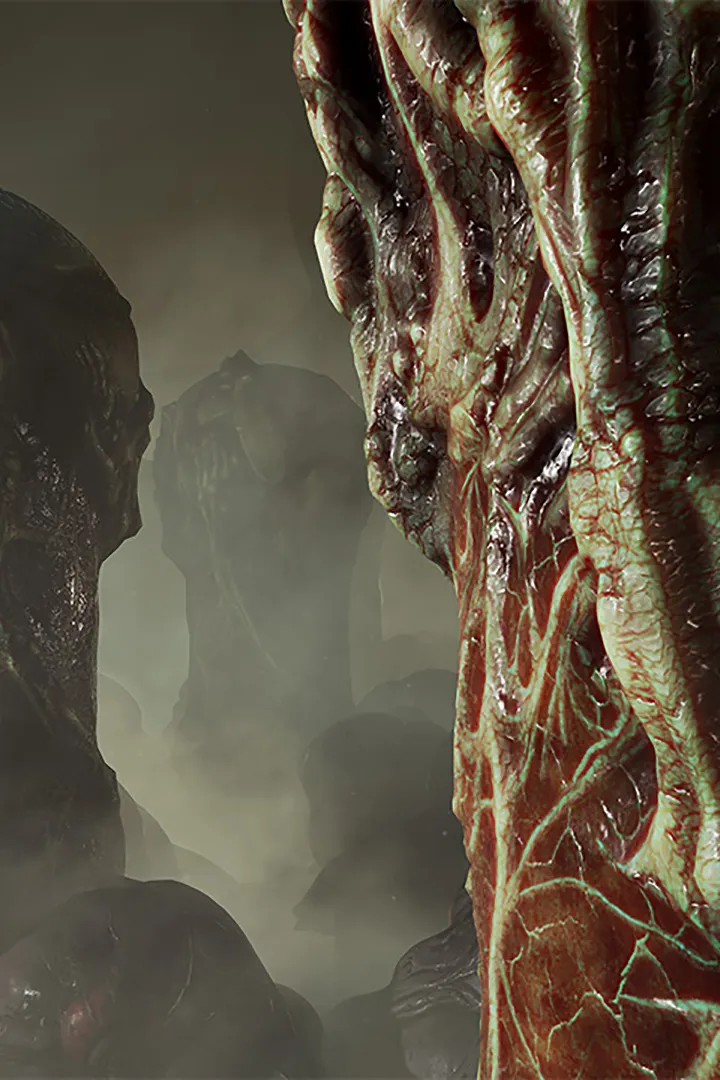
Master Scorn's PC keyboard and mouse controls. Learn keybinds for movement, interaction, and using gear like the Goo Gun effectively.
Navigating the desolate and often hostile environments of Scorn using a keyboard and mouse offers precise control, which can be advantageous when solving intricate puzzles or interacting with the game's unique machinery. Understanding the default keybinds and how they translate to in-game actions is essential for a fluid experience.
Core Movement and Interaction:
- Movement: The standard WASD keys control your character's movement. 'W' moves forward, 'S' backward, 'A' strafes left, and 'D' strafes right.
- Look: Moving the mouse controls your camera and aim.
- Interact: The 'E' key is your primary interaction button. This is used to activate mechanisms, pick up items like the Goo Gun, and manipulate objects within the world.
- Jump: The 'Spacebar' is used for jumping. This is crucial for traversing certain gaps or reaching higher ledges.
- Crouch: 'Ctrl' allows you to crouch, which can be useful for navigating tight spaces or avoiding detection in certain scenarios.
Inventory and Abilities:
- Inventory: Pressing 'Tab' opens your inventory screen. Here you can manage items you've collected, such as the vital Key Fragments needed to unlock new pathways.
- Use Item: Once in the inventory, you can select an item and press 'F' to use it. This is how you'll deploy tools or consume resources.
- Weapon/Tool Swap: If you acquire multiple tools or weapons, the number keys (1-9) are typically used to cycle through them.
Other Important Keys:
- Map: Pressing 'M' usually brings up the in-game map, which can be invaluable for orienting yourself within the labyrinthine structures of Scorn, such as the sprawling Cistern.
- Menu: The 'Esc' key opens the main game menu, allowing you to save, load, adjust settings, or quit the game.
It's highly recommended to familiarize yourself with these controls early on. Pay particular attention to the 'Interact' key, as many of Scorn's puzzles revolve around precise timing and interaction with environmental elements. If you find any of the default keybinds uncomfortable, Scorn offers a robust key remapping option within the settings menu, allowing you to customize the controls to your preference. For example, some players prefer to bind 'Interact' to a mouse button for quicker access. Mastering the movement and interaction mechanics is fundamental to overcoming the challenges presented by the game's oppressive atmosphere and complex puzzles, especially those involving the manipulation of large, bio-mechanical contraptions.
100% Human-Written. AI Fact-Checked. Community Verified. Learn how AntMag verifies content