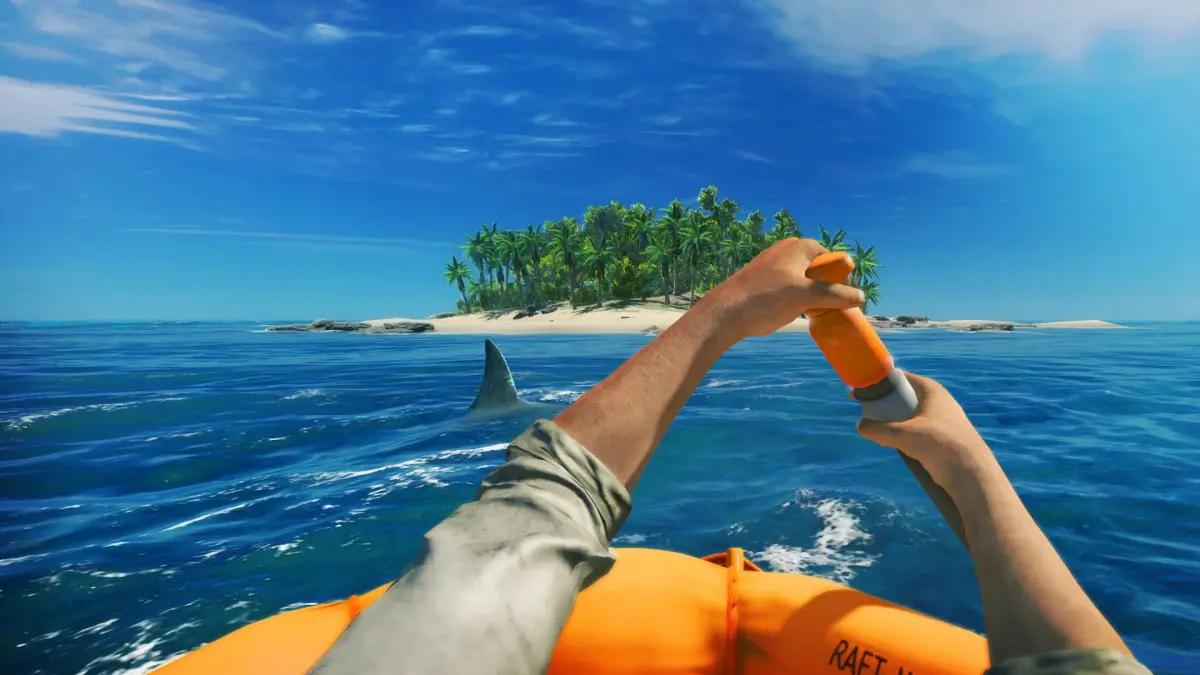
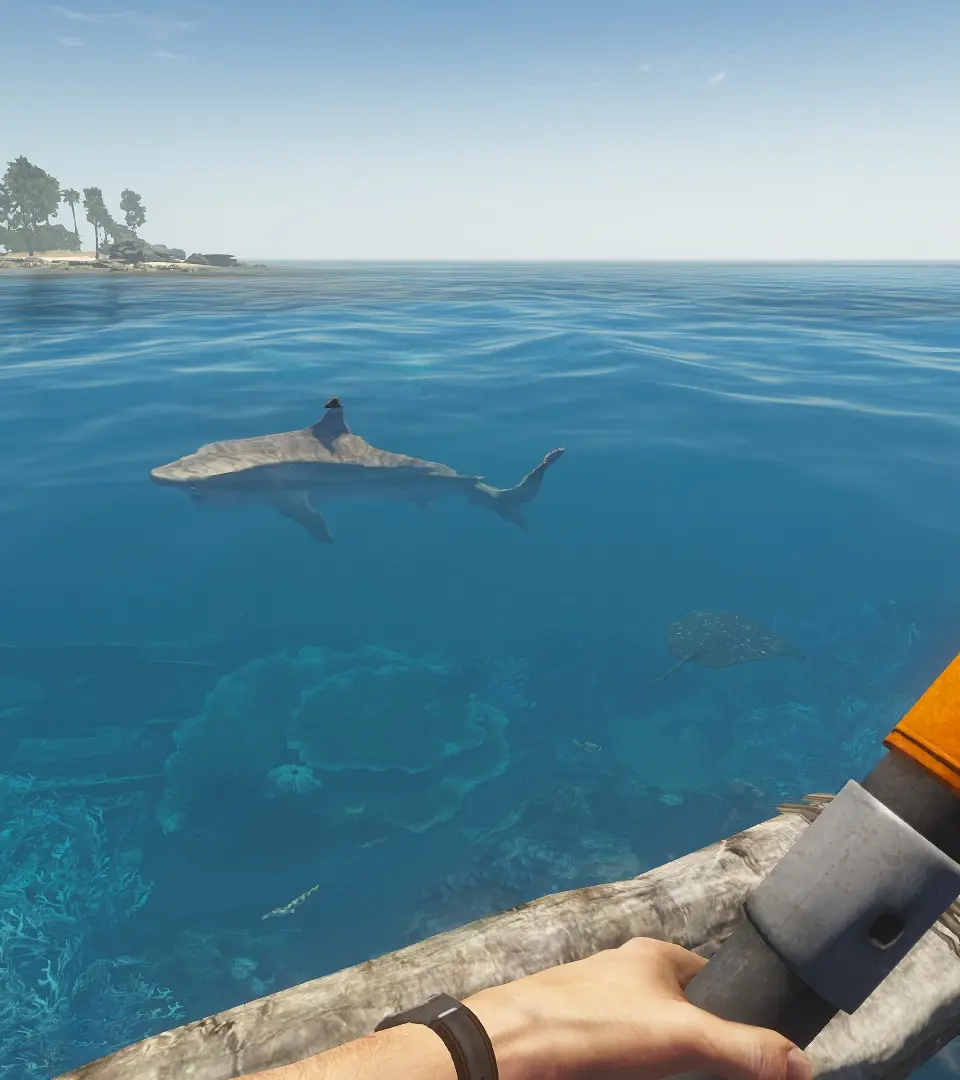
Enhance your Stranded Deep experience with community mods and content. Access creations that add new challenges and improve gameplay on the islands.
While Stranded Deep offers a robust survival experience, the dedicated community has expanded its horizons through various modifications and shared content. Diving into this realm can significantly enhance your gameplay, offering new challenges, quality-of-life improvements, and even entirely new ways to experience the Pacific.
Accessing Community Creations
The primary hub for Stranded Deep community content, especially for PC players, is the Steam Workshop. This platform allows players to easily browse, subscribe to, and install user-created maps, scenarios, and other modifications. For console players (PlayStation, Xbox, Switch), direct modding is generally not supported due to platform restrictions. However, you can still find valuable community discussions, tips, and shared strategies on various gaming forums and dedicated fan sites.
For PC Players (Steam Workshop)
The Steam Workshop is your go-to resource for expanding your Stranded Deep experience. Here's a step-by-step guide to getting started:
- Launch Steam: Open your Steam client and navigate to your Library.
- Locate Stranded Deep: Find Stranded Deep in your game list.
- Access the Workshop: On the game's library page, look for the "Workshop" tab or button. Clicking this will take you to the Stranded Deep Steam Workshop page.
- Browse Content: The Workshop page features various categories and filters. You can sort by "Most Popular," "Newest," "Most Subscribed," or search for specific keywords (e.g., "new islands," "custom raft").
- Subscribe to Items: When you find a mod or custom map you like, click on its entry. On the item's page, you'll see a green "Subscribe" button. Clicking this will automatically download and integrate the content into your game.
- Launch Stranded Deep: Once subscribed, launch Stranded Deep. Depending on the type of mod, it might appear as a new game option, a custom island in the cartographer, or simply be active in your existing saves.
- Unsubscribing: If a mod causes issues or you no longer want it, simply return to the Workshop page for that item and click "Unsubscribe." The game will automatically remove it.
Popular Mod Categories & Examples
While the specific content changes over time, here are some common and highly sought-after types of community creations:
- Custom Islands/Maps: These are player-designed islands, often featuring unique layouts, hidden resources, or challenging starting conditions. Look for maps like "The Gauntlet" for a true test of survival or "Resource Haven" if you're looking for a more relaxed building experience.
- Quality of Life (QoL) Mods: These mods aim to improve the general gameplay experience without drastically altering core mechanics. Examples might include:
- Increased stack sizes for common resources (e.g., "Wood Pile x100").
- Enhanced crafting menus for easier navigation.
- Improved visibility for underwater items.
- Scenario Mods: These introduce specific challenges or narrative elements. You might find scenarios that start you with limited tools, on a much larger island, or with unique objectives beyond simply escaping.
- Visual Enhancements: While less common for Stranded Deep, some mods might offer minor texture improvements or lighting adjustments.
For Console Players & General Community Engagement
Even without direct mod support, the Stranded Deep community is a valuable resource for all players:
- Official Forums & Subreddits: Websites like the official Stranded Deep forums or the game's subreddit (e.g., r/StrandedDeep) are excellent places to:
- Ask questions and get advice from experienced players.
- Share your own survival stories and base designs.
- Discover hidden game mechanics or optimal strategies for boss fights (e.g., how to efficiently defeat the Megalodon using a Speargun and Gyrocopter).
- Find detailed guides and walkthroughs for specific challenges or achievements.
- YouTube & Streaming Platforms: Many content creators showcase their Stranded Deep playthroughs, offering valuable insights into base building, resource management, and combat tactics. Watching these can inspire new approaches to your own survival efforts.
- Fan-Made Tools & Calculators: While not in-game mods, some community members have developed external tools like crafting calculators or resource trackers that can be incredibly useful for planning your long-term survival.
Contributing to the Community
If you've mastered the art of survival and have a creative spark, consider contributing your own content:
- Creating Custom Islands (PC Only): The in-game Cartographer tool allows you to design and save your own island layouts. You can populate them with specific resources, shipwrecks, and even adjust the terrain. Once created, you can upload these to the Steam Workshop for others to enjoy.
Steps for Uploading a Custom Island:
- In Stranded Deep, navigate to the "Cartographer" from the main menu.
- Design or load an existing custom island.
- Ensure your island is saved.
- From the Cartographer menu, look for an "Upload to Workshop" or similar option. Follow the on-screen prompts to add a title, description, and screenshots.
- Writing Guides & Tips: Share your knowledge! If you've found an efficient way to farm Clay, a foolproof strategy for hunting the Giant Crab, or a clever base design, consider writing a guide for the community. Platforms like , Reddit, or even your own blog are great places to share.
- Participating in Discussions: Engage with other players on forums and social media. Your insights and experiences can be invaluable to newcomers and veterans alike.
Embracing the Stranded Deep community content can breathe new life into your game, offering endless hours of exploration and survival challenges beyond the base game.
100% Human-Written. AI Fact-Checked. Community Verified. Learn how AntMag verifies content