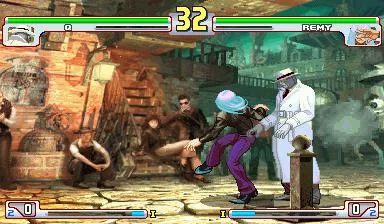
Explore the Training Menu, Dummy Settings, and Blocking Training in Street Fighter III: 3rd Strike. Learn about grade systems and replay options.
This section details various menus and training options available in Street Fighter III: 3rd Strike, including the Grade Judge System, Training Menu, Blocking Training, and Replay Menu.
Grade Judge System
After each battle, you are graded on your performance with possible grades ranging from G (worst) to MSF (best). Grades can have up to three plus marks (G to SS only). The grading system primarily influences the difficulty of the basketball stage and determines if you can fight Q. Special Points (SPs) can also be earned, possibly through achieving high grades in subsequent fights, using Super Arts without finishing an opponent, or fighting specific characters.
Training Menu
The Training Menu offers several modes:
- NORMAL MODE: Standard training.
- RECORDING MODE: Allows you to play a round, kill your opponent, and then replay the recorded round. Exiting mid-match allows replaying up to the exit point.
- DUMMY SETTING: Customize opponent actions (standing, crouching, jumping) and control (HUMAN or CPU). Blocking options include ALL GUARD (defends all attacks), AUTO GUARD (takes one hit then blocks), RANDOM GUARD (randomly blocks), BLOCKING (parries all attacks), and NONE (no blocking). QUICK STANDING makes the opponent roll and get up when possible. STUN fills the opponent's stun gauge, making them dizzy easily.
- TRAINING OPTION: Adjust Super Art gauge (NORMAL, MAX START, INFINITY). ATTACK DATA displays damage info for your character. DAMAGE sets attack damage. DIFFICULTY adjusts CPU opponent's AI. DEFAULT SETTING resets all options.
Blocking Training Menu
This mode allows you to practice parrying. First, have Player 2 perform attacks. Then, using Player 1, practice parrying those same attacks. The computer interprets commands literally, so it's best to stay on the 1P side.
Replay Menu
After winning a VERUS MODE fight, you can save the replay to your VMU. Saved replays can be watched via the REPLAY option in the main menu. CPU vs. CPU matches cannot be saved.
100% Human-Written. AI Fact-Checked. Community Verified. Learn how AntMag verifies content