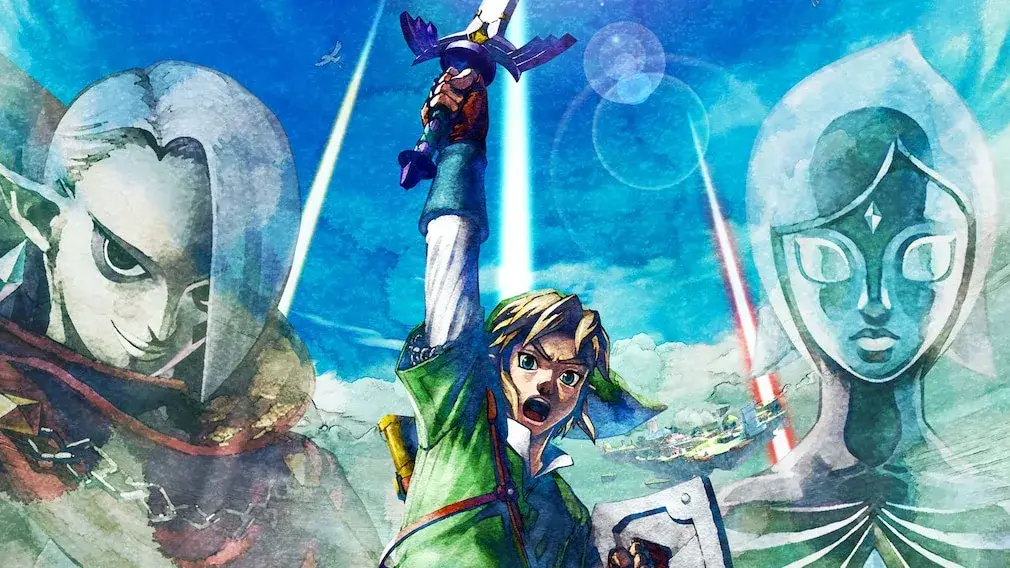
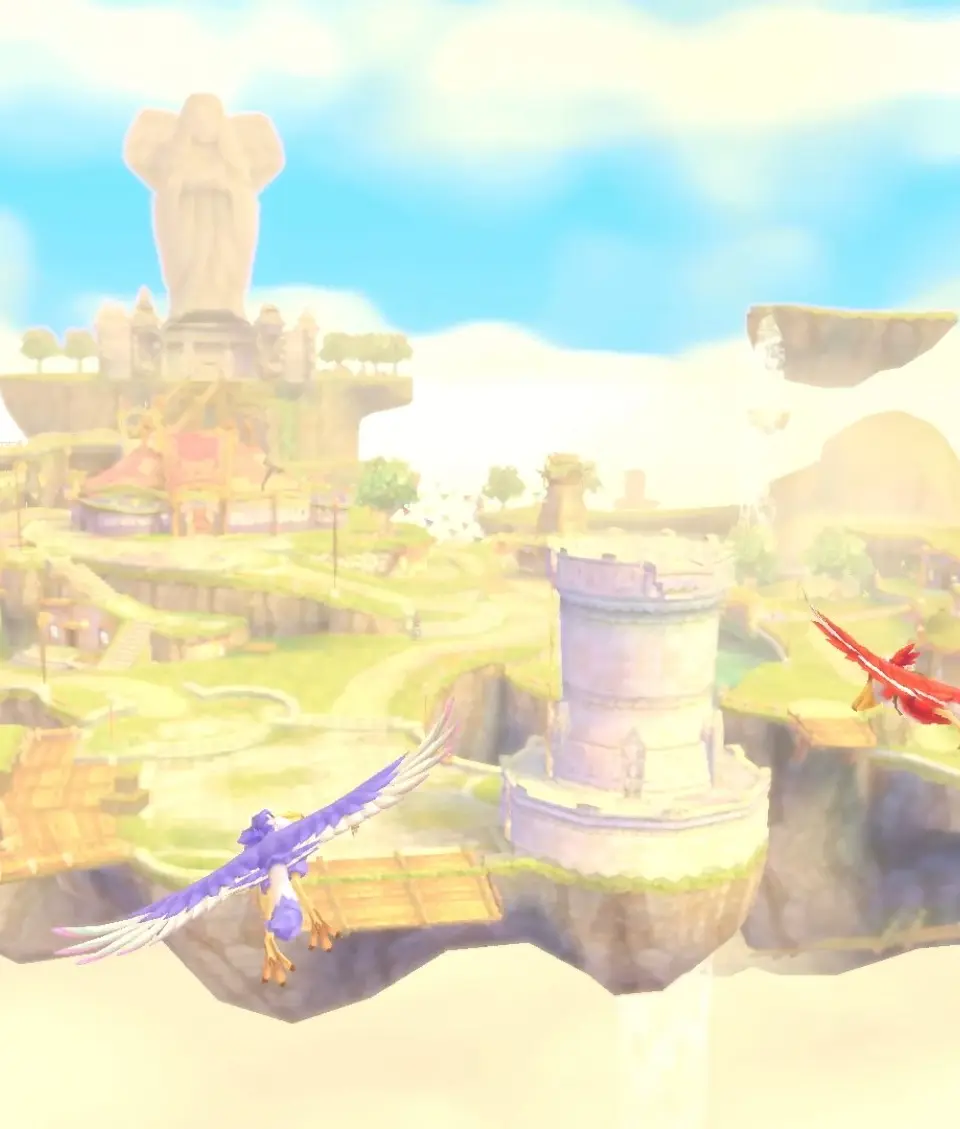
Master the interface in The Legend of Zelda: Skyward Sword HD! Learn about your HUD, menus, and important icons to navigate Hyrule like a pro. Your adventure starts here!
Hey there! So, you've just booted up The Legend of Zelda: Skyward Sword HD, and you're probably looking at the screen thinking, "What does all this stuff mean?" Don't worry, it's totally normal to feel a bit overwhelmed at first. Think of this as your friendly guide to understanding what's what on your screen so you can focus on the adventure ahead.
We'll break down the heads-up display (HUD), the different menus you'll encounter, and some of the key icons that'll be popping up. Knowing this stuff will make your journey through Hyrule so much smoother. Let's get you acquainted with your new best friends: the game's interface elements!
- Heads-Up Display (HUD): This is the information that's always visible on your screen.
- Menus: Where you'll manage your items, check your map, and more.
- Key Icons: Little symbols that give you important info at a glance.
100% Human-Written. AI Fact-Checked. Community Verified. Learn how AntMag verifies content