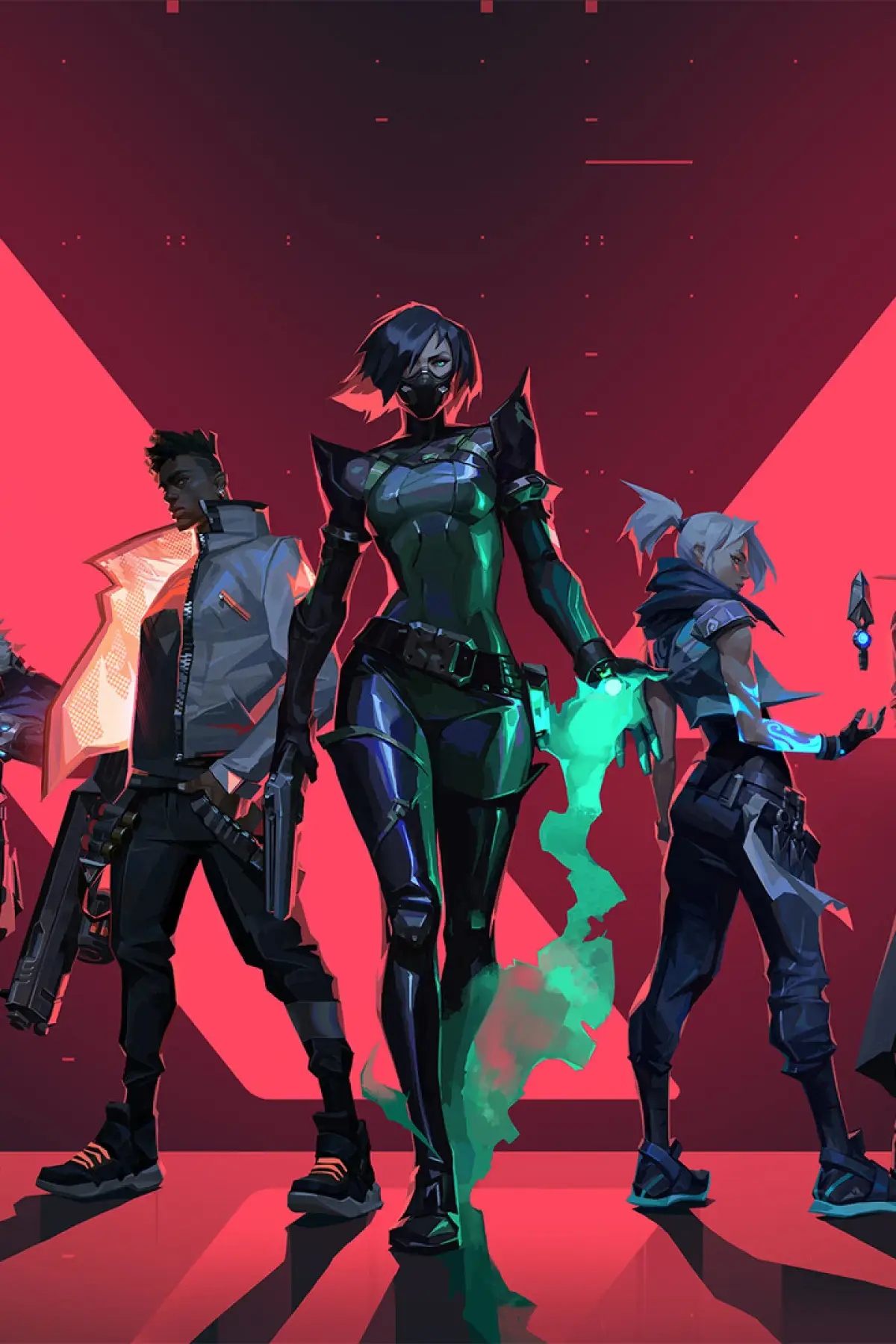
Get Valorant installed. Check minimum and recommended system requirements and follow our step-by-step installation guide for a smooth start.
Before you can experience the tactical thrill of Valorant, you need to ensure your system meets the game's requirements and successfully install it. This section will guide you through the process, from downloading the Riot Client to understanding the minimum and recommended specifications for a smooth gameplay experience.
Valorant is designed to be accessible, running on a wide range of hardware. However, to achieve optimal performance, especially in competitive play where every frame counts, it's important to have a system that can handle the demands of the game. We'll break down the necessary components and provide tips for troubleshooting common installation issues.
Minimum System Requirements:
| OS | Windows 7/8/10 64-bit |
| CPU | Intel Core 2 Duo E8400 / AMD Athlon 200GE |
| RAM | 4 GB |
| GPU | Intel HD 4000 / Radeon R5 200 |
Recommended System Requirements:
| OS | Windows 10 64-bit |
| CPU | Intel i3-4150 / AMD Ryzen 3 1200 |
| RAM | 8 GB |
| GPU | NVIDIA GTX 1050 / AMD Radeon RX 560 |
Installation Process:
- Download the Riot Client: Visit the official Valorant website and download the Riot Client installer.
- Install the Riot Client: Run the installer and follow the on-screen prompts. This client will manage all your Riot Games.
- Install Valorant: Once the Riot Client is installed, log in or create a Riot account. You will then see Valorant in your game library. Click 'Install' and choose your desired installation location.
- Launch the Game: After installation, click 'Play' to launch Valorant. The game will automatically update if necessary.
Ensure you have a stable internet connection throughout the download and installation process. If you encounter issues, restarting your PC, verifying game files through the Riot Client, or checking your firewall settings can often resolve them.
100% Human-Written. AI Fact-Checked. Community Verified. Learn how AntMag verifies content