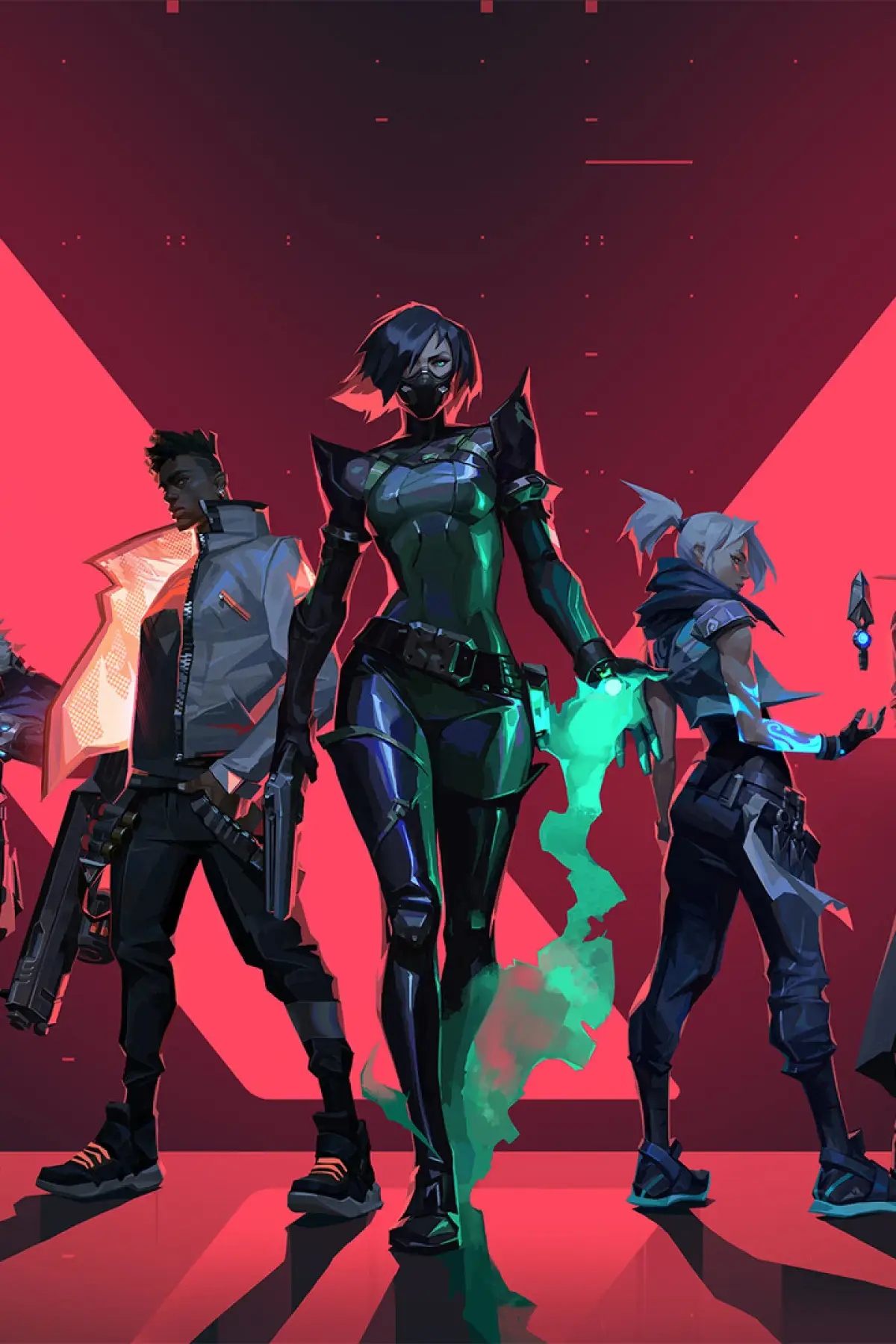
Valorant offers accessibility options to enhance gameplay for all players. Adjust settings for colorblind modes, reticle customization, and audio cues.
14.5 Accessibility Options
Valorant is committed to being an accessible game for a wide range of players. The game offers various accessibility options designed to cater to different needs, ensuring that more You can enjoy the tactical gameplay regardless of physical or cognitive challenges.
Riot Games understands that a truly great gaming experience should be inclusive. Valorant has been developed with accessibility in mind, offering a suite of options that allow players to customize their gameplay experience to better suit their individual needs. From visual aids to auditory cues, these features are designed to lower barriers and ensure that the complex tactical gameplay of Valorant is enjoyable and manageable for a broader audience. Exploring and utilizing these options can significantly enhance your comfort and performance in the game.
Key Accessibility Features:
- Colorblind Modes: Valorant offers several colorblind presets (Deuteranopia, Protanopia, Tritanopia) that adjust the game's color palette to improve visibility for players with different types of color vision deficiency. This is particularly helpful for distinguishing enemy outlines, ability effects, and UI elements.
- Subtitles and Closed Captions: All in-game dialogue, voice lines, and important audio cues can be displayed as subtitles or closed captions. This is crucial for players who are deaf or hard of hearing, or for those who prefer to play with sound off.
- Reduced Screen Shake: For players who are sensitive to motion or screen shake effects, this option can minimize or disable these visual disturbances, leading to a more stable visual experience.
- Show Mature Content: This option allows players to toggle the visibility of mature content, such as blood and gore, which can be important for younger players or those who prefer a less graphic experience.
- Fixed Crosshair Settings: While not strictly an accessibility option, the extensive customization of crosshairs allows players to find a reticle that is most comfortable and visible for their individual needs.
- Adjustable Audio Levels: The game provides granular control over various audio channels (Master, SFX, UI, Voice, Music), allowing players to fine-tune their audio experience to prioritize important cues.
- Text-to-Speech and Speech-to-Text: While not fully implemented for all chat functions, Riot Games has indicated a commitment to exploring these features to further enhance communication accessibility.
How to Access Accessibility Options:
- Launch Valorant and navigate to the Settings menu.
- Select the General tab.
- Scroll down to the Accessibility section.
- Here you will find options for Colorblind Mode, Subtitles, Reduced Screen Shake, and other related settings.
By exploring and configuring these settings, You can create a more comfortable and effective gaming environment, allowing them to focus on the strategic aspects of Valorant without unnecessary barriers.
100% Human-Written. AI Fact-Checked. Community Verified. Learn how AntMag verifies content