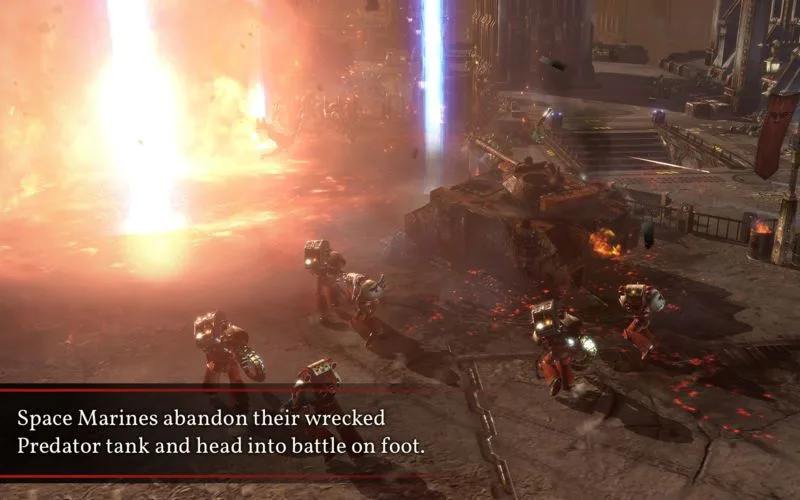
Equip Terminator armor in Warhammer 40,000: Dawn of War II to make the Force Commander a melee powerhouse with a power hammer and shield combo.
Walkthrough
- 1Equip the Force Commander with Terminator armor to make him a powerhouse in melee combat.
- 2Wielding a power hammer, he becomes a formidable threat.
- 3To unlock his true potential, equip him with a power hammer and shield combo.
- 4With this combination, you can carve your way through enemy ranks.
- 5Note that he loses access to abilities like Rally when equipped this way.
- 6He serves as a good target and will absorb enemy fire meant for other units when leading the charge.
- 7Consider equipping a teleport pack if you are using this build.
Tips
- The power hammer and shield combo is key to maximizing the Force Commander's melee effectiveness.
- The Terminator armor makes the Force Commander a durable front-line unit that can draw enemy fire.
- While Rally is lost, the survivability and melee damage output are significant trade-offs.
100% Human-Written. AI Fact-Checked. Community Verified. Learn how AntMag verifies content