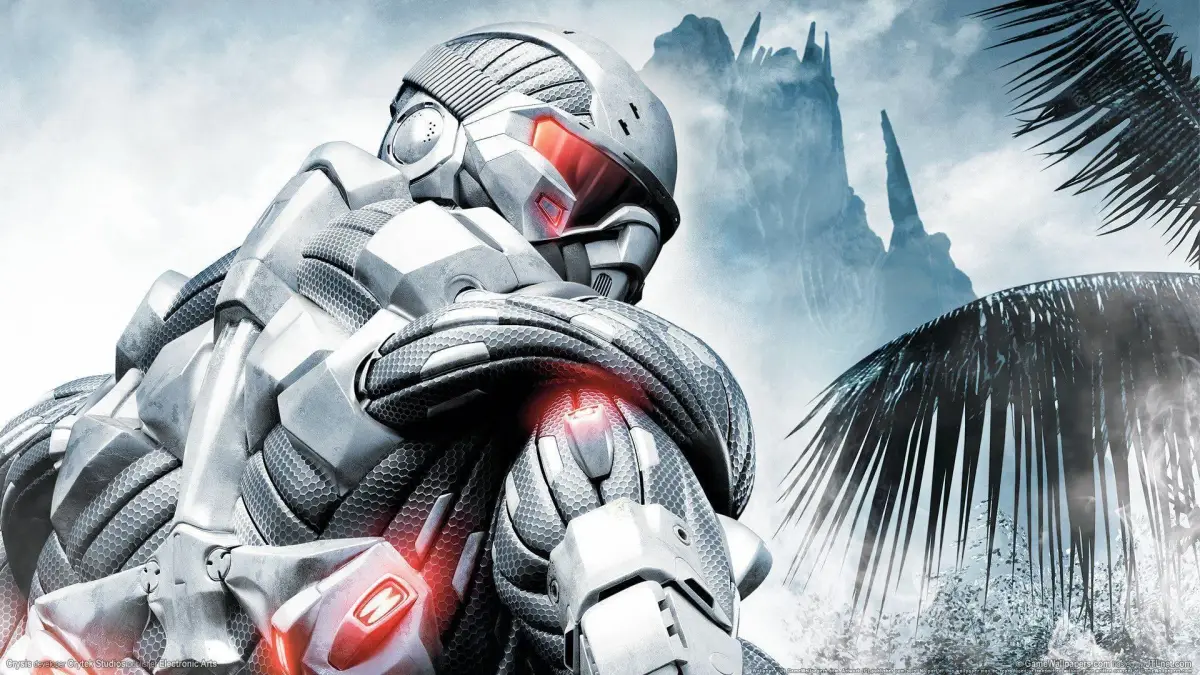
Learn about the Crysis Nanosuit's Cloak and Armor modes, and master PS3 controls for enhanced combat and stealth.
The top-secret nanosuit is worn by select members of the Special Forces team and imparts great strength, speed, and partial invulnerability to its wearer. It also has powers that are not quite understood, being able to collect data on and somehow interface with the alien intelligence. Its two modes: armor mode and cloak mode, will be described below. Only one mode can be active at a time.
The Cloak: The nanosuit is equipped with a cloaking device that allows you to virtually disappear, but you can still be spotted if an enemy gets too close or if you make a noisy passage. The cloak gives you the option of using stealth, rather than or coupled with force to accomplish tasks. This perk makes going solo against many doable and also gives the option of bypassing the enemy entirely or choosing your own rules of engagement by choosing the battleground. The cloak can only remain active for as long as your energy level is adequate. The faster you move, the faster your energy drains. You can stand for a prolonged interval in the open and recon an area while cloaked, accessing the enemy numbers, their disposition, vehicles, and weapon emplacements and placing them on your (radar (your minimap with nearby blips and threats marked)) so you know their location. Always take the time to recon enemy positions, identifying (cover (press the cover button to crouch behind walls or objects)) spots, like foliage, boulders, buildings, blind spots, etc. to penetrate enemy installations before plunging into combat. Moving at a snail’s pace can also allow one to cross large exposed areas without detection. Shooting through the cloak or enemy fire into the cloak will deplete its energy. Integral to combat in Crysis is learning to de-cloak to kill and to quickly re-cloak to maintain stealth. This cloaking ability makes combat tactics more flexible than most other first-person shooters.
Armor: The nanosuit also allows you to enhance your resistance to enemy fire by activating armor mode. This does not make you invulnerable but does allow you to take more damage. Like the cloak, this mode drains energy even when you aren’t taking damage, but you can shoot while in armor mode without penalty.
Playstation 3 Default Controls:
Player Controls:
- START button: Pause Action/Game Options
- SELECT button: Mission Screen/Map Screen
- SELECT button (hold): Weapon Options
- LEFT analog stick: Move/Select options (menu/weapon)
- LEFT analog stick (L3 hold): Sprint (drains your energy)
- RIGHT analog stick: Look/Aim weapon
- RIGHT analog stick (R3 press): Melee
- LEFT button (L1): Aim equipped weapon/drop item
- LEFT button (L1): Zoom out with map opened/Zoom in binoculars
- Left button (L2): Activate/Deactivate Armor mode
- RIGHT button (R1): Fire Weapon/Throw grenade
- RIGHT button (R1): Zoom in with map opened
- RIGHT button (R2): Activate/Deactivate Cloak mode
- TRIANGLE button: Select or Switch Weapon
- TRIANGLE button (hold): Weapon options
- TRIANGLE button: Toggle weapon options (With SELECT held)
- CIRCLE button: Crouch
- CIRCLE button (hold): Go Prone
- CIRCLE button: Toggle weapon options (With SELECT held)
- SQUARE button: Reload weapon/pick up item/interact/throw item
- SQUARE button (hold): Power throw item (drains energy)
- SQUARE button: Toggle weapon attachment (With SELECT held)
- X button: Jump
- X button (hold): Power-jump
- X button: Toggle weapon scope options
- UP ARROW: Use binoculars (Hold L1 to zoom in)
- DOWN ARROW: Night vision
- LEFT ARROW: Toggle weapon fire mode options
- RIGHT ARROW: Equip grenade
Vehicle Controls—Vehicle, Boat, Tank:
- SQUARE: Enter/Exit (Vehicle/Boat/Tank)
- RIGHT button (R1): Fire coaxial machinegun (Tank)
- RIGHT button (R1): Fire turret gun from turret (Vehicle/Boat)
- RIGHT button (R2): Forward/Accelerate (Vehicle/Boat/Tank)
- LEFT button (L1): Fire turret weapon from driver’s seat (Vehicle/Boat)
- LEFT button (L1): Fire main canon (Tank)
- LEFT button (L2): Reverse (vehicle/Boat/tank); Brake (Vehicle/Tank)
- LEFT ANALOG STICK: Steer (Vehicle/Boat/Tank)
- RIGHT ANALOG STICK: Look (Vehicle/Boat/Tank)
- TRIANGLE: Switch from driver/gunner position (vehicle/Boat)
- UP ARROW: Change view (Vehicle/Boat)
- Always fill up on all ammo types at weapon caches, though most are plentiful except for sniper rifles (Precision and Gauss) and the SCAR assault rifle.
- Recon enemy positions using the cloak mode and your radar before engaging.
- Identify cover spots before entering combat.
- Learn to de-cloak to attack and quickly re-cloak to maintain stealth.
- Armor mode allows you to take more damage but drains energy even when not taking damage.
100% Human-Written. AI Fact-Checked. Community Verified. Learn how AntMag verifies content