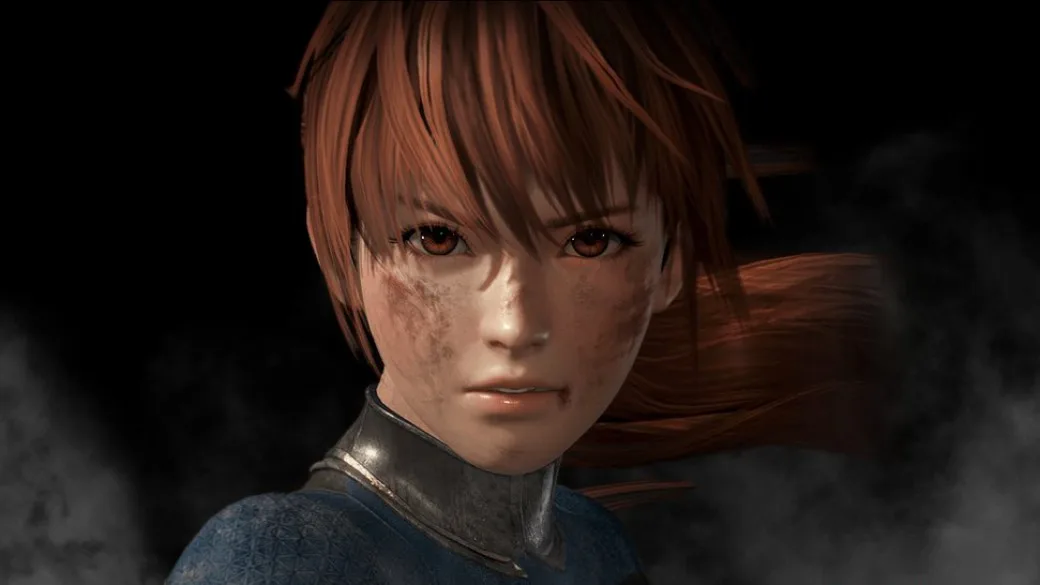
Discover how to change character appearances in Dead or Alive 6 by holding buttons during character select, affecting hair, upper body items, underwear, and eyewear.
This feature allows for minor visual customization of characters in Dead or Alive 6. By holding different buttons while selecting a character, you can change certain aspects of their appearance.
Costume Effect Controls:
- Holding the L/R buttons (Left/Right buttons) controls the character's hairstyle and upper body items.
- Holding the Triangle, Square, or both Triangle + Square buttons controls the character's underwear.
- Holding the Left/Right directional buttons controls eyewear.
- Pressing the X button selects the default setting for the character.
Tips
- Experiment with these button combinations on various characters to discover all the different visual effects available.
100% Human-Written. AI Fact-Checked. Community Verified. Learn how AntMag verifies content