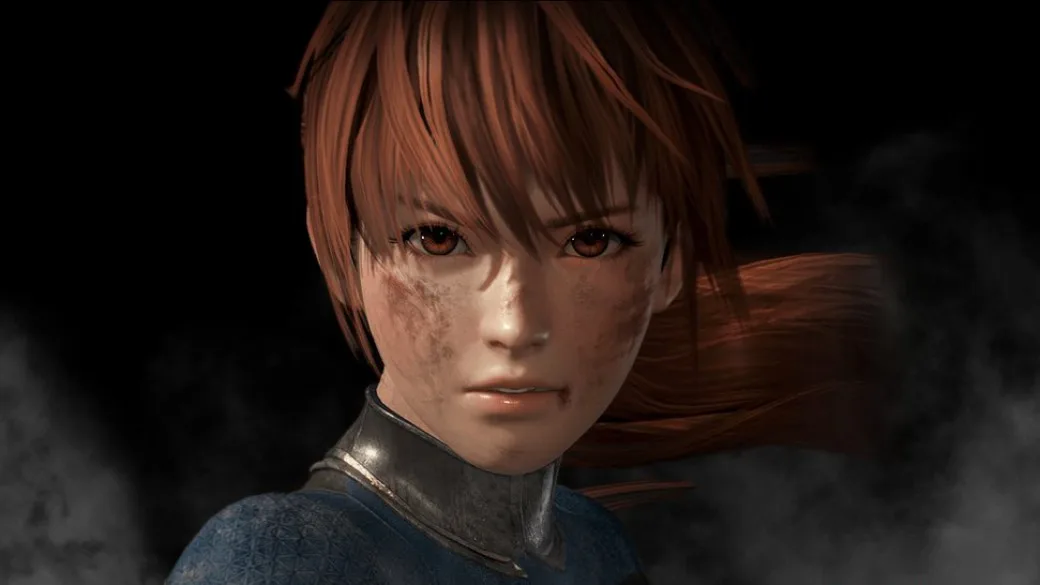
Explore Dead or Alive 6 online settings: choose your main character and manage Facebook posting. Link your account to enable sharing.
Under online settings in Dead or Alive 6, you have two primary options. You can select your "main" character, choosing either your most frequently used fighter or selecting one from the available roster. Additionally, you can decide whether to post information to Facebook.
If you wish to enable Facebook posting, you must first link your Facebook account to your gaming system. After linking, you can then grant permission for this feature within the Dead or Alive 6 online settings.
Tips
- Your main character selection affects how your profile is presented online.
- Linking your Facebook account requires prior system-level integration.
100% Human-Written. AI Fact-Checked. Community Verified. Learn how AntMag verifies content