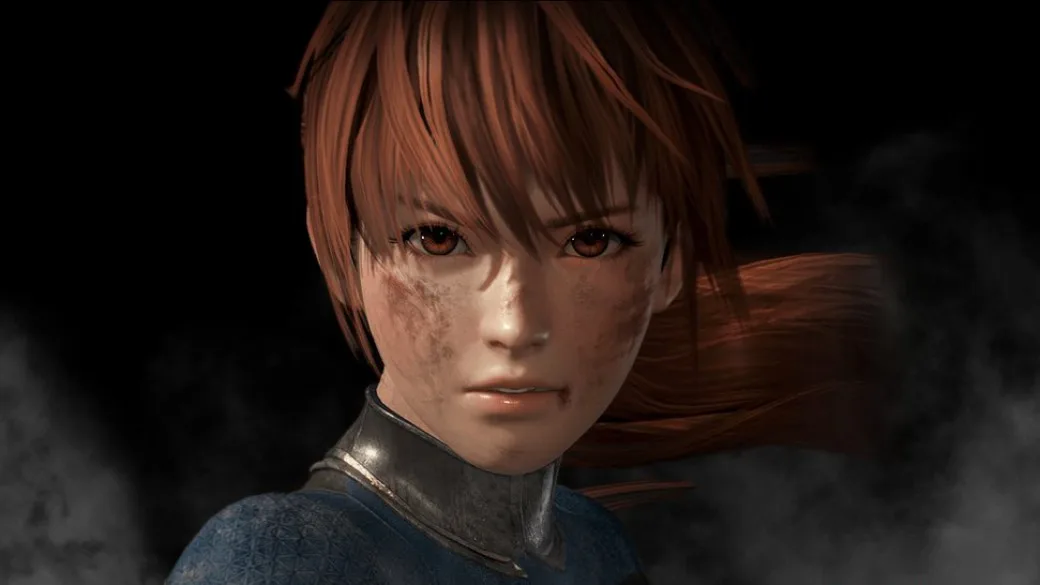
Customize audio in Dead or Alive 6. Adjust stage music, sound effects, character voices, and announcer voices. Unlock more announcer options later.
The sound settings in Dead or Alive 6 allow you to customize your audio experience. You can control the volume levels for stage music, sound effects, and character voices. Additionally, there is an option to select the announcer's voice. By default, only the "DoA" voice option is available, but more announcer voices can be unlocked later in the game.
Tips
- Refer to the "Other" section under unlockables for more information on unlocking additional announcer voices.
100% Human-Written. AI Fact-Checked. Community Verified. Learn how AntMag verifies content