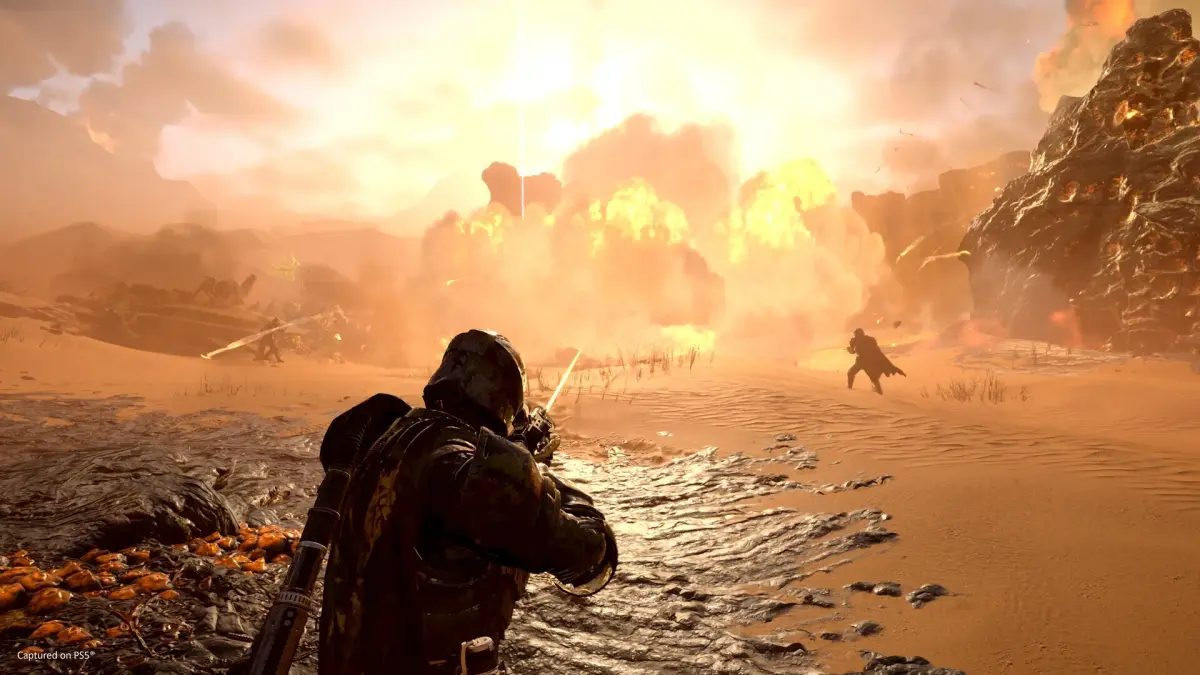
Struggling with random teammates in Helldivers 2? Learn how to communicate effectively using pings and map markers to coordinate with your squad and achieve mission success.
Hey Helldiver! Jumping into a mission with random folks can be a bit of a wild ride, right? Especially with friendly fire turned on, things can get chaotic fast. But don't worry, even without voice chat, there are ways to make sure you and your new squadmates are on the same page. The key is using the tools the game gives you to communicate. We'll cover how to ping enemies and objectives, which is super important for keeping everyone focused and alive.
Walkthrough
- 1Know Your Tools: The game gives you two main ways to communicate without voice chat: pings and map markers. Pings are quick alerts, great for immediate threats or objectives. Map markers are more permanent and useful for planning routes or designating targets.
- 2Pinging Enemies and Objectives: This is your go-to for urgent calls. If you see a Charger bearing down on your squad, or spot the objective across the map, a quick ping is essential.
- 3On PC: Simply look in the direction of the enemy or objective and press the Q key. You'll see a brief ping appear on screen that lasts for about 6 seconds.
- 4On PS5: Press R1 + D-Pad Up. This sends out a quick ping to alert your teammates.
- 5Marking Locations on the Minimap: For more strategic planning, like indicating where you want to go next or where a valuable resource is, use map markers.
- 6On PC: First, press Tab to open your minimap. Then, hold down the Right Mouse Button and move your mouse to navigate the map. Once you've found the spot you want to mark, click the Left Mouse Button. This marker will stay there until you place a new one.
- 7On PS5: Open your minimap by pressing the Touchpad. Use the Joystick to move around the map and find your desired location. Finally, press the Cross button to place a marker.
Tips
- Always be aware of your minimap. It's your best friend for understanding the battlefield and seeing where your teammates are and what they're focusing on.
- Don't spam pings unless it's an emergency. A constant barrage of pings can be more distracting than helpful.
- Use markers for important locations like objective sites, heavy enemy concentrations, or even safe spots to regroup.
- If you see a teammate pinging something, take a moment to see what they're highlighting. They might be calling out a threat you haven't noticed or an objective you need to hit.
- Even if you have a mic, using pings and markers can still be helpful for quick, non-verbal communication, especially during intense firefights.
100% Human-Written. AI Fact-Checked. Community Verified. Learn how AntMag verifies content