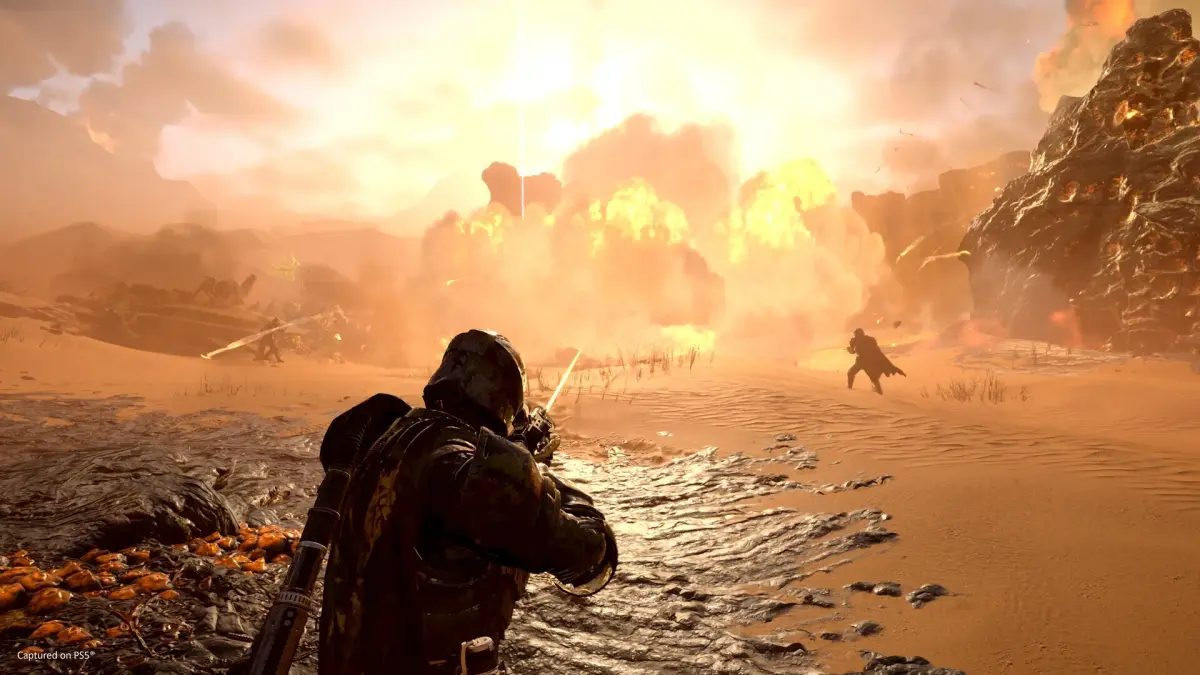
Fix Helldivers 2 connection issues. Troubleshoot network problems, optimize settings, and get back to fighting for Super Earth with these actionable steps.
Experiencing connection issues in Helldivers 2 can disrupt your fight for Managed Democracy. This guide provides actionable steps to troubleshoot network problems, from checking your internet connection to optimizing your in-game settings. Get back to spreading liberty with your squad by resolving common connectivity woes.
Common Network Issues and Their Causes
Helldivers 2, like many online multiplayer games, relies on a stable internet connection. Issues can stem from various sources:
- Unstable Internet: Fluctuations in your home network, ISP problems, or high traffic can lead to lag, disconnections, and inability to join games.
- Server Issues: Sometimes, the problem lies with the game servers themselves. Developer Arrowhead Game Studios occasionally experiences high player loads or technical difficulties.
- Firewall/Antivirus Interference: Security software can sometimes mistakenly block game traffic, preventing proper connection.
- Outdated Network Drivers: Your computer's network adapter drivers might be out of date, causing performance issues.
- Router/Modem Problems: A simple reboot of your networking hardware can often resolve temporary glitches.
Troubleshooting Steps: A Step-by-Step Approach
Follow these steps to diagnose and resolve your connection problems:
- Check Your Internet Connection:
- Run a speed test (e.g., Ookla Speedtest) to check your download and upload speeds.
- Ensure other devices on your network are not consuming excessive bandwidth (streaming, large downloads).
- If possible, try a wired Ethernet connection instead of Wi-Fi for a more stable link.
- Restart Your Networking Hardware:
- Unplug your modem and router from power.
- Wait for at least 30 seconds.
- Plug the modem back in first, wait for it to fully boot up (lights stable), then plug in the router.
- Verify Game Files (Steam):
- Open Steam.
- Go to your Library, right-click on Helldivers 2.
- Select 'Properties' > 'Local Files' > 'Verify integrity of game files...'.
- Check Firewall and Antivirus Settings:
- Temporarily disable your firewall and antivirus software to see if the connection improves. Remember to re-enable them afterward.
- If disabling them helps, you'll need to add Helldivers 2 as an exception in your security software's settings. Consult your software's documentation for specific instructions.
- Update Network Drivers:
- On Windows, search for 'Device Manager'.
- Expand 'Network adapters'.
- Right-click on your network adapter and select 'Update driver'. Choose 'Search automatically for drivers'.
- Check Game Server Status:
- Follow Helldivers 2 on social media (e.g., Twitter) or check official forums for announcements regarding server maintenance or outages.
- Community sites like DownDetector can also provide insights into widespread server issues.
- Port Forwarding (Advanced):
- If other steps fail, you might need to configure port forwarding on your router. The specific ports required for Helldivers 2 can usually be found on gaming forums or the developer's support pages. This is a more technical step and should be done with caution.
When to Contact Support
If you've exhausted all troubleshooting steps and are still experiencing persistent connection issues, it may be time to contact your Internet Service Provider (ISP) or the Helldivers 2 support team. Provide them with details of the steps you've already taken.
By systematically working through these solutions, you can significantly improve your chances of a stable and enjoyable Helldivers 2 experience, ensuring you're always ready to defend Super Earth.
100% Human-Written. AI Fact-Checked. Community Verified. Learn how AntMag verifies content