Learn the essential controls and discover expert tips and tricks for Jotunnslayer: Hordes of Hel. Master movement, attacks, and skills to conquer the hordes.
This page serves as a basic how to play guide for _Jotunnslayer: Hordes of Hel_. Feel free to edit this guide with any tips, tricks, and suggestions.
Basic gameplay
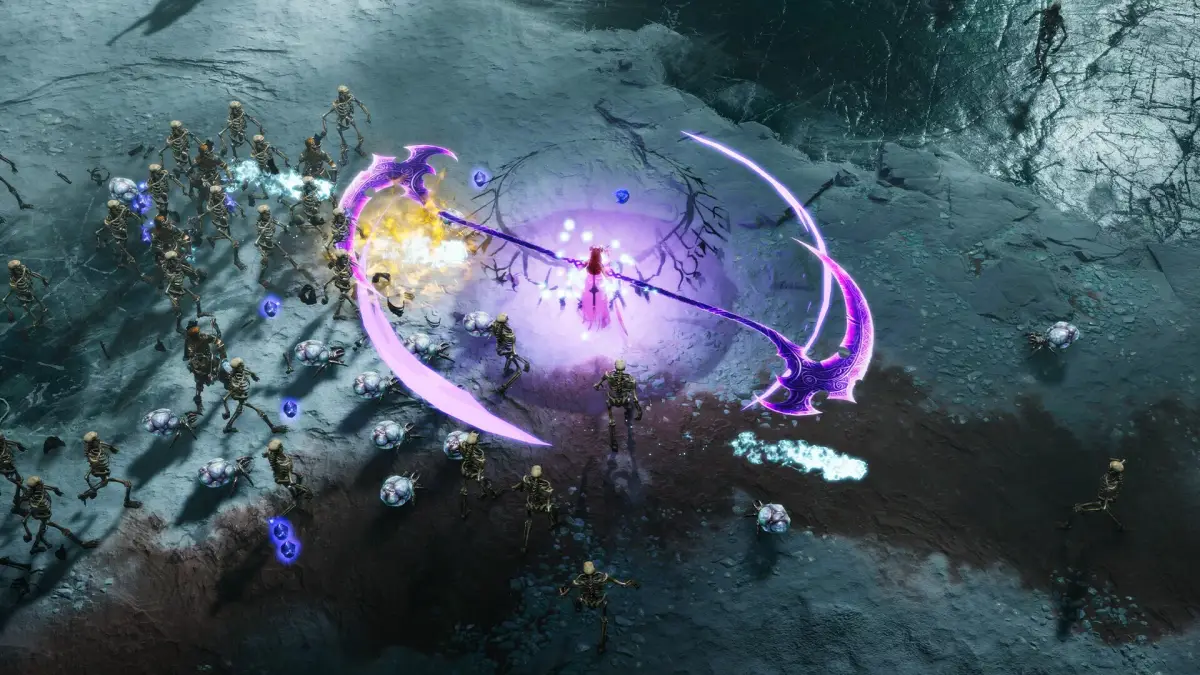
In Jotunnslayer: Hordes of Hel, players take a [hero](https://jotunnslayer-hordes-of-hel.fandom.com/wiki/Hero "Hero") out on a [raid](https://jotunnslayer-hordes-of-hel.fandom.com/wiki/Raid "Raid") where the goal is to complete [objectives](https://jotunnslayer-hordes-of-hel.fandom.com/wiki/Objective "Objective"), such as surviving the curse of winter or defeating lords or champions, within a limited time and then summon and defeat the boss once objectives are completed. The action takes place with an overhead view with enemies constantly approaching to attack the hero.
The hero starts out with just a basic attack and a weapon skill, but by collecting XP crystals dropped randomly by enemies when they are defeated, the hero will level up and be offered the choice of a [skill](https://jotunnslayer-hordes-of-hel.fandom.com/wiki/Skill "Skill"), either by a [god](https://jotunnslayer-hordes-of-hel.fandom.com/wiki/God "God") or from the hero's own possible skillset. By default, autocast skills and attacks are used automatically at regular intervals, and the player only controls the hero's movement, weapon skill, and dashes. Passive skills often just provide various bonuses or may have effects that have a chance of occurring on a specific trigger, like the hero taking damage.
Controls
The default controls for the game are:
| Action | Keyboard and mouse | XBox gamepad |
|---|---|---|
| Attack* | Left Mouse | RT |
| Dash | Space | RB |
| Weapon Skill | Q | LB |
| Aiming† | Mouse | RS |
| Move up | W | LS up |
| Move down | S | LS down |
| Move left | A | LS left |
| Move right | D | LS right |
* The attack mode is set to Smart by default. The attack button is only needed when attack mode is set to Manual.
† Aiming is set to automatic by default. Aiming controls are only used in manual aiming mode.
Tips and tricks
- During raids, players can earn gold and soulstones that can be used to purchase new weapons for heroes, or activate virtues from the option on the main menu. Virtues provide various bonuses and beneficial effects.
- Virtues offered by the gods affect all heroes, while virtues for a given hero only benefit that hero.
- At the end of a raid, whether successful or not, an information screen will show the DPS of attacks and autocast skills. It's a good idea to focus on acquiring three of the higher DPS skills.
- [Thunderstorm](https://jotunnslayer-hordes-of-hel.fandom.com/wiki/Thunderstorm "Thunderstorm") and [Sentinel](https://jotunnslayer-hordes-of-hel.fandom.com/wiki/Sentinel "Sentinel"), both offered by [Thor](https://jotunnslayer-hordes-of-hel.fandom.com/wiki/Thor "Thor"), are high DPS due to the fact they auto-target multiple enemies. They do their full possible damage every time they trigger unless there just aren't enough enemies in range.
- Don't focus only on high DPS skills, though. Autocast skills that help clear the area around the hero, or which can prevent enemies from advancing for a moment, are also recommended. [Freya](https://jotunnslayer-hordes-of-hel.fandom.com/wiki/Freya "Freya")'s [Divine Wave](https://jotunnslayer-hordes-of-hel.fandom.com/wiki/Divine_Wave "Divine Wave") is a good example, as the circular waves are emitted from the hero, and the weak knockback effect momentarily stops most enemies.
100% Human-Written. AI Fact-Checked. Community Verified. Learn how AntMag verifies content