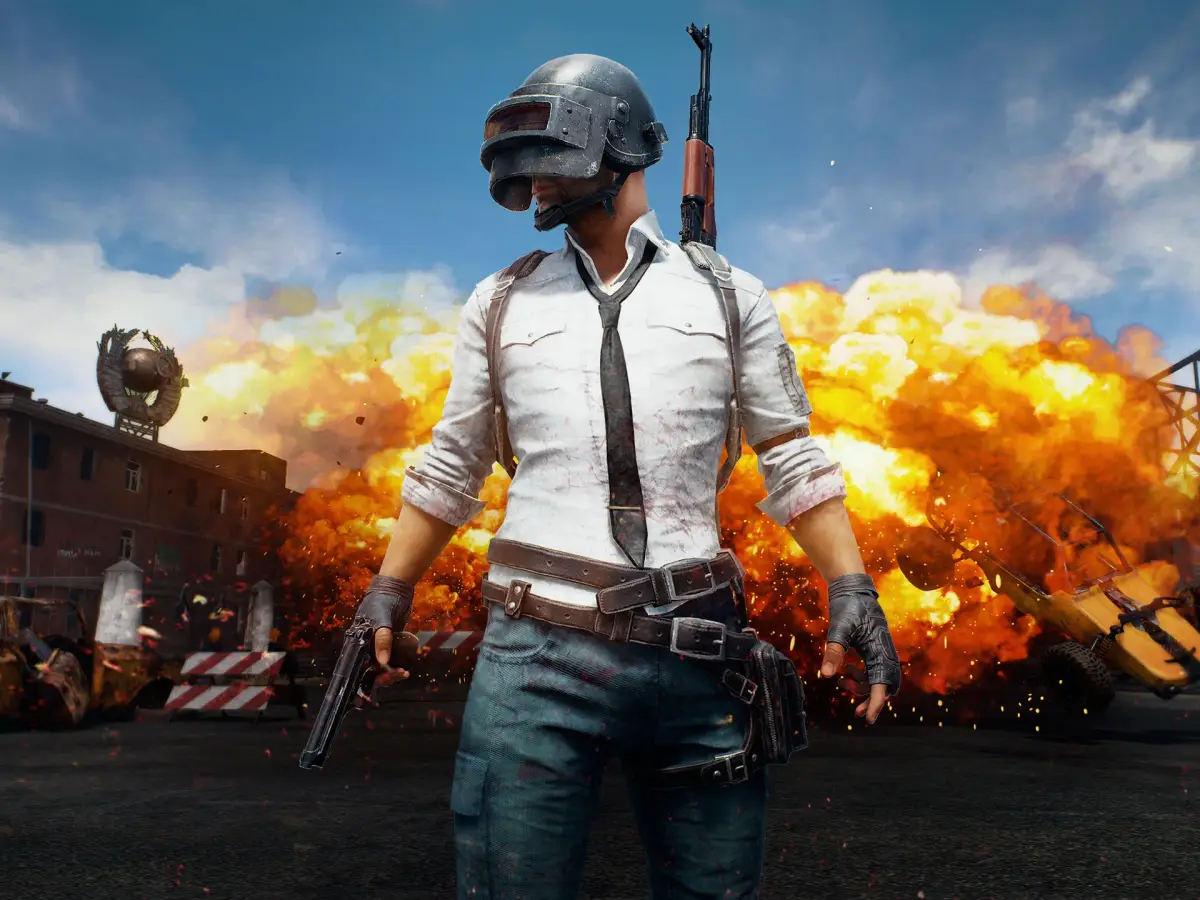
Discover essential hardware upgrades for PUBG: Battlegrounds, from gaming mice and keyboards to SSDs and headsets, to enhance your gameplay experience.
Hey there! Before we dive deep into the action of PUBG: Battlegrounds, I wanted to share a few thoughts on gear that can really make a difference. I'm not a tech wizard, so take this as friendly advice from one gamer to another, but these tips have helped me out, and I think they might help you too.
Gaming Mouse
If you can swing it, a good gaming mouse is a solid investment. This game has a ton of controls, and those extra thumb buttons can be super handy. Since you're already buying the game and a PC, a decent gaming mouse shouldn't break the bank. Stick to well-known brands, and try to find one that's lightweight, ideally around 100g or less. Some mice even have a cool honeycomb design that shaves off even more weight.
Mouse DPI Matters!
You might have seen videos suggesting that a higher DPI on your mouse can lead to less lag. Plus, some aim training guides mention that low DPI can cause something called "angle skipping" or "pixel skipping," which isn't ideal. What I do, and what I recommend you try, is to boost your mouse's DPI but keep your in-game sensitivity the same. So, you increase the DPI and then lower the in-game sensitivity to match your old feel (measured in cm/360). Just don't crank the DPI too high, as it can amplify sensor noise. Most people are good with 1200 or 1600 DPI – many pros use that. I personally don't go higher, assuming your mouse can handle it. If you need to figure out your sensitivity conversion, the cm/360 method is pretty straightforward and you can find guides online.
Mouse Pad
I don't know a ton about mouse pads, but my advice is to again, go for a reputable brand. For PUBG, you'll definitely want a large one, at least an XL size, because I highly recommend using your arm for aiming. Whether the pad is soft or hard is up to you – I personally prefer a harder surface.
Mechanical Keyboard
This is another must-have. PUBG uses so many keys, and mechanical keyboards just feel way better and more reliable for all those presses. Plus, they're generally higher quality. Get a gaming one for lower latency. Avoid compact keyboards because they often ditch the F keys, which are super important in this game. A TKL (TenKeyLess) keyboard is a great compromise – it ditches the number pad, giving you more desk space without losing essential keys. Also, look for N-Key Rollover and Anti-Ghosting technologies. N-Key Rollover lets you press multiple keys at once without issue, and Anti-Ghosting prevents phantom key presses. For the switches, I'd recommend Red or Brown. Red switches are linear (no clicky feedback), while Brown switches have a tactile bump. I'd steer clear of Blue switches because they can be pretty noisy.
SSD (Solid State Drive)
Loading into maps can take ages sometimes. If you have an SSD, definitely consider installing PUBG on it, especially since the game isn't massive. If your motherboard supports it, go for a PCIe SSD (like M.2) as they're usually much faster than SATA SSDs. But even a SATA SSD is a huge upgrade over a traditional HDD. Aim for at least a Gen 3 PCIe SSD if you can; Gen 4 or 5 are the latest and greatest.
Gaming Sleeve
You don't need fancy long sleeves. You can play in a t-shirt, but to reduce friction between your mouse arm and the mousepad, a gaming sleeve for just your mouse arm can be a game-changer.
Headset/Earbuds
Honestly, good earbuds are perfectly fine for PUBG – many pros use them! You'll want stereo earbuds because sound is crucial in this game. Be cautious with surround sound features on headsets; stereo is generally recommended for PUBG. Stick to reputable brands. While headsets can be pricier, they're an option. If you go wireless, that's a plus, but it's just my personal preference.
Go Wireless
The wire on your mouse adds a tiny bit of resistance, and if we're aiming for perfection, a good wireless mouse with minimal lag is the way to go. Same for your headset – go wireless (but avoid Bluetooth for gaming). It means one less cable cluttering your desk, and you get the freedom to step away briefly without losing comms with your team. The lag on good wireless gaming gear is usually negligible and audio responsiveness, while important, isn't as critical as mouse lag.
100% Human-Written. AI Fact-Checked. Community Verified. Learn how AntMag verifies content