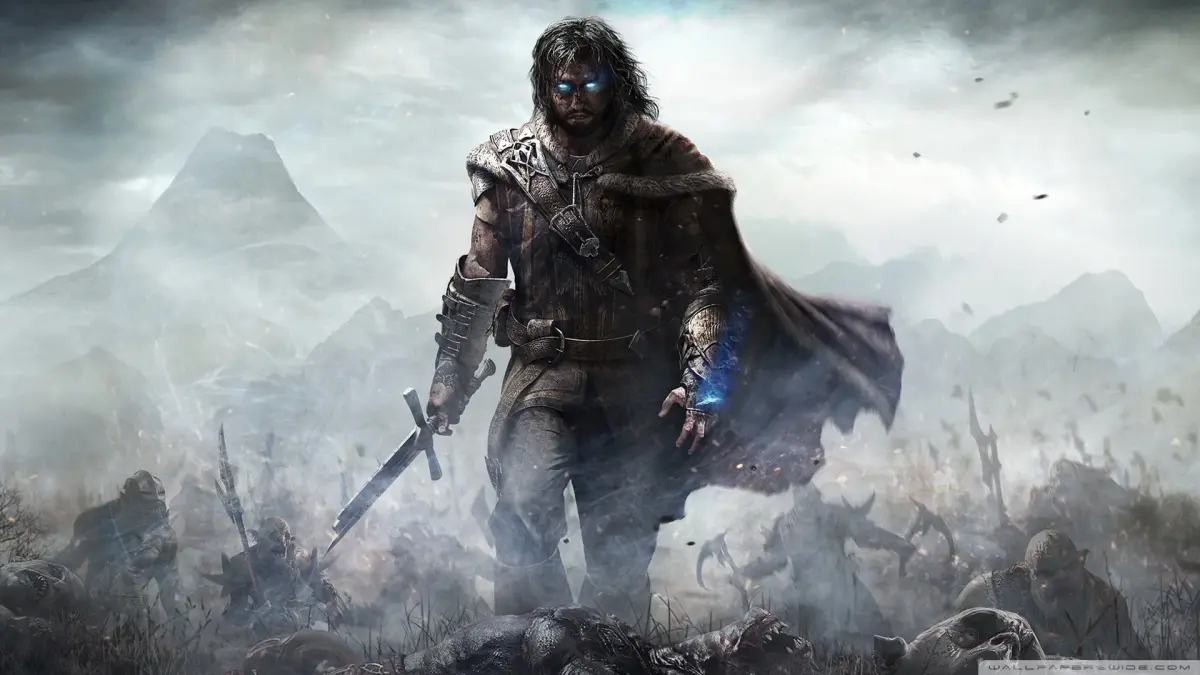
Master the Middle-earth: Shadow of Mordor UI. Learn about health, Wraith abilities, the minimap, threat indicators, and combat prompts to dominate Mordor.
The User Interface in Middle-earth: Shadow of Mordor provides essential information for survival and combat. Key elements include the health bar, the Wraith ability meter, the minimap for navigation, and the threat level indicator for approaching enemies. Understanding these elements is crucial for mastering Talion's abilities and navigating the dangers of Mordor.
The Heads-Up Display (HUD) in Shadow of Mordor is designed to keep you informed without being overly intrusive. Here's a breakdown of the most important elements you'll encounter:
Health and Wraith Abilities
- Health Bar: Located in the top-left corner, this bar indicates Talion's current health. When it depletes, you'll be defeated and respawn.
- Wraith Ability Meter: Situated below the health bar, this meter fills up as you perform combat actions and execute enemies. Once full, you can unleash powerful Wraith abilities, such as the ability to slow down time or perform a devastating area-of-effect attack.
Navigation and Awareness
- Minimap: Found in the top-right corner, the minimap is your primary tool for navigation. It displays your current location, nearby objectives, points of interest, and importantly, the positions of enemies. Red dots indicate enemies, with larger dots sifying more powerful foes.
- Threat Indicator: This visual cue, often appearing as a series of dots or a bar above enemy heads, shows how aware an enemy is of your presence. White dots mean they are unaware, yellow means they are suspicious, and red means they have spotted you and are actively engaging.
- Objective Markers: These are clearly marked on the minimap and in the game world, guiding you towards your current quest goals.
Combat Information
- Targeting Reticle: In the center of the screen, this reticle indicates your current target. When locked onto an enemy, it will often change color or shape to provide additional information, such as the enemy's strength or weaknesses.
- Combo Counter: This displays the number of consecutive hits you've landed without being interrupted, crucial for building up damage and executing special moves.
- Execution Prompt: When an enemy is weakened enough, an icon will appear, prompting you to press a specific button for a brutal execution.
- Domination Prompt: Similar to the execution prompt, this appears when you can dominate an enemy, turning them into an ally.
Other Important UI Elements
- Rune Slots: When inspecting weapons or armor, you'll see available rune slots where you can equip enhancements.
- Intel/Information Panels: Interacting with certain elements in the world or using your Wraith abilities will bring up panels displaying information about enemies, lore, or the environment.
- Prompts: Context-sensitive prompts will appear throughout the game, indicating when you can interact with objects, perform special actions, or engage with characters.
Mastering the nuances of the user interface is key to surviving the harsh lands of Mordor and effectively utilizing Talion's growing arsenal of abilities and combat skills. Pay close attention to the minimap and enemy indicators to stay one step ahead of Sauron's forces.
100% Human-Written. AI Fact-Checked. Community Verified. Learn how AntMag verifies content