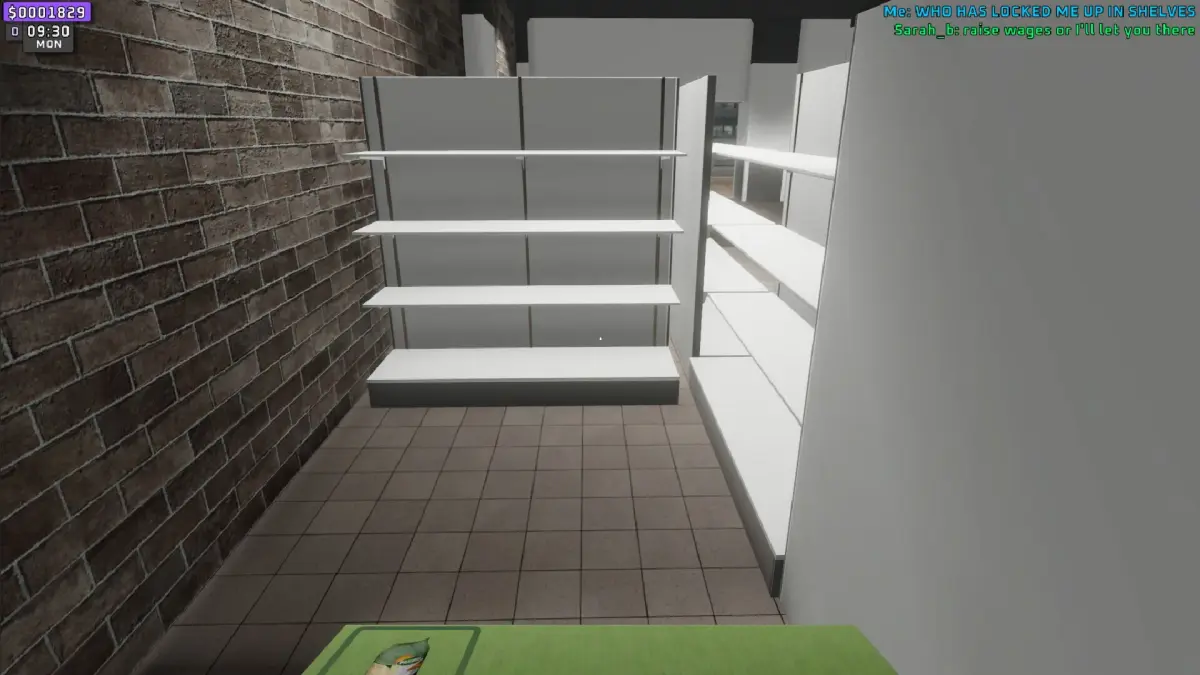
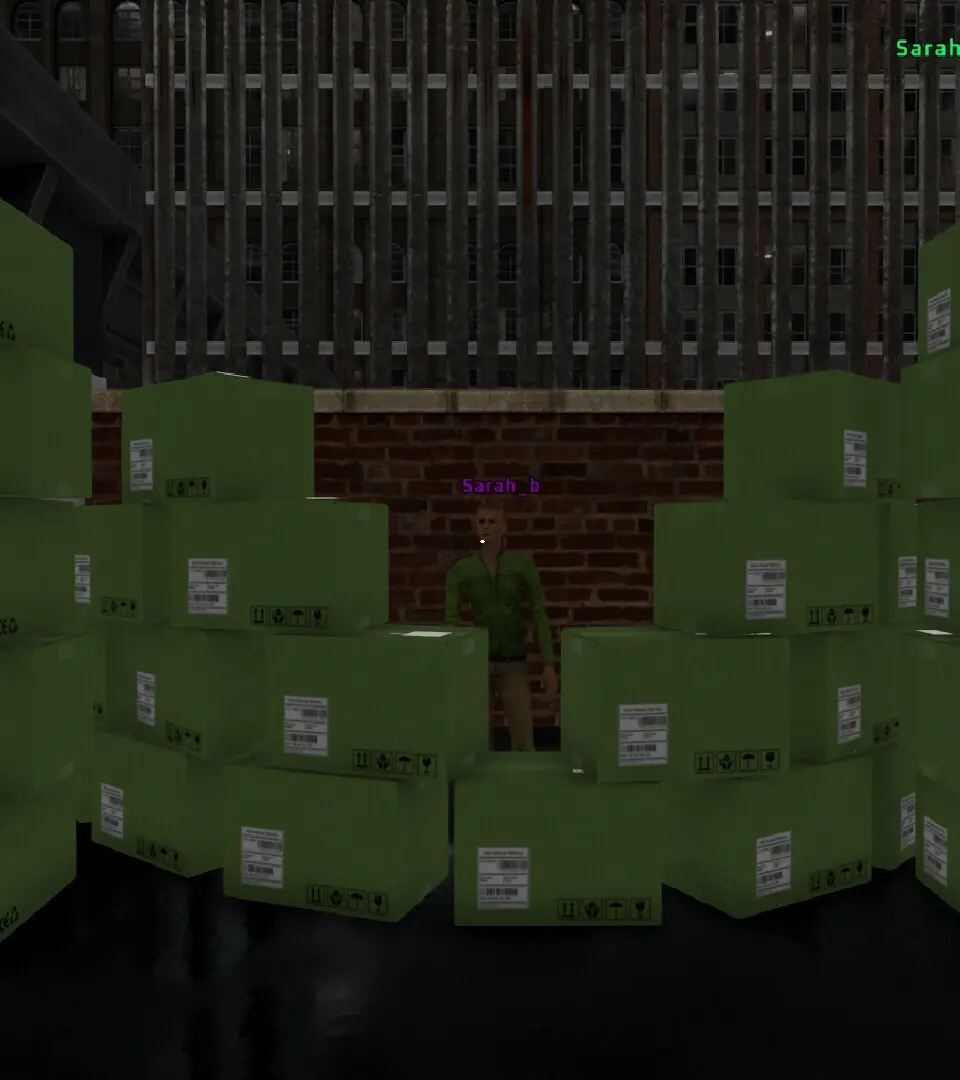
Build and manage your supermarket in Supermarket Together. Stock shelves, design layouts, and expand your business with friends in this casual simulation.
Welcome to Supermarket Together, the ultimate casual simulation game where you and your friends can build, manage, and grow your very own bustling supermarket empire! Dive into a vibrant world of retail, customer service, and strategic planning. Whether you're stocking shelves, designing layouts, or expanding your product lines, every decision you make contributes to your supermarket's success.
This detailed guide will walk you through the core mechanics and provide actionable strategies to transform your humble store into a five-star shopping destination. Get ready to experience the joy of cooperative management and the thrill of satisfying your virtual customers!
Getting Started: Your First Supermarket
Upon launching Supermarket Together, you'll be greeted with a brief tutorial guiding you through the initial setup. Your primary goal in the early stages is to establish a functional store that can attract and serve its first customers effectively.
Initial Setup Steps:
- Place Your First Cash Register: Navigate to the "Build" menu (represented by a hammer icon). Select "Checkout Counters" and choose the "Basic Cash Register." Place it near the entrance for optimal customer flow.
- Stock Essential Shelves:
- Open the "Inventory" menu (shopping cart icon).
- Select "Produce Aisle" and drag "Fresh Apples" and "Organic Bananas" onto an empty shelf. Ensure you have at least 10 units of each to start.
- Next, go to "Dairy & Refrigerated" and stock "Whole Milk" and "Cheddar Cheese" on a refrigerated display unit.
- Finally, head to "Baked Goods" and place "White Bread" and "Croissants" on a bakery rack.
- Hire Your First Employee: Access the "Staff Management" panel (person icon). Select "Cashier" and hire a "Junior Cashier" to operate your cash register. You'll also want to hire a "Stock Clerk" from the "Floor Staff" section to help replenish shelves.
- Open for Business: Once your essential items are stocked and a cashier is ready, click the "Open Store" button (green 'OPEN' sign) located at the top of your screen. Watch as your first customers begin to arrive!
Managing Your Supermarket: Daily Operations
Successful supermarket management involves a continuous cycle of stocking, serving, and improving. Pay close attention to customer needs and your store's efficiency.
Key Daily Tasks:
- Replenishing Stock: Monitor your shelves closely. When an item runs low, a small red exclamation mark will appear above the shelf. Click on the shelf, then select "Restock" to automatically order more from your warehouse. Ensure your Stock Clerks are assigned to the correct zones for efficient replenishment.
- Customer Service: Happy customers mean more sales and higher ratings.
- Checkout Efficiency: Ensure you have enough cashiers during peak hours. If queues become too long, customers will leave frustrated. Consider upgrading to "Advanced Cash Registers" for faster transactions.
- Cleanliness: Occasionally, customers will drop items or make messes. Hire "Janitors" from the "Staff Management" menu to keep your store spotless. A clean store boosts customer satisfaction.
- Pricing Strategy: Access the "Pricing" tab within the "Inventory" menu. Experiment with adjusting prices for different items.
- High Demand Items: Items like "Premium Coffee Beans" or "Artisan Bread" can often fetch a slightly higher price without deterring customers.
- Sale Items: Periodically put "Discounted Canned Goods" or "Seasonal Produce" on sale to attract more shoppers and clear excess inventory.
Expansion and Growth: Taking Your Store to the Next Level
As your profits grow, you'll have the opportunity to expand your supermarket, introduce new product lines, and upgrade your facilities.
Expansion Strategies:
- Unlocking New Departments: From the "Build" menu, select "Department Expansion." You can unlock new areas such as the "Meat & Seafood Counter," "Deli Section," or even a "Pharmacy." Each new department requires specific equipment and staff. For instance, the "Meat & Seafood Counter" requires a "Butcher Station" and a "Skilled Butcher."
- Upgrading Equipment: Replace your basic fixtures with advanced versions.
- Refrigeration: Upgrade "Standard Refrigerators" to "Energy-Efficient Chillers" to reduce operational costs and hold more stock.
- Shelving: Replace "Basic Wooden Shelves" with "Modern Metal Racks" to increase display capacity and improve store aesthetics.
- Security: Install "CCTV Cameras" and hire "Security Guards" to deter shoplifters, especially as your store grows larger and stocks more valuable items like "Imported Wines."
- Marketing Campaigns: Access the "Marketing" tab to launch various campaigns.
- Local Flyers: A low-cost option to attract new customers from the immediate vicinity.
- Radio Advertisements: More expensive but reaches a wider audience, increasing foot traffic significantly.
- Online Promotions: Target specific demographics with deals on items like "Organic Gluten-Free Pasta" to attract health-conscious shoppers.
Remember, cooperation is key in Supermarket Together. Coordinate with your friends to divide tasks, share resources, and collectively build the most successful supermarket chain in the game!
Compare game description inSupermarket Simulator100% Human-Written. AI Fact-Checked. Community Verified. Learn how AntMag verifies content