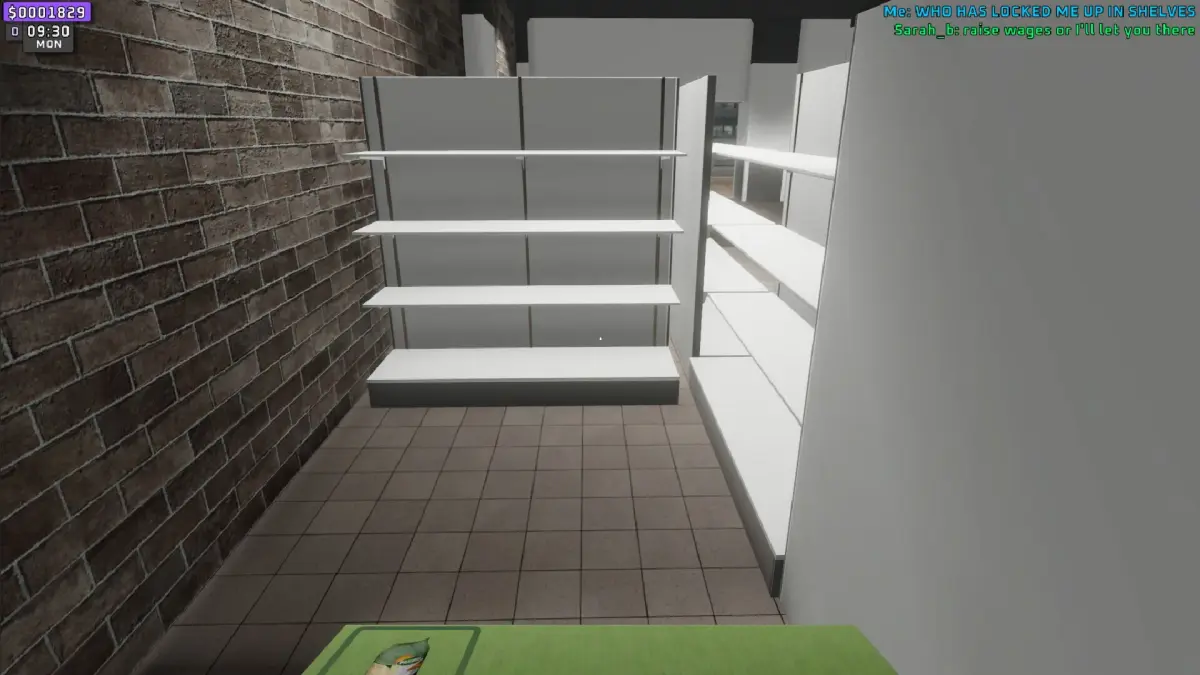
Learn how to scan items effectively in Supermarket Together. This guide covers the basics of item scanning to help you progress faster and earn more.
Hey there! So you're diving into Supermarket Together and wondering about scanning items? It's a pretty straightforward mechanic, but getting the hang of it can really speed up your gameplay and help you snag those extra points. Let's break down how it works so you can become a scanning pro in no time!
What is Scanning?
Basically, scanning items is how you identify products on the shelves. Once scanned, they're added to your inventory or a list, depending on what you're doing in the game. It's a core part of managing your stock and fulfilling customer orders.
How to Scan Items
When you're in the supermarket, you'll see various items stocked on the shelves. To scan an item, you'll typically need to approach it and interact with it. The game will usually prompt you with a button to press – often something like [E] on PC or a specific button on your controller. Just get close enough to the item, look at it, and press the indicated button. You'll usually get a little confirmation sound or visual cue when an item has been successfully scanned.
- Keep an Eye on Your Prompts: The game is pretty good about telling you when you can scan and what button to use. Don't miss those on-screen cues!
- Move Methodically: Don't just rush through the aisles. Walk at a steady pace and sweep your view across the shelves. This helps ensure you don't miss anything.
- Know Your Goal: Are you scanning to restock? To find a specific item for an order? Knowing why you're scanning helps you focus on the right products.
That's the gist of it! Scanning is a fundamental skill in Supermarket Together. Practice it a bit, and you'll be zipping through the aisles like a seasoned shopper.
100% Human-Written. AI Fact-Checked. Community Verified. Learn how AntMag verifies content