Learn how to effectively order, stock, and manage reorder points in Supermarket Together to keep your shelves full and customers happy. Boost your profits!
Alright, let's talk about keeping your supermarket shelves stocked and your customers happy in Supermarket Together! This section is all about mastering the art of ordering, stocking, and knowing exactly when to reorder. Get this right, and you'll see your profits soar!
Ordering Stock
When you first start, you'll need to place orders for your initial stock. You do this through the computer terminal in your office. Think of it like your virtual shopping cart for the store. You'll see a list of available items, their costs, and how many you can order. It's crucial to order a variety of items that you know will sell well. Don't just go for the cheapest; consider what your customers are likely to buy based on the store's size and your current customer base.
Stocking Shelves
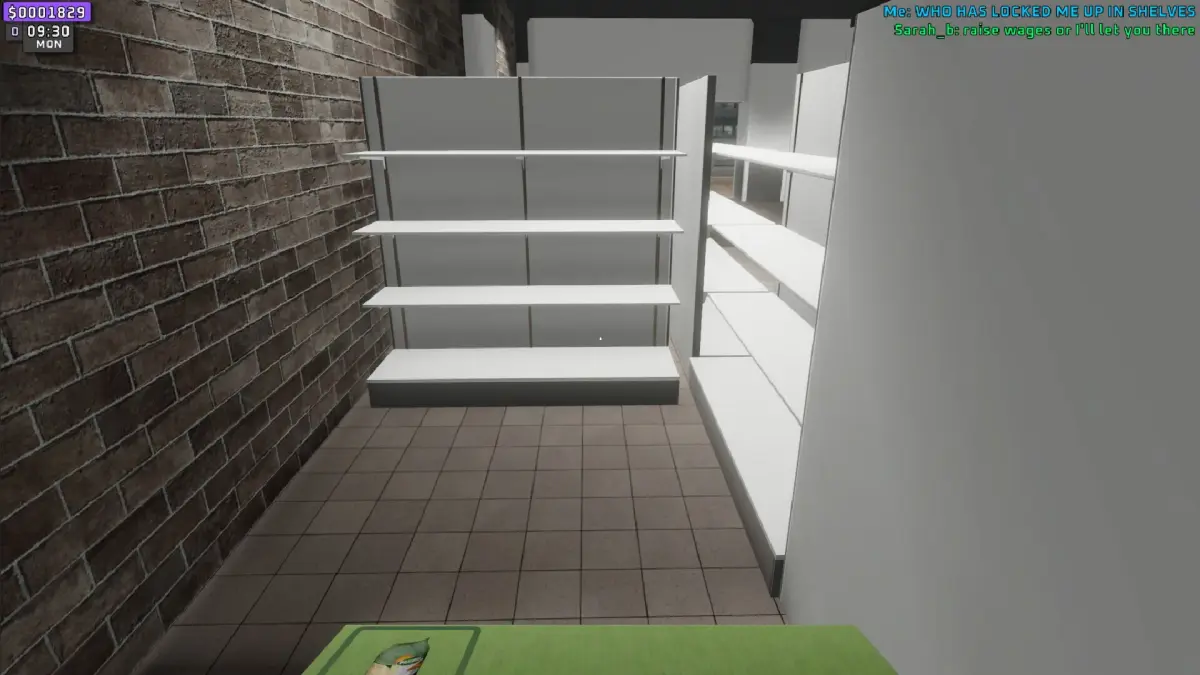
Once your order arrives, it's time to get it onto the shelves! You'll have boxes of new stock appear in your storage area. You need to pick these up and place them on the corresponding shelves. Make sure you're putting the right items on the right shelves – customers get pretty annoyed if they can't find what they're looking for! Filling up your shelves not only makes your store look good but also increases customer satisfaction and, most importantly, your sales.
Reorder Points
This is where the real strategy comes in. You don't want to run out of popular items, but you also don't want to over-order and have too much stock sitting around, taking up space and tying up your cash. Setting reorder points means telling the game when you want to be prompted to order more of a specific item. You can usually set this by checking the stock levels on your computer. When an item's stock drops to or below its reorder point, the game will remind you to place an order for it. It's a good idea to set these points based on how quickly an item sells. High-demand items should have a higher reorder point so you don't run out.
- Keep an eye on your sales data! The computer terminal will show you which items are selling fast and which are gathering dust. Adjust your orders and reorder points accordingly.
- Don't be afraid to experiment with different product mixes. See what resonates with your customers.
- Make sure your storage area is organized. It makes stocking much faster and less frustrating.
- Prioritize stocking popular items during peak hours to maximize sales.
- Consider the delivery time for your orders. If it takes a few in-game days for stock to arrive, you'll need to order in advance.
Mastering these systems will turn your small shop into a bustling supermarket in no time!
100% Human-Written. AI Fact-Checked. Community Verified. Learn how AntMag verifies content