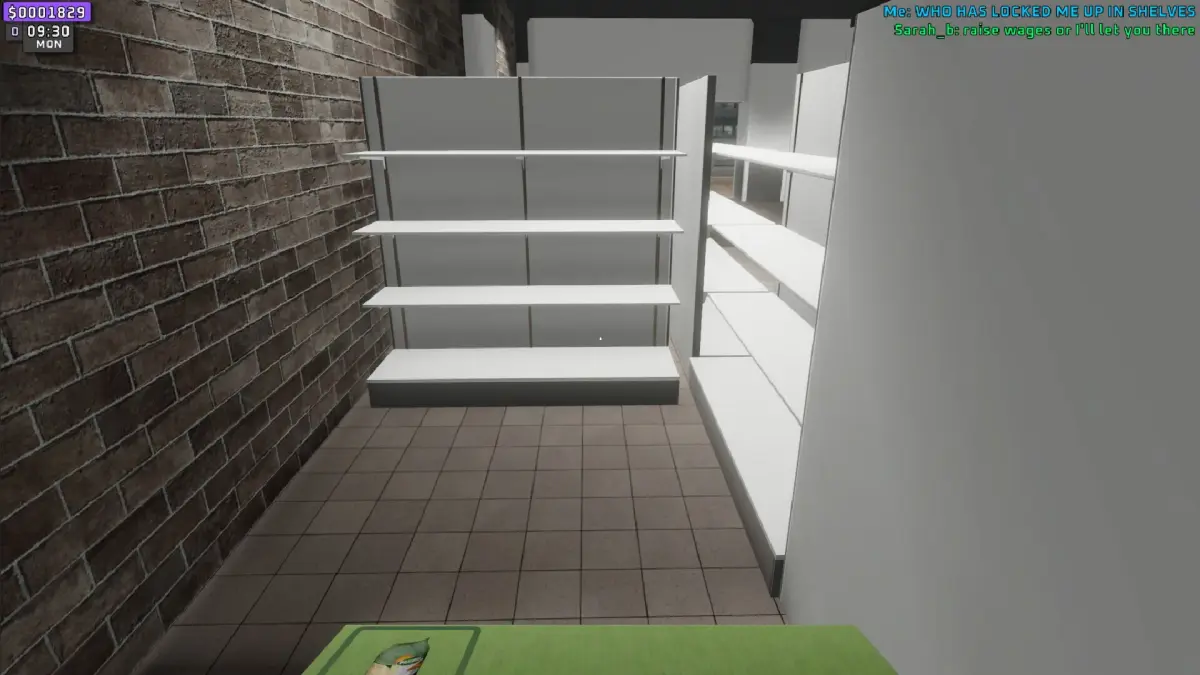
Learn how to excel in Supermarket Together by understanding and leveraging customer feedback. Improve your store's satisfaction ratings and unlock new opportunities.
Walkthrough
- 1Core Gameplay Loop: The primary way to satisfy customers is by efficiently managing your supermarket. This includes tasks like cashiering, pricing items, restocking shelves, and ordering new stock.
- 2Handling Events: Be prepared for occasional NPC robberies. Quickly address these situations, perhaps by using a broom, to prevent loss and maintain a safe shopping environment for your customers.
- 3Cooperative Play: Playing with friends can enhance the experience. Splitting tasks like cashiering and restocking allows for a more streamlined operation and a more enjoyable, social atmosphere, which indirectly contributes to customer satisfaction through a well-run store.
- 4Progression and Upgrades: The game's progression system, which involves upgrading your supermarket and unlocking perks or franchises, is a direct indicator of your success. Satisfied customers contribute to higher sales, enabling these upgrades.
- 5DLC Considerations: The game offers a $5 DLC that may introduce new features or gameplay elements. Consider this as a way to further enhance the customer experience and potentially unlock new avenues for satisfaction.
Tips
- Optimize Workflow: Assign roles in multiplayer to ensure all tasks are handled promptly. A smooth operation leads to happier customers.
- Stay Alert: Keep an eye out for any disruptive events, like robberies, and deal with them swiftly.
- Embrace the Social Aspect: The game is designed to be fun with friends. The therapeutic nature of playing together can make even repetitive tasks more enjoyable, indirectly benefiting the overall customer experience.
- Manage Music: While you can't change the in-game music, consider playing your own music in the background if playing solo to enhance your personal experience, which can translate to a better in-game performance.
100% Human-Written. AI Fact-Checked. Community Verified. Learn how AntMag verifies content