Get started with Supermarket Together! This guide walks you through launching the game, setting up your first store, and beginning your entrepreneurial journey. Perfect for new players!
Hey there, future supermarket tycoon! Ready to dive into the exciting world of Supermarket Together? It's super easy to get started, and I'm here to walk you through every step. Think of this as your friendly nudge to get your first store up and running!
First things first, you'll need to launch the game. Once you've got it installed, just find the Supermarket Together icon on your desktop or in your game library and give it a click. Easy peasy!
After the game loads up, you'll be greeted with the main menu. From here, you can start a new game, load a saved one, or check out the options. For our first go, we're going to hit 'Start New Game'. This is where the real fun begins!
The game will then guide you through some initial setup. You might get to choose your starting location or customize your character a bit. Don't stress too much about these early choices; you can always change things up later. The main goal right now is just to get your virtual doors open!
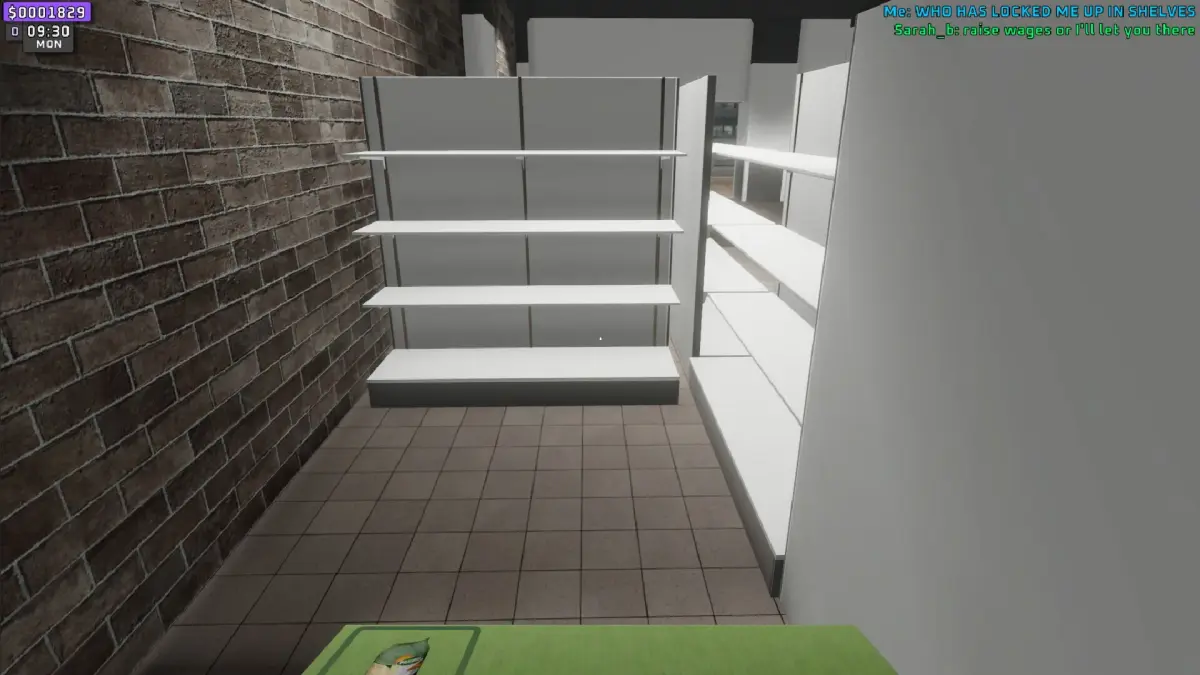
Once you've made your initial selections, you'll find yourself in your very own, albeit empty, supermarket. This is your blank canvas! Take a moment to look around. You'll see the basic layout, maybe a counter, and some empty shelves. This is where your business empire will grow from.
Your first task will usually be to set up some basic stock. The game will likely prompt you on how to do this, probably by opening up an inventory or a shop interface. You'll want to grab some essential items to start selling. Think bread, milk, maybe some fruit – the staples that customers always look for.
Drag and drop these items onto your shelves. It feels pretty satisfying seeing those empty shelves fill up, right? As you place items, you'll see their prices displayed. You can usually adjust these prices later, but for now, stick with the defaults to get a feel for the game's economy.
After you've stocked a few shelves, it's time to open for business! Look for a button or an option that says 'Open Store' or 'Start Day'. This is the moment of truth. Your first customers will start rolling in, and you'll get to see your hard work pay off.
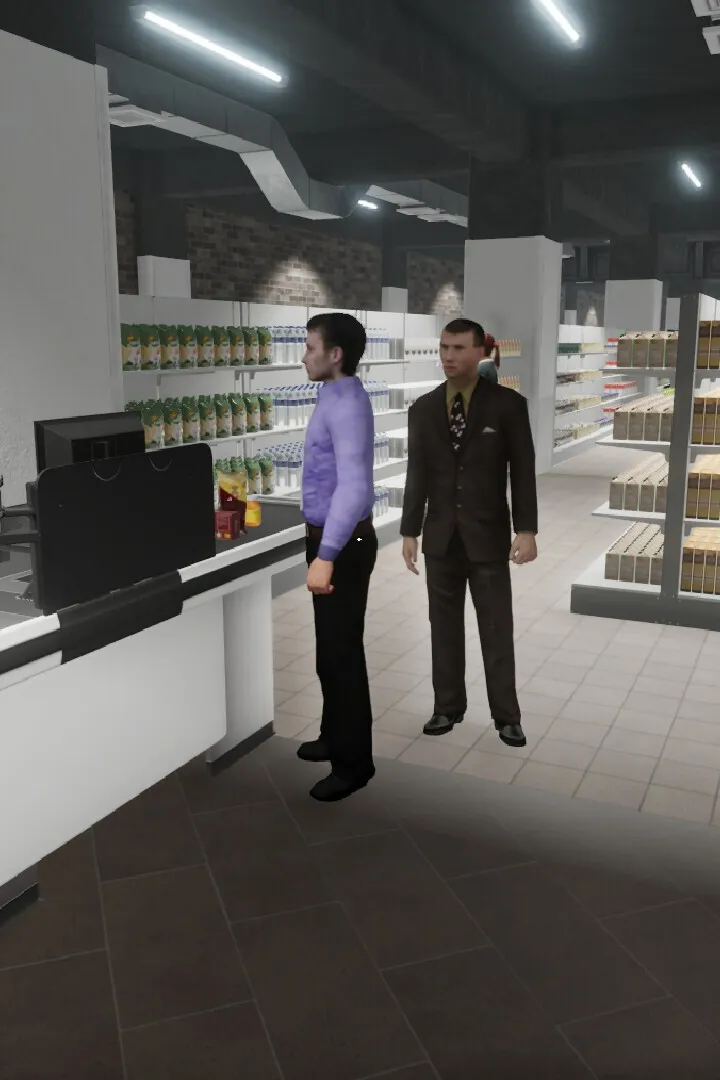
Don't worry if it feels a little chaotic at first. Managing a supermarket is a juggling act! Keep an eye on your stock levels, make sure your shelves are full, and serve your customers quickly. The better you do, the more money you'll earn, which you can then use to expand your store, buy more products, and hire staff.
That's it! You've successfully launched your first supermarket. Welcome to the game, and happy shopping!
100% Human-Written. AI Fact-Checked. Community Verified. Learn how AntMag verifies content