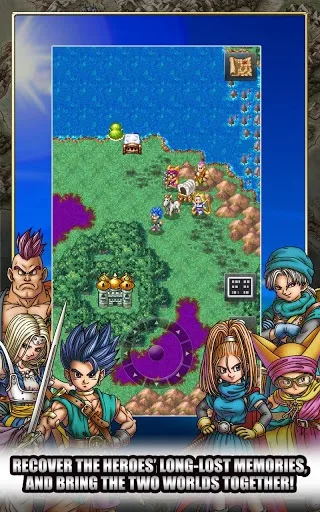
Learn the Dragon Quest VI controls, including button functions for Y, X, A, B, shoulder buttons, and the directional pad.
The stylus is not used at all except for one mini-game.
Button Functions:
- Y: Press at any time to view the local map (town or world map). Press again to see the contents of all shops in a town, or to see your current position on the whole world map.
- X: Brings up the main menu.
- A: Action button.
- B: The back button. Use this to exit a menu. Also used for Party Chat when with a group.
- Shoulder buttons: Used to change the camera angle. Very important in some places!
- Start and Select: Not used.
- Directional pad: For moving, and to scroll through items or party members.
100% Human-Written. AI Fact-Checked. Community Verified. Learn how AntMag verifies content