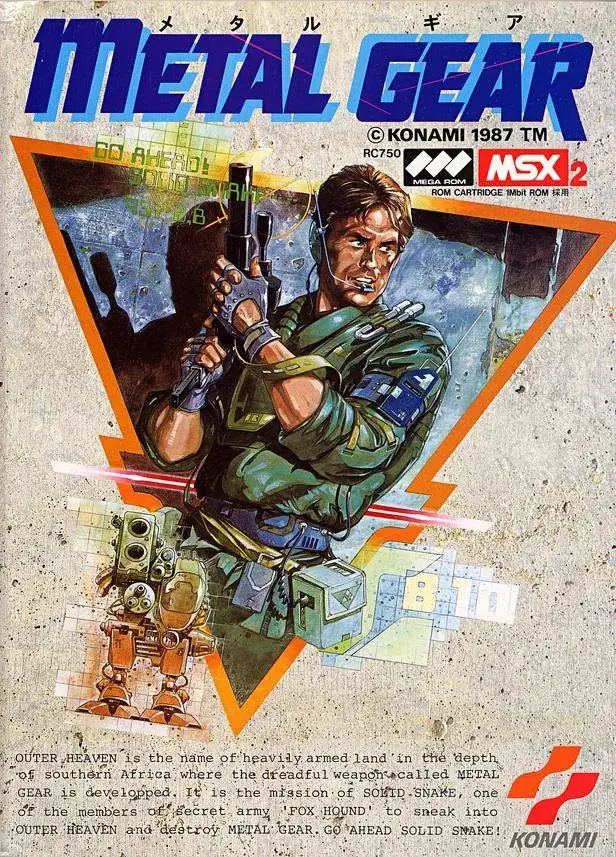
Learn how to use the camera effectively in Metal Gear. This guide covers camera controls, features, and tips for optimal gameplay.
This section of the guide covers the camera functionality in Metal Gear. While not a primary gameplay mechanic, understanding how to control the camera is essential for navigation and situational awareness.
| Action | Button |
|---|---|
| Move Camera | Analog Stick (Right) |
| Reset Camera | Press Right Stick |
| Zoom In/Out | (Context-sensitive, often tied to aiming or specific items) |
Tips
- Familiarize yourself with the camera controls early on to avoid disorientation during intense moments.
- Use the camera to scout ahead in open areas or to check blind spots.
- Be aware that the camera may automatically adjust in certain cutscenes or gameplay sequences.
100% Human-Written. AI Fact-Checked. Community Verified. Learn how AntMag verifies content