Master Ninja Gaiden: Ragebound controls & UI. Learn button layouts, health/Ki bars, item slots, and mini-map for effective gameplay.
Controls & UI — Ninja Gaiden: Ragebound Guide
Navigating the world and executing Ryu's deadly techniques requires a firm grasp of the game's controls and user interface. From movement and attacks to item usage and Ninpo casting, understanding each button's function is crucial for survival. The UI provides vital information at a glance, including health, Ki, and available items.
Ninja Gaiden: Ragebound features a streamlined yet deep control scheme designed for fast-paced action. master several inputs to effectively control Ryu Hayabusa. The default layout prioritizes fluid combat, allowing for quick weapon switching, Ninpo casting, and evasive maneuvers. Familiarizing yourself with these controls early on will significantly improve your combat effectiveness and reduce the frustration of learning on the fly during intense encounters.
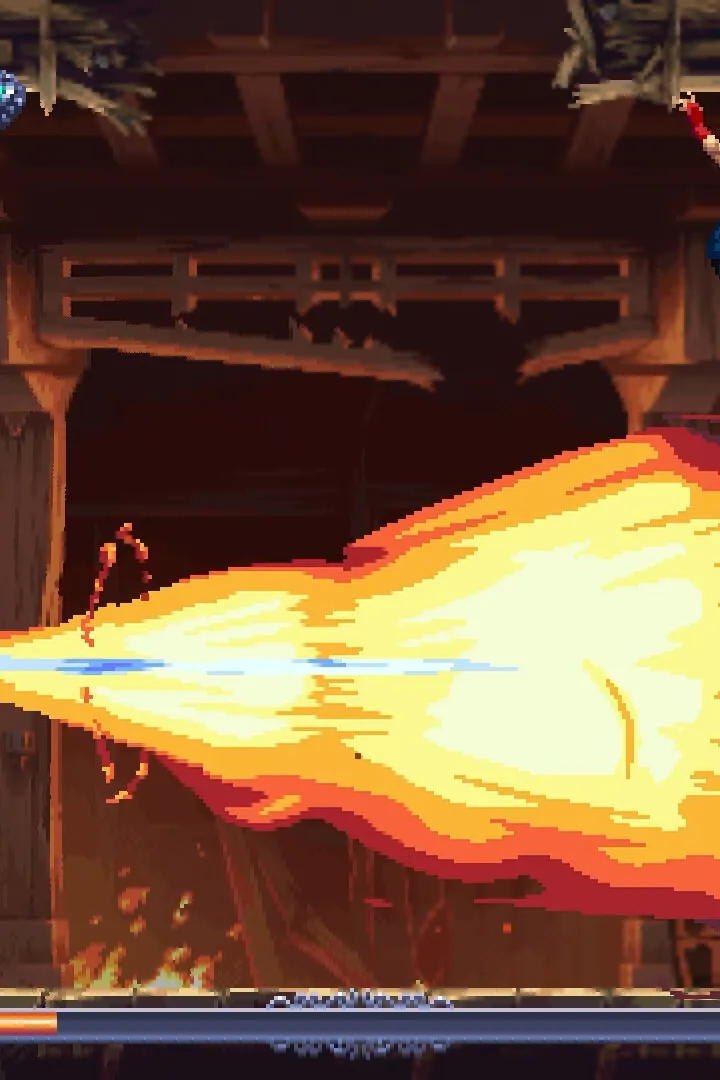
The User Interface (UI) is designed to be informative without being intrusive. Key elements include:
- Health Bar: Displays Ryu's current health. Depletion leads to death.
- Ki Gauge: Fills up through combat and is used for Ninpo spells and Ultimate Techniques.
- Weapon/Ninpo Selection: Icons indicating the currently equipped weapon and Ninpo spell.
- Item Slots: Displays available consumable items like health potions.
- Mini-map: Provides a general overview of the immediate area and objective markers.
Mastering the control scheme is essential for executing complex combos and reacting to enemy attacks. For instance, a well-timed dodge (often mapped to a shoulder button) followed by an attack can initiate a devastating counter-attack. Similarly, quickly switching weapons (using the D-pad or designated buttons) allows for adapting to different enemy weaknesses on the fly. Ninpo spells, while powerful, require a dedicated button press and consume Ki, so their use must be strategic.
Default Control Layout (Example - may vary by platform):
| Action | Button/Input |
|---|---|
| Movement | Left Analog Stick |
| Camera Control | Right Analog Stick |
| Light Attack | X / Square |
| Heavy Attack | Y / Triangle |
| Dodge | B / Circle |
| Jump | A / X |
| Block/Parry | LT / L1 |
| Ninpo Cast | RT / R1 |
| Weapon Switch | D-Pad Left/Right |
| Item Use | D-Pad Up/Down |
Experiment with the control settings in the options menu to find a layout that best suits your playstyle. Some players may prefer to remap certain actions for quicker access during intense combat sequences.
100% Human-Written. AI Fact-Checked. Community Verified. Learn how AntMag verifies content