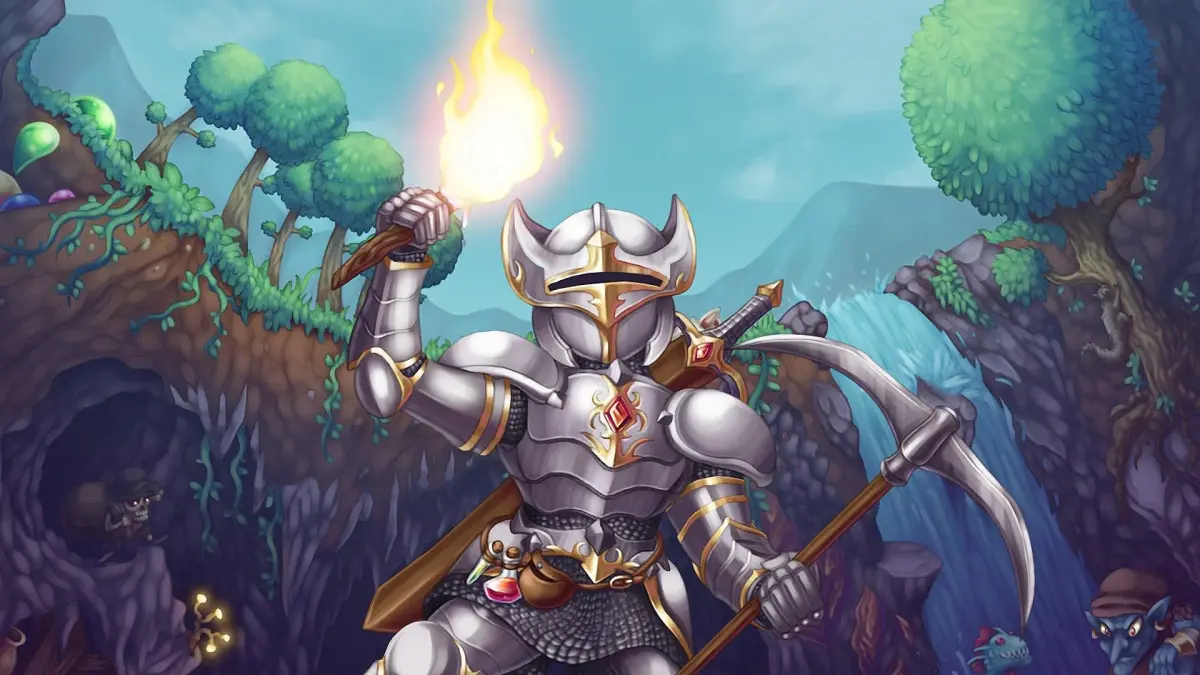
New to Terraria? Our guide walks you through character and world creation, basic controls, and surviving your first day. Get started on your adventure!
Getting Started in Terraria: Your First Few Hours
Hey there! So you've decided to dive into the amazing world of Terraria. It might look a bit daunting at first, but don't worry, I'm here to help you get your bearings. Think of this as a friendly chat, not a lecture, to get you through those crucial first hours.
Choosing Your Adventure: Game Mode
When you first launch Terraria, you'll see a few options. For this guide, we'll focus on starting in Single Player. If you're looking to team up with friends right away, you can totally pick Multiplayer!
Creating Your Character
Next up is making your character. You'll get to choose a name and decide on the difficulty. For your first go, sticking with the standard difficulty is usually a good idea. You can also customize your character's appearance if you like, but don't stress too much about it – it's mostly for looks!
Forging Your World
Now, let's create the world you'll be exploring. You can give your world a name and even enter a special 'seed' if you want a specific type of world generation, but for your first time, just letting the game pick is fine. You'll also choose the World Size (Small, Medium, or Large) and the Difficulty. For beginners, a Small or Medium world on the standard difficulty is recommended. Finally, you'll pick your World Evil – this determines which of the two corrupted biomes will spawn in your world. Don't worry too much about this choice for now.
Beginning Gameplay: Your First Steps
You'll spawn into your new world with a few basic items: an Iron Axe, an Iron Pickaxe, and a Shortsword. Your trusty Guide NPC will also be nearby to offer some initial advice.
Movement and Tools
Getting around is simple. Use the Arrow Keys or WASD to move, and Spacebar to jump. Your axe is for chopping trees, and your pickaxe is for mining blocks. Just point at what you want to interact with and hold down the left mouse button.
Hotbar and Inventory
Your Hotbar is at the bottom of the screen, showing the items you have equipped. You can select items using the number keys (1-0) or the mouse wheel. Pressing I opens your Inventory, where you can see everything you're carrying and equip armor or accessories. You can drag and drop items to rearrange them.
Surviving the First Day
The most important thing in the first few hours is to prepare for the night. Monsters come out after sunset, and some can be quite tough!
Digging and Placing
Use your Pickaxe to mine blocks like Dirt and Stone. You can place blocks by selecting them in your inventory and right-clicking where you want them to go. Building a simple shelter is your top priority.
Safety and Shelter
As dusk approaches, head back to your starting area. Dig a small hole into the side of a hill or build a simple box house with a door and a light source (like a Torch, which you can craft from Wood and Gel if you find any Slimes). This will keep you safe from most enemies during the night. Make sure to place a Work Bench inside your shelter so you can craft more advanced items later.
What's Next?
Once you've got a safe place to rest, you can start thinking about improving your gear. Look for ways to get more Wood, mine for Iron or Lead, and maybe even find some Gems. Crafting better Weapons, Armor, and finding ways to Heal will be your next goals. Don't be afraid to explore caves, but always be mindful of your surroundings!
You've got this! Terraria is a huge adventure, and these first steps are all about setting yourself up for success. Happy adventuring!
100% Human-Written. AI Fact-Checked. Community Verified. Learn how AntMag verifies content