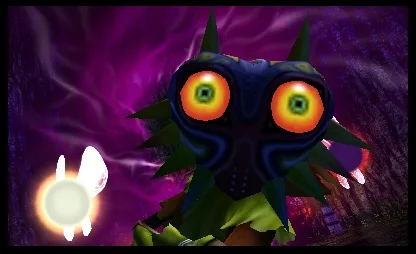
Master the controls for The Legend of Zelda: Majora's Mask 3D. Learn button mappings for general actions, combat maneuvers, and touch screen functions to navigate Termina.
This guide details the button mappings and controls for playing The Legend of Zelda: Majora's Mask 3D on the Nintendo 3DS.
General Controls
| Button | Action |
|---|---|
| A | Action button; also used to roll when running. |
| B | Draw sword; slash when drawn. |
| R | Draw shield. |
| X/Y | Use items assigned to these buttons. |
| L | Center camera behind Link; L-Target enemies/objects. |
| Start | Open the Bombers’ Notebook. |
Combat Controls
| Button | Action |
|---|---|
| L + Up + B | Thrust |
| L + B | Vertical Slash |
| Hold L, Down + A | Back Flip |
| Hold L, Up + B | Jumping Slash |
| Hold L, Left/Right + A | Sidestep |
| Hold B then release | Spin Attack (uses magic). |
| Rotate analog + B | Quick Spin Attack (does not use magic). |
Touch Screen Controls
| Button | Action |
|---|---|
| Camera | Look around. |
| Gear | Opens Gear Screen. |
| Ocarina | Take out the Ocarina of Time. |
| I/X/Y/II | Use item in this slot. |
| Masks | Opens Masks Screen. |
| Map | Opens Maps Screen. |
| Items | Opens Item Screen. |
100% Human-Written. AI Fact-Checked. Community Verified. Learn how AntMag verifies content