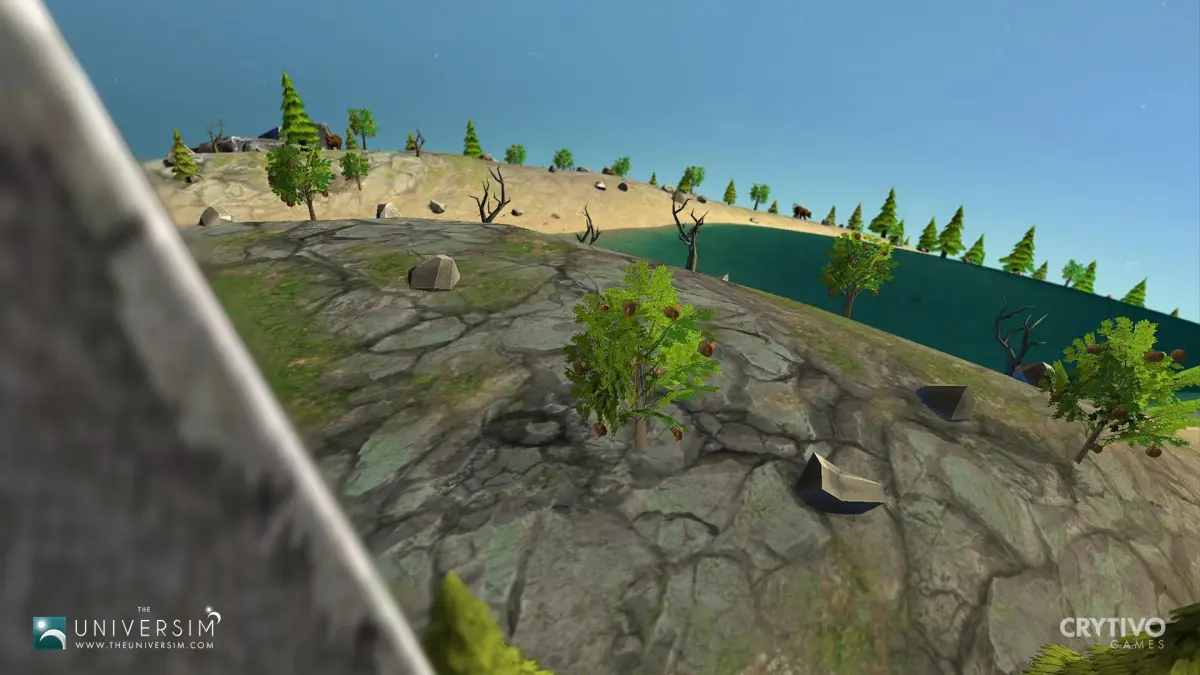
New to The Universim? Learn how to get started by placing your Epicenter, building essential structures like Wells and Farms, and managing your Nuggets' basic needs for survival and growth.
Alright, so you've just booted up The Universim and you're wondering where to even begin? Don't worry, we've all been there! This guide will walk you through the absolute basics to get your first civilization off the ground and thriving. Think of it as your friendly nudge in the right direction.
First things first: The Tutorial
When you start a new game, the game will offer you a quick tutorial. Seriously, do it! It'll cover the camera controls and give you a feel for the game. It's super helpful for getting your bearings.
Your Starting Point: The Mother Planet
You'll land on your 'Mother Planet,' which is randomly generated each time. It's got all the familiar stuff like water, land, and seasons, kind of like Earth. This is where your civilization begins!
The Most Important Building: The Epicenter
Your very first action is to place the Epicenter. This is the heart of your settlement. Once it's built, it'll spawn your first four Nuggets – two adults and two kids. It's super important where you put this:
- Try to place it near a water source.
- Also, look for a nearby forest for wood.
- And a patch of loose rocks for building materials.
Having these resources close by means your Nuggets won't have to travel as far, saving precious time early on. To place it, just left-click where you want it, and then confirm the action when prompted.
Construction: The Essentials
With your first Nuggets ready to go, it's time to build!
- Water is Life: The Well
Your adults will start gathering resources automatically, but you need to direct the kids. Click the hammer icon at the bottom left to open the Buildings menu. Find the Well under the 'Epicenter' category. Place it near a good water source – you'll see numbers floating above your mouse indicating water quality; aim for higher numbers. - Planning for More: Water Pumps & Fisher Piers
While the Well is being built, check out your water bodies. You can build more Water Pumps to get more water, or Fisher Piers to start getting food. Having multiple water sources really speeds things up. Once the Well is done, build a Water Pump, as most buildings need one to function. - Feeding Your People: Food Sources
After the water situation is stable, think about food. You can go the fishing route with Fisher Piers, or build Farms. If you choose farms, you might need another Water Pump to keep those crops happy. Different crops have different needs – some need less water, some grow faster, some yield more. Pick one that suits your available water. - Keeping Things Running: Maintenance
As your population grows, you'll need to build an Engineer's Hut. This is crucial for repairing buildings. If buildings fall apart, you'll have to rebuild them, which is a huge waste of resources. Also, consider building a Hospital or a Cemetery. Injured Nuggets need healing, and dead ones can spread illness if not buried. A plague can wipe out your progress fast! - Extra Amenities: Accessories
Once the basics are covered, you can add an Eatery to turn raw food into prepared meals, which is more efficient. A Forecast Tower can also be helpful, giving you a heads-up on upcoming weather and seasons.
Keep Building, Keep Growing
The core loop of The Universim is pretty simple: as your population grows, you just add more of the buildings you need. More water pumps, more farms, more hospitals – keep those demands met! The game is still in development, so population caps might change, but the principle remains the same. Good luck out there!
100% Human-Written. AI Fact-Checked. Community Verified. Learn how AntMag verifies content