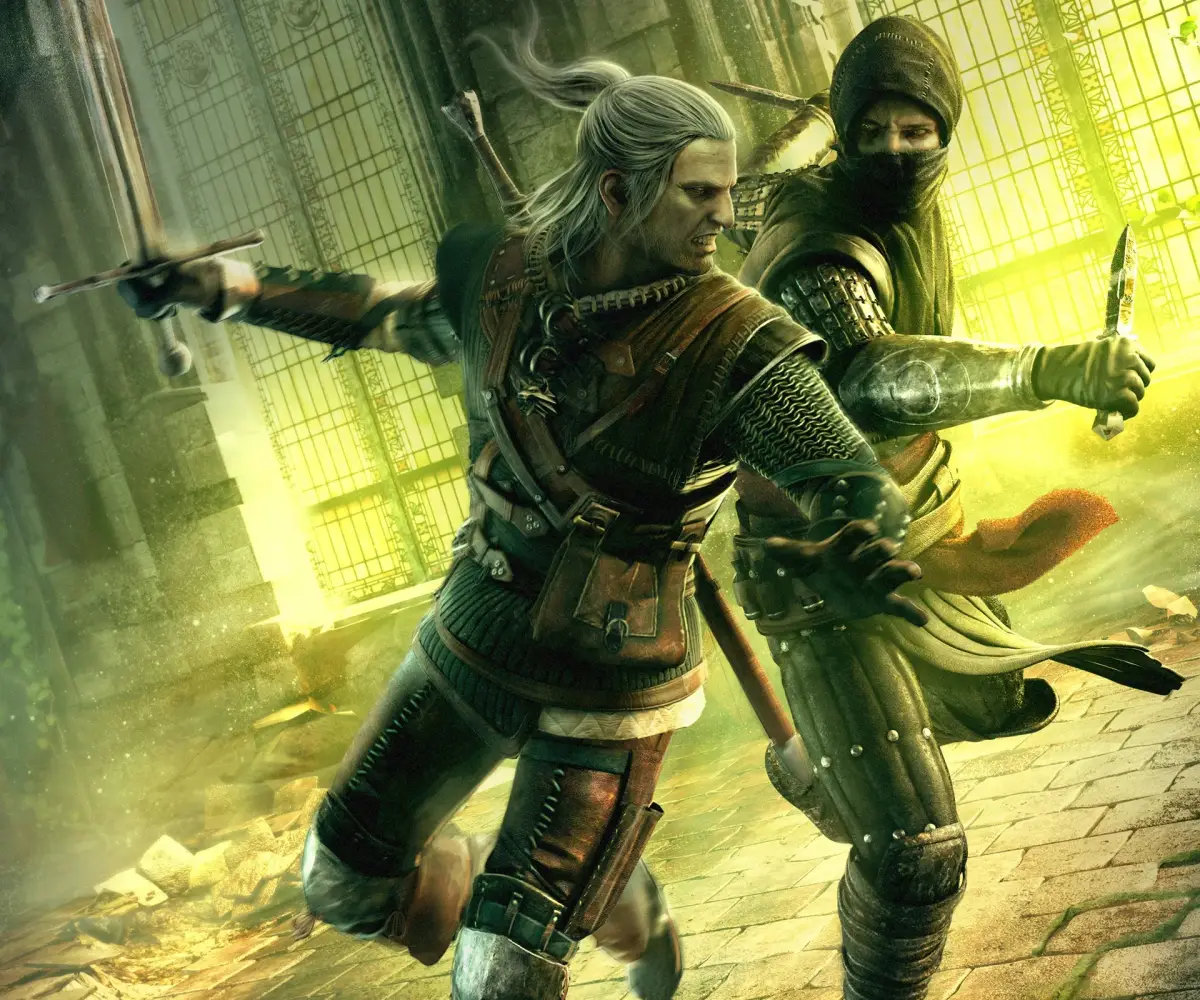
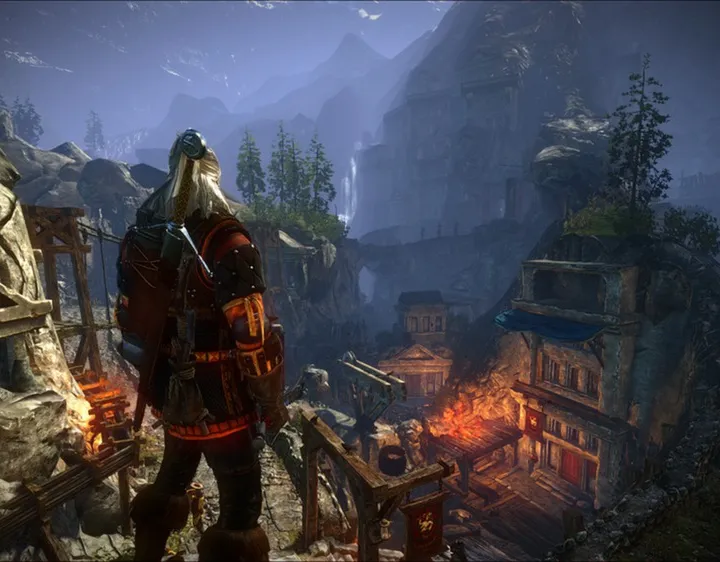
Learn how to effectively explore and interact with the world in The Witcher 2: Assassins of Kings Enhanced Edition. Master controls and uncover secrets.
Alright, so you're diving into The Witcher 2: Assassins of Kings Enhanced Edition and want to get a handle on how to really explore and mess with the world around you? It's a big, detailed place, and knowing how to move and interact is key. This guide will break down the controls and give you the lowdown on how to get around like a seasoned Witcher.
First off, if you're new to the game, I seriously recommend hitting up the tutorial. The controls can feel a bit complex, especially if you're on Xbox 360. It's way better to get a feel for them before you're in the thick of it.
Controls Breakdown
The game has different control schemes for Xbox 360 and PC, so let's cover both.
Xbox 360 Controls
- Back Button: This is your best friend for learning. Hold it down to bring up and dismiss tutorial windows. It also opens your Inventory and Journal panels – just use the Left or Right Triggers to switch between them.
- Left Analog Stick: Pretty standard stuff here – use it to move Geralt around. It's also what you'll use to control the cursor in Arm Wrestling and to select targets in combat.
- Left Stick Press: Give this a press to activate Geralt's Witcher's Medallion.
- Right Analog Stick: This is for camera control. Spin it around to get a better look at your surroundings or to aim at specific targets during combat.
- A Button: This is your go-to for collecting items from containers, equipping gear, tracking quests in your Journal, talking to NPCs, and confirming actions in menus. When your sword is drawn, a quick press will perform a Quick Attack.
- B Button: Use this to dodge attacks. Combo it with the Left Analog Stick to dodge in a specific direction.
- Y Button: This lets you drop items from your Inventory. It's also how you cast Signs.
- Left Bumper (LB) / Right Bumper (RB): These are for sorting items in your inventory.
- Left Trigger (LT): When you're in the Inventory panel, this switches you to the Journal and back. Holding it down brings up the quick menu. While holding it and having an enemy targeted, you'll lock onto them.
- Right Trigger (RT): Similar to the Left Trigger, it switches between Inventory and Journal. In combat, holding it down allows you to Parry.
- Directional Pad (D-Pad): Left on the D-Pad will draw and sheathe your Steel Sword, while Right does the same for your Silver Sword.
PC Controls
- Movement: Use WSAD keys to move Geralt.
- Run: Press Caps Lock.
- Walk/Run Toggle: Hold Left Shift.
- Fast Attack: Left Mouse Click.
- Strong Attack: Right Mouse Click.
- Dodge: Spacebar.
- Block: E key.
- Lock on Target: Alt key.
- Additional Weapon: R key.
- Cast Sign: Q key.
- Adrenaline: X key.
- Sheathe Weapon: 0 key.
- Steel Sword: 1 key.
- Silver Sword: 2 key.
- Next Sign: 3 key.
- Next Item: 4 key.
- Cast Aard: 5 key.
- Cast Yrden: 6 key.
- Cast Igni: 7 key.
- Cast Quen: 8 key.
- Cast Axii: 9 key.
- Medallion: Z key.
- Quick Menu: Left CTRL.
- Special Action: F key.
- Show/Hide HUD: H key.
- Character Attribute: C key.
- Inventory: I key.
- Journal: J key.
- Map: M key.
- Quicksave: F5.
- Quickload: F9.
- Exit: Esc.
Knowing these controls inside and out will make exploring the world of The Witcher 2 much smoother. You'll be looting every container, dodging every blow, and casting signs like a pro in no time!
100% Human-Written. AI Fact-Checked. Community Verified. Learn how AntMag verifies content