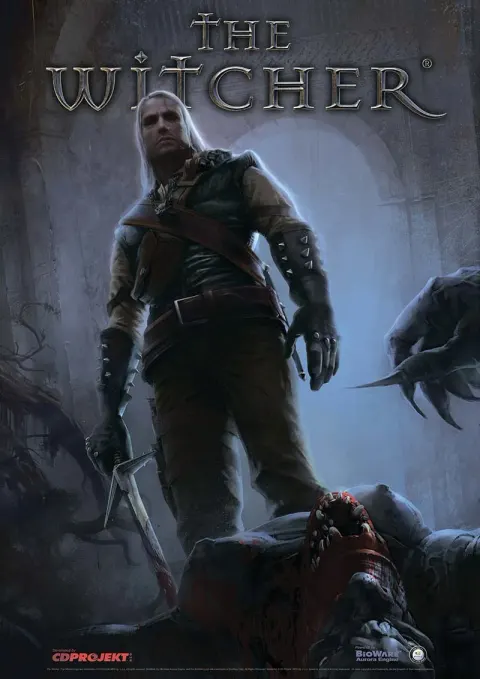
Learn about The Witcher's combat system: master Strong, Fast, and Group Styles, utilize dodging effectively, and understand weapon types for humans and monsters.
This section details the combat mechanics in The Witcher, focusing on weapon types, combat styles, and movement abilities.
Tools of the Trade
Your Witcher Steel sword is effective against humans, often dealing more damage than any Normal weapons found. Miscellaneous weapons include daggers, hand axes, and flails. Your Witcher Silver sword is essential for fighting all types of monsters.
Combat Styles
Strong Style
Best suited for slower, stronger opponents. Fast opponents will easily dodge these attacks. As your attack rating increases with leveling, you may be able to hit faster enemies with this style, potentially making it worth abandoning the Fast Style for its high damage output.
Fast Style
Ideal for fast opponents, but can be used against any foe, albeit with reduced damage output compared to the Strong Style. This style is a must against quick enemies until your attack rating is sufficiently boosted.
Group Style
This style is ideal when facing three or more enemies, especially multiple weaker ones, as its damage output increases significantly with more opponents. However, against several powerful enemies, a more cautious approach is recommended over relying solely on the Group Style.
Dodging
In Isometric camera mode, double-click on an area of the ground away from enemy attacks to make Geralt dodge. This is most useful against enemies with slow, powerful, obvious attacks like wyverns. Often, maintaining pressure is more effective than dodging. In Third-Person camera mode, double-click a direction button to dodge in that direction.
Other Useful Buttons
- Z: Select Strong Style.
- X: Select Fast Style.
- C: Select Group Style.
- Q: Select the Steel Sword. Pressing again cycles through combat styles if the weapon is already drawn.
- E: Select the Silver Sword. Pressing again cycles through combat styles if the weapon is already drawn.
- R: Select a third weapon (substitute full-sized weapon). Pressing again cycles through combat styles, if applicable.
- U: Select a fourth weapon (side arm).
- Tab: Sheath weapon.
- WASD: Directional movement. Double-clicking while in combat initiates a dodge in that direction.
- F: Quick 180-degree turn.
- G: In OTS camera mode, shifts the camera between shoulder views.
- -: Switch Sign (down).
- +: Switch Sign (up).
- 1: Select Aard Sign.
- 2: Select Quen Sign.
- 3: Select Yrden Sign.
- 4: Select Igni Sign.
- 5: Select Axii Sign.
100% Human-Written. AI Fact-Checked. Community Verified. Learn how AntMag verifies content