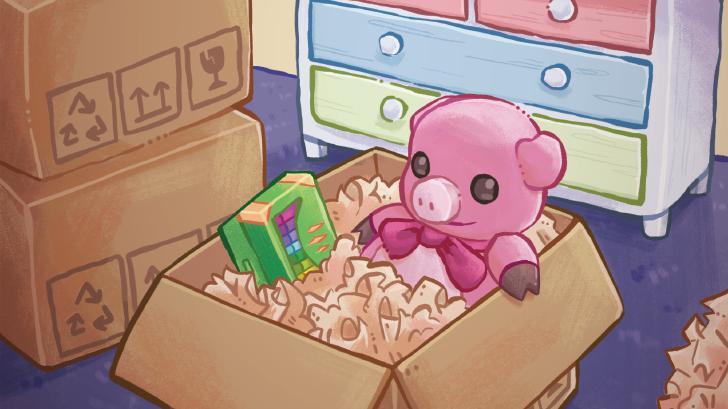
Learn how to replay levels in Unpacking to achieve 100% completion. This guide covers strategies for finding all items and unlocking every achievement, even if missed on the first playthrough.
Walkthrough
- 1Accessibility Option: In the main menu, go to Settings > Accessibility and enable "Allow items anywhere." This does not affect achievements but makes unpacking easier by letting you place items anywhere.
- 2Level Progression: The game progresses through levels marked as years. Each level involves unpacking boxes and placing items.
- 3Item Interaction: Click on a box to open it, then click again to remove an item. Place the item by clicking again. The game auto-rotates items, but you can manually rotate with !cn_B.
- 4Achievement Hunting: Many achievements are tied to specific item interactions or placements. For example, solving the Rubik's Cube (press !cn_B repeatedly while holding it) or placing a toaster in the bathtub.
- 5Level Completion: Once all boxes in a level are empty, a star will appear in the bottom-right corner. Click it to finish the level and unlock associated achievements.
- 6Replaying Levels: If you miss an achievement, you can replay any level. The game saves progress across playthroughs, so you can go back and find anything you missed.
Tips
- Space Management: If you run out of space, open cupboards and drawers, or move between rooms using !cn_LB or !cn_RB. Most rooms also scroll vertically.
- Clothes Hangers: In later levels, unpack clothes hangers and place them on the hanging rack in wardrobes to save space and keep them organized.
- Cumulative Achievements: Some achievements, like flushing toilets, are cumulative across multiple levels. Keep track of these as you progress.
- Specific Item Placements: Pay attention to where certain items must be placed for achievements, such as the cookie jar on the top shelf or specific items in the bathtub.
100% Human-Written. AI Fact-Checked. Community Verified. Learn how AntMag verifies content