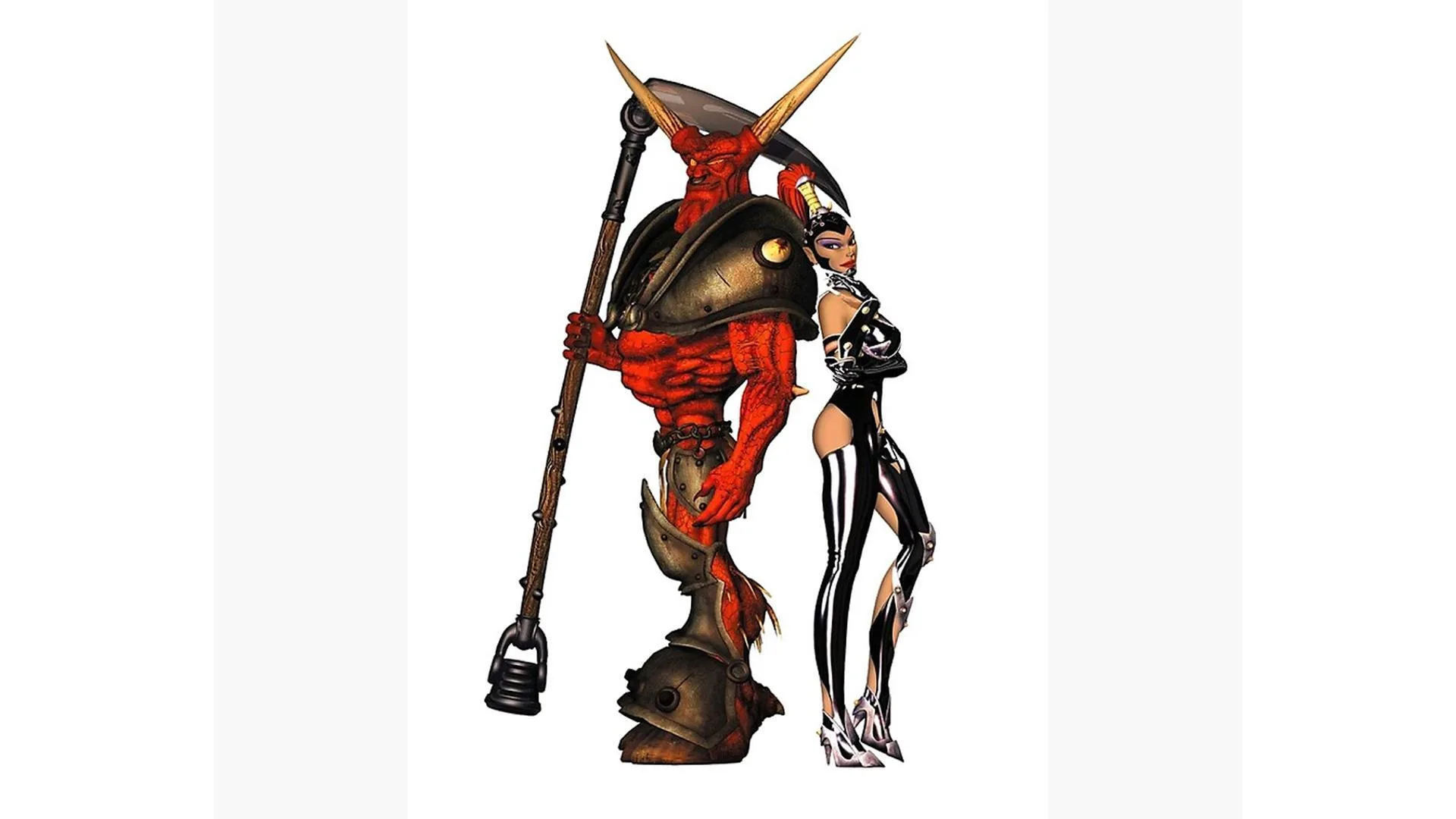
Get Dungeon Keeper 2 running smoothly! Learn minimum and recommended specs, and the crucial steps for installing patches, especially 1.7, to avoid save game issues.
Alright, let's get this evil lair set up! Even though your PC might be a beast, sometimes getting older games like Dungeon Keeper 2 to run right can feel like a dark ritual. Don't worry, I'll walk you through it.
First things first, let's check if your computer can even handle the demonic demands of the game. These are the bare minimums:
- Windows 95 or 98
- Pentium 166 MHz (or equivalent)
- 32MB free system RAM
- 285MB Hard Drive Space
- 4 x CD ROM
- 2MB Video Card
Now, if you want the game to run like a well-oiled torture device, here's what's recommended:
- Pentium II - 266 MHz (or equivalent)
- 64MB free hardware system RAM
- 660 hard drive space
- 8 x CD ROM Drive
- Supported 16MB 3D Accelerator
Once the game is installed, you can tweak graphics and sound settings in-game. But here's a crucial tip before you dive in: install any patches before you start playing. Seriously, this can save you a lot of headaches down the line.
Why is patching first so important?
Installing patches after you've already started a game can sometimes mess with your save game data. It's also a good habit to back up your save game folder regularly, just in case you ever need to uninstall and reinstall the game for any reason.
There have been a few patches released for Dungeon Keeper 2, with the final one being Patch 1.7. Sometimes, you might find older patches (like 1.51) included with budget re-releases of the game. If you can get your hands on Patch 1.7, that's the one to go for. You can usually find it on EA's European site. It bundles all the previous fixes and adds some cool stuff:
- A new character: the Maiden of the Nest
- Improved Elite Creatures
- New traps and levels
- Better support for 3D accelerated graphics
Important Note on Patch 1.7: If you've already started a game and want to install Patch 1.7, you'll likely need to uninstall and then reinstall the entire game. If your save data was created with an older patch version, it's very probable that it won't work anymore. So, the best advice is to get Patch 1.7 installed before you even begin your first dungeon.
A full history of patches is available elsewhere in this guide, but remember: installing patches after you've begun playing can corrupt your save data. It's always safer to patch up before you start.
100% Human-Written. AI Fact-Checked. Community Verified. Learn how AntMag verifies content